

GPT Image 2.5 Sunburst
Loading AI tools
Essential cookies keep your account secure. Optional analytics and marketing cookies stay off until you choose.
Loading AI tool
Loading Text to Image
Skip to Text to ImageGIVE YOUR IDEA A VISUAL FORM
Turn your brief into an image. Explore product photography, editorial scenes and visual concepts with the model that fits your idea.
Review settings and credits before you start.
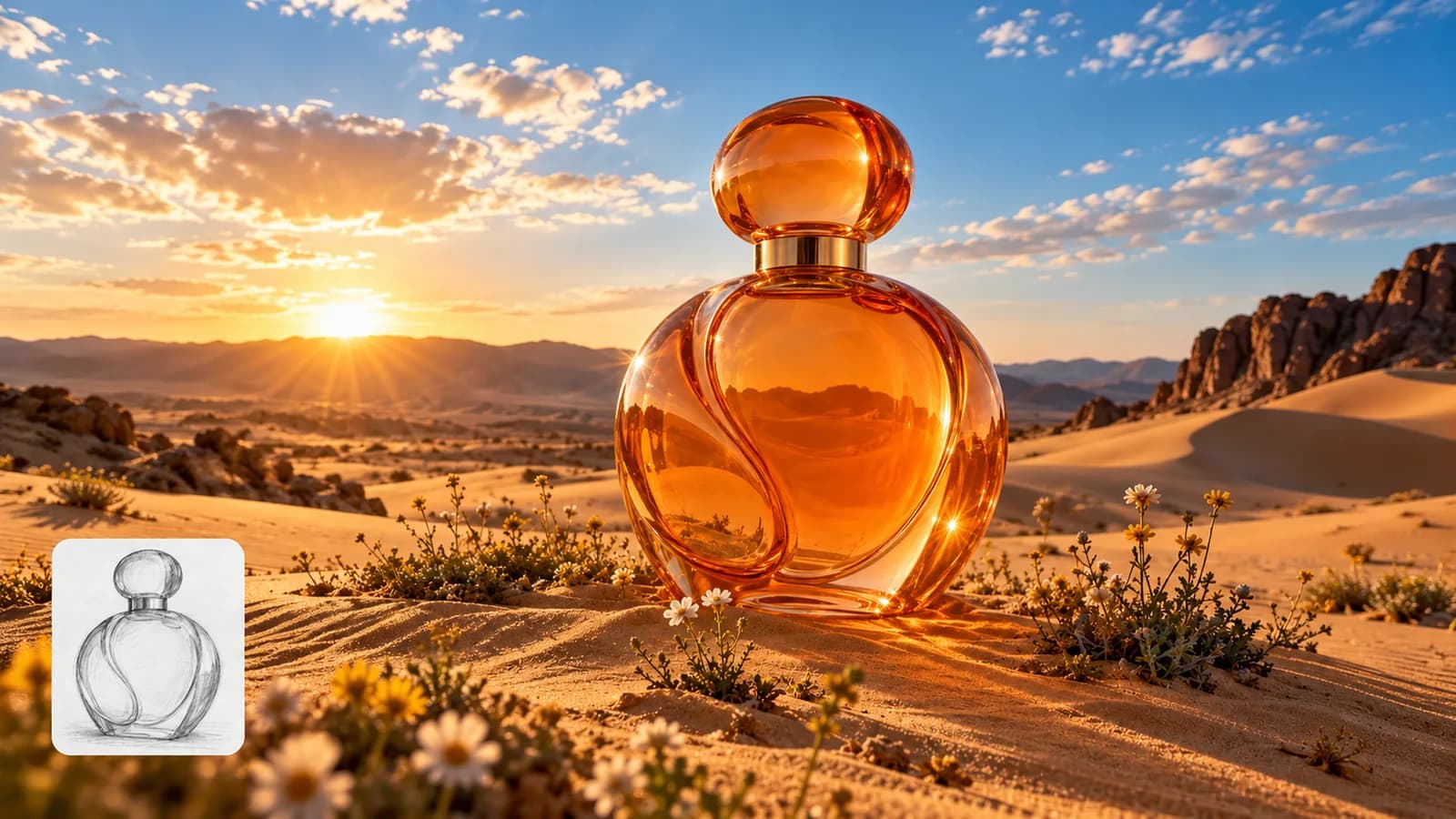
GIVE YOUR IDEA A VISUAL FORM
Turn your brief into an image. Explore product photography, editorial scenes and visual concepts with the model that fits your idea.
Review settings and credits before you start.
YOUR IDEA, MADE VISIBLE
Create AI images from text prompts for product photography, editorial scenes and concept design. Describe composition, lighting and style, with reference images where supported or required.
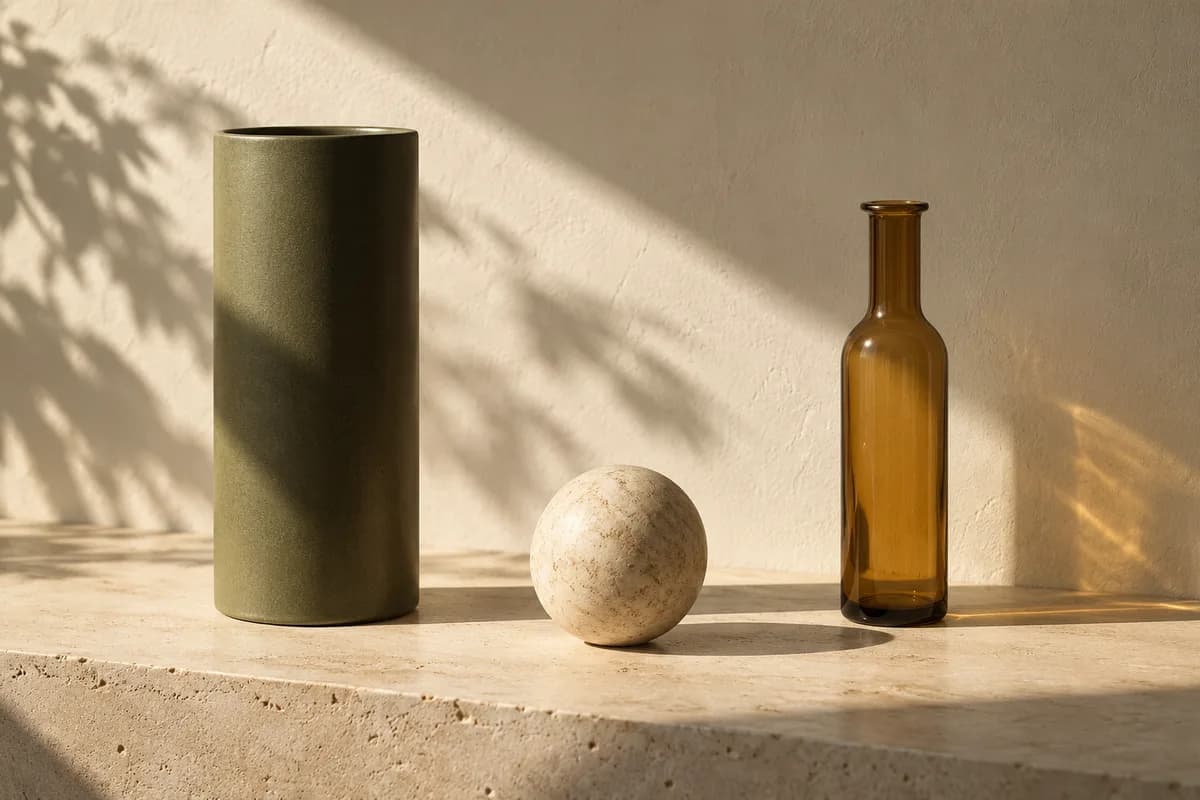
Prompt idea: Three sculptural objects on a stone ledge, crossed by warm afternoon sunlight.
Original illustration; not a verified tool result.Published examples from the Insvee template library.

MORE INTENTION. LESS FRICTION.
Define your subject, framing, lighting, color and texture in a focused image prompt.
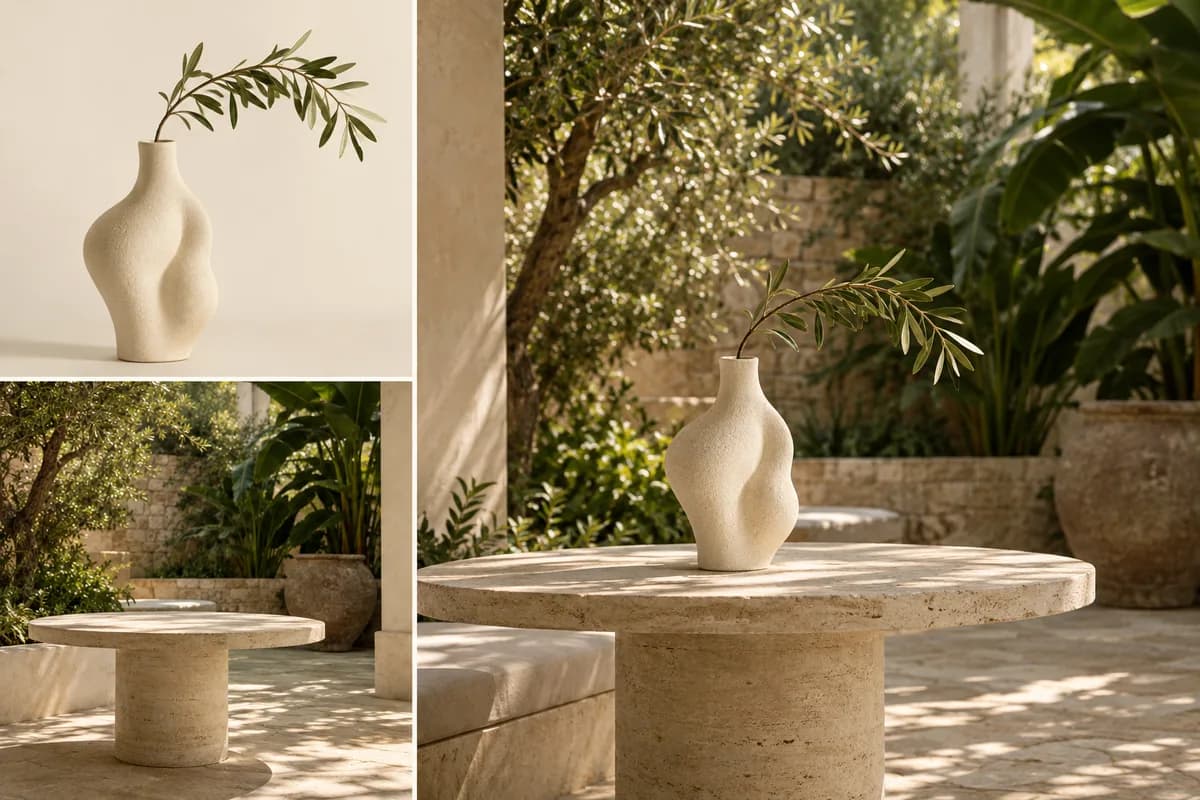
Add product, subject or style references where supported. Some models require a reference.
Explore available models, output settings and credit estimates in one workspace.
Name the subject, setting and composition. Add the lighting and material details that define your image.
Review the model's supported image settings and add any required or optional references.
Review credits, generate your image and check fine details before downloading or continuing with Edit Image.
MAKE IT PART OF YOUR PROCESS
Explore sets, backgrounds and lighting directions for a product campaign.
Develop mood, wardrobe, location and composition for an editorial brief.
Turn a written idea into visual material for an early design or presentation.
CHOOSE YOUR CREATIVE ENGINE
Choose from the current public catalog. Available inputs and output settings depend on the model.
YOUR IDEAS. ROOM TO CREATE.
Compare credits, storage and capacity. Choose your Insvee plan.
Loading current plans and regional pricing…
Text to Image credits vary by workflow and settings; check your estimate in Create. Plan output figures are approximate across tools, subject to credits and access requirements.
Full pricing detailsCREATOR VOICES
Illustrative reviews with fictional names, shown as sample content. These are not verified customer testimonials.
TEXT TO IMAGE FAQ
A text-to-image generator creates an image from a written prompt. Insvee lets you choose an available image model, describe your idea, add references when supported and review the credit estimate before generating.
Describe the main subject, its surroundings, the composition and the lighting. Include specific materials, colors and camera direction when they matter. Keep the prompt consistent so the image has a clear focus.
Many available models accept reference images, and some workflows require one. Create displays the current reference requirements and limits. Use images you own or have permission to upload.
Image size, aspect ratio, quality and quantity controls depend on the selected model. Review the current choices in Create; this page does not promise one resolution or format across every image model.
You can download the image or use an available editing workflow. Edit Image is designed for instruction-based changes, Remove Background creates a cutout, and Layer Editor offers a separate layered-image workflow.
The perfume artwork is an original AI-created workflow illustration. It explains a possible creative direction and is not presented as a verified result from a particular Insvee image model. Your own output depends on the selected model, prompt and references.
YOUR IDEA. YOUR NEXT MOVE.
Start with Text to Image. Make something that feels like you.


