Skip to prompt
Start creating
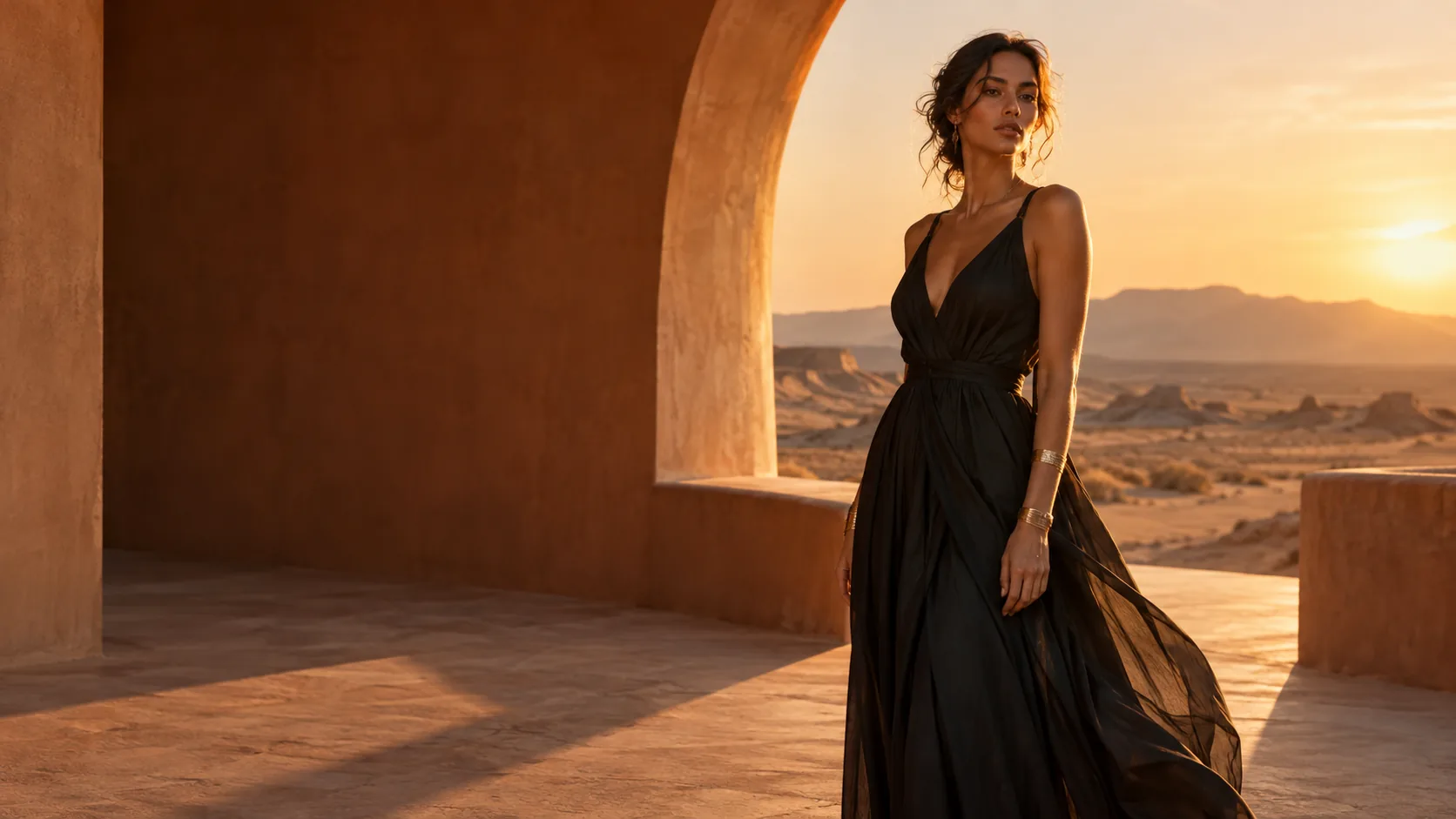
Original creative reference: fashion portrait in a sculptural terracotta pavilion at sunset; not a Seedream output

AI IMAGE GENERATOR & EDITOR · BY BYTEDANCE

Dola Seedream 5.0 Pro

Precise edits. Considered detail.

Create detailed AI images with Dola Seedream 5.0 Pro. Explore photographic realism, precise image editing and multilingual designs, guided by your prompt and references.

Dola Seedream 5.0 Pro
Your prompt travels with youReview credits before generating
YOUR STARTING POINTSGenerate & editText prompts and image references
OUTPUT OPTIONS1K · 1.5K · 2KChoose your size in Create
VISUAL GUIDANCEUp to 10 referencesBring your own images

WHY SEEDREAM PRO

More intention.
In every image.

Photographic detail, precise editing and multilingual design. Explore the features, see a creative study and take your own brief into Create.

01 / PHOTOGRAPHIC DETAIL

Light you can feel.Details worth a closer look.

Direct the light, surface and atmosphere. Seedream 5.0 Pro emphasizes image quality for portraits, product visuals and carefully composed campaigns.

  • Natural lighting
  • Material texture
  • Considered composition
Create with Pro

02 / PRECISE IMAGE EDITING

A small change.A precise intention.

Use a clear change request and visual guidance to target a detail. Pro supports spatial editing instructions such as boxes, coordinates and arrows; describe what should stay as carefully as what should change.

THE CHANGE REQUEST

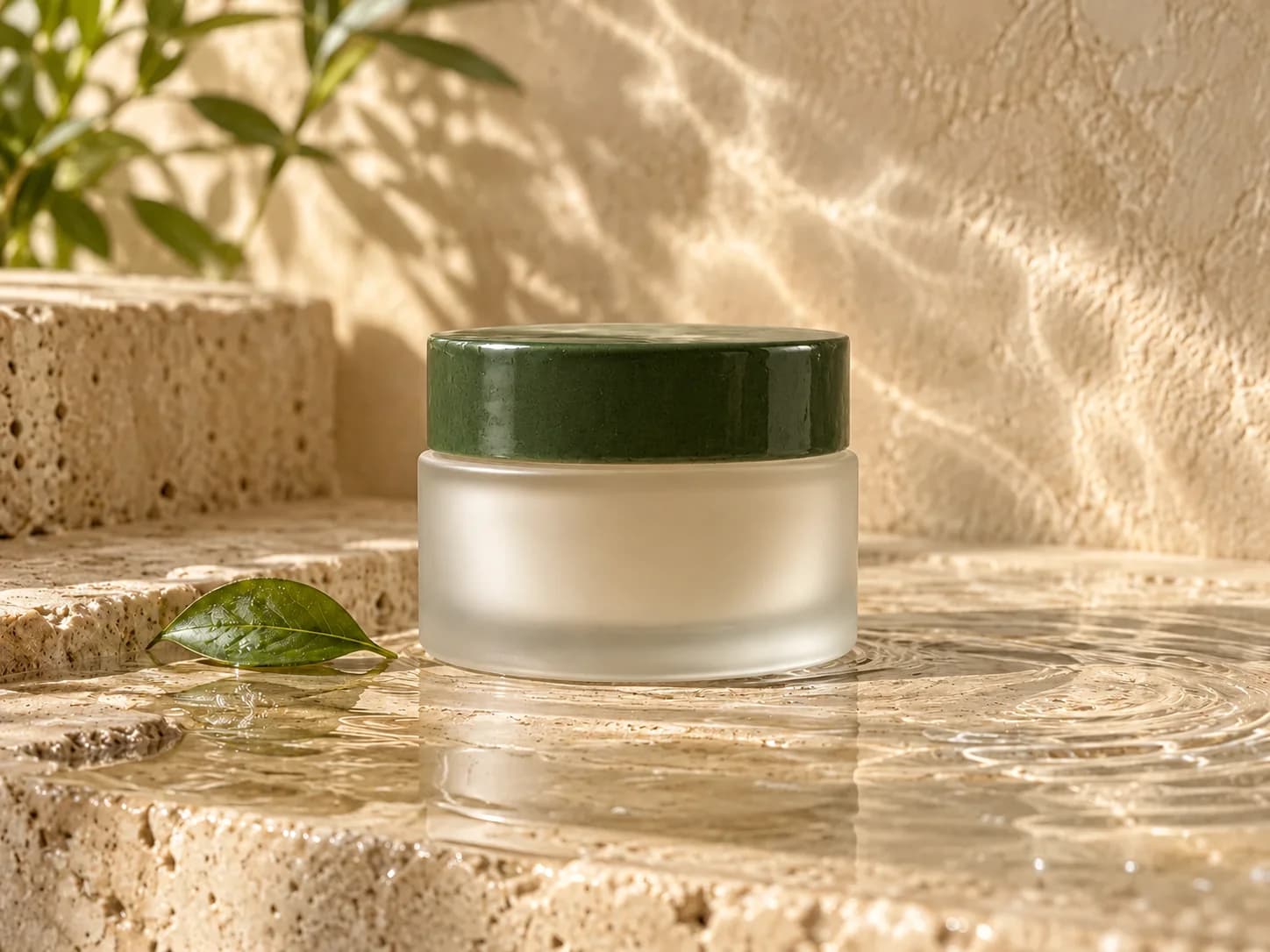
Change only the jar lid to glossy forest-green ceramic. Keep the glass jar, composition, leaf, lighting and background unchanged.

Edit with Pro
Creative reference: the same skincare composition with a forest-green ceramic lid; not a Seedream result
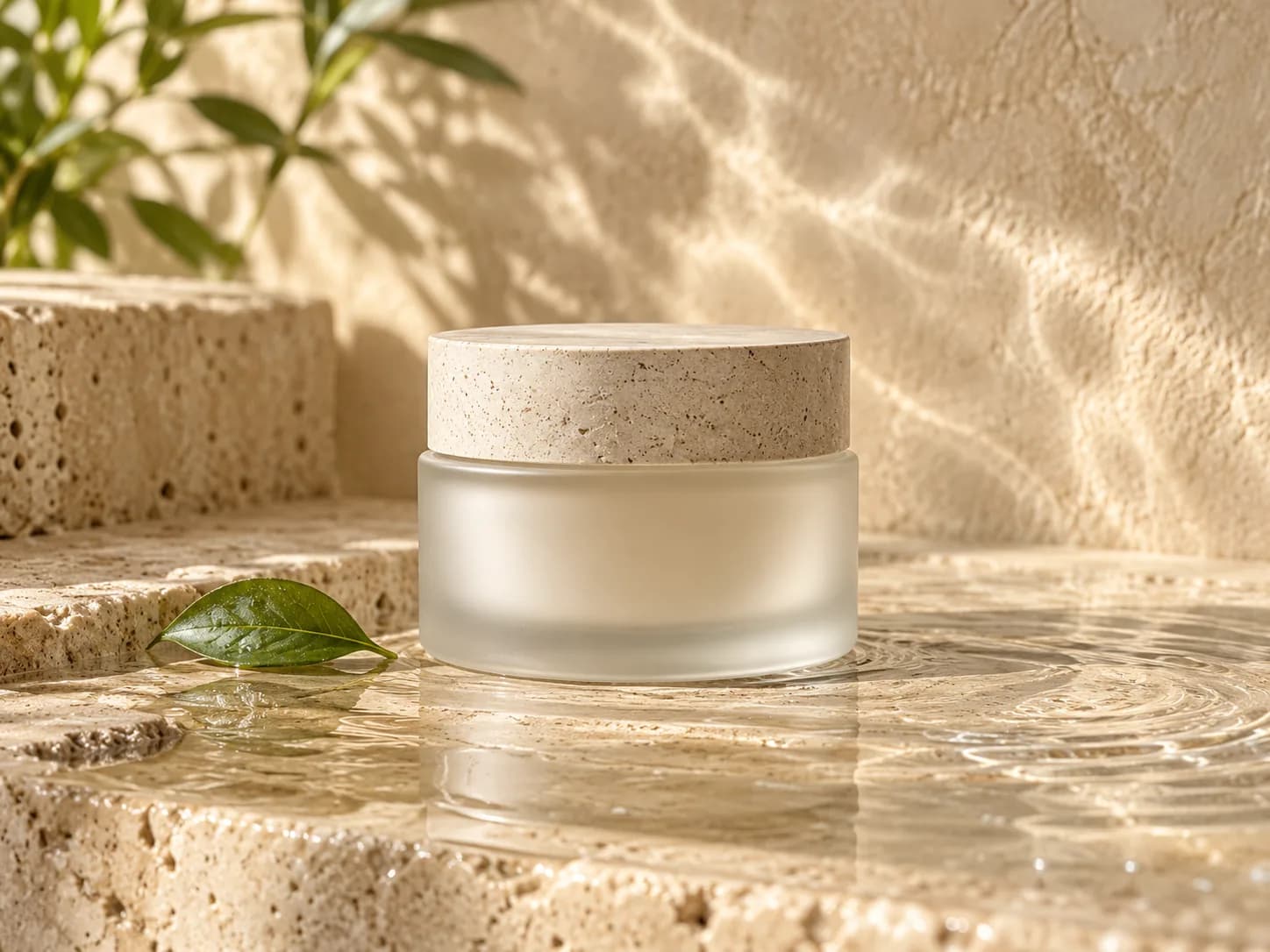
Creative reference: frosted glass skincare jar with a pale stone lid, before the illustrated colour change
Drag to explore · use arrow keys when focusedIllustrative edit study · not a Seedream result

03 / TEXT, LAYOUT & MULTILINGUAL GENERATION

One idea.More languages.

Build posters, information layouts and localized campaign concepts. Pro supports native multilingual generation, so you can put the wording and visual hierarchy into the same brief.

Specify the exact text. Check spelling, translation and layout before publishing.

Create a poster concept

These original visual studies illustrate creative briefs. They are not verified outputs or performance tests from Dola Seedream 5.0 Pro.

Original creative reference: fashion portrait in a sculptural terracotta pavilion at sunset; not a Seedream output
Creative reference · not a Seedream output

BEHIND THE CREATIVE REFERENCE

A little art direction
goes a long way.

The architecture. The texture. The last light. Build a precise brief for an editorial image, then refine the details with your own references.

PROMPT STUDY

An editorial fashion photograph in a sculptural terracotta desert pavilion at sunset. A model wearing a flowing black outfit, warm sand tones, long architectural shadows, natural skin texture, understated luxury. Wide composition, no logos or text.

Inspiration for your own brief · not a generation result
Try a prompt above

TWO WAYS TO BEGIN

Create something new.
Reimagine what you have.

Each workflow opens with Dola Seedream 5.0 Pro selected.

Original creative reference: Unbranded frosted skincare jar on travertine with warm light and water reflections; not a Seedream output
START WITH A BRIEFCreative reference
01 / TEXT TO IMAGE

An idea is enough.

Describe your subject, setting and visual style. Add optional image references to guide the result.

Generate an AI image
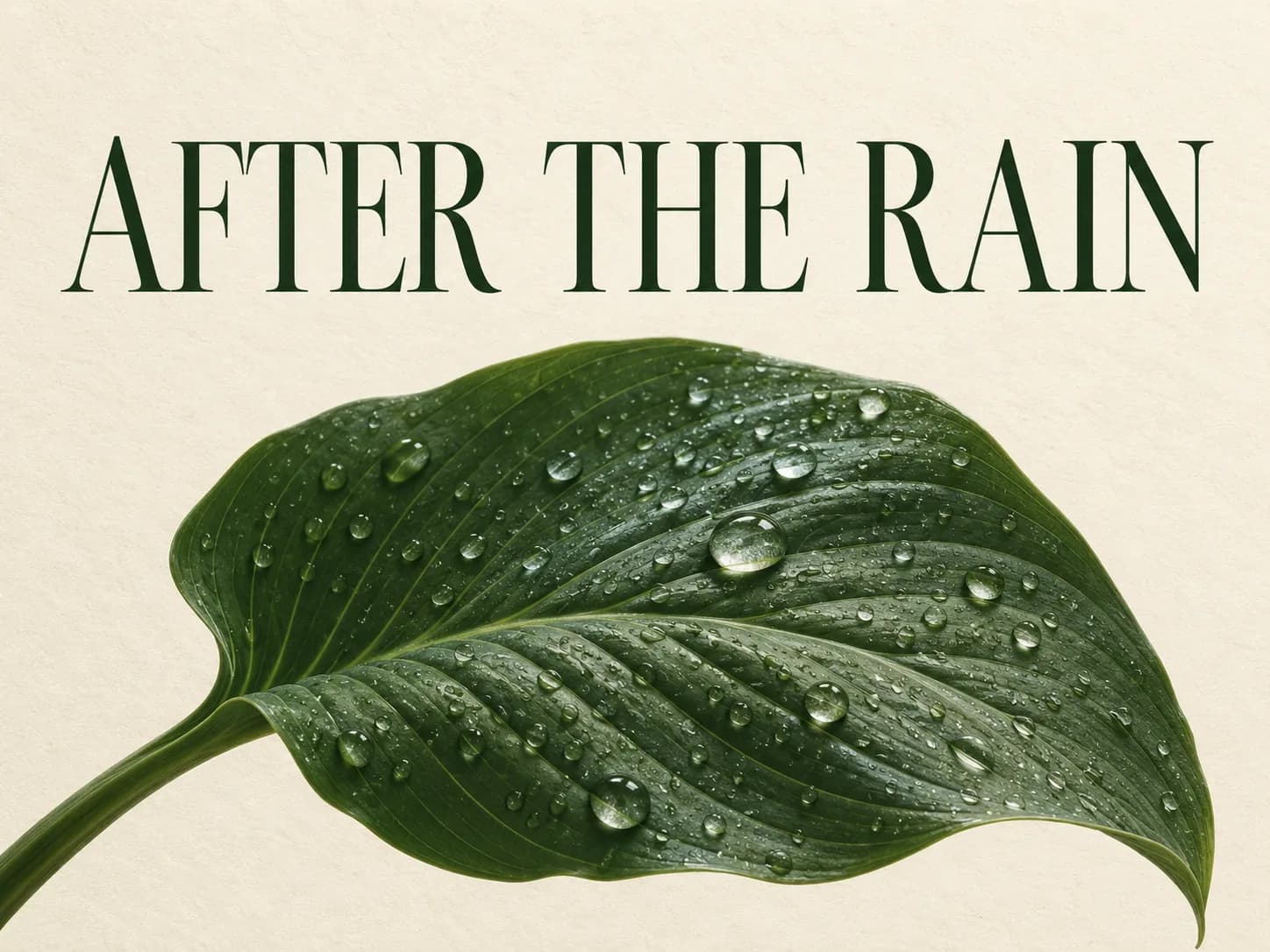
Original creative reference: Botanical poster with a rain-covered green leaf and the headline AFTER THE RAIN; not a Seedream output
START WITH YOUR IMAGECreative reference
02 / EDIT IMAGE

A new point of view.

Upload your image and describe what should change. Refine its mood, background, composition or details.

Edit your image

THE SEEDREAM 5.0 FAMILY

Find your
creative rhythm.

Pro for image quality and precision. Flash for faster iteration. Lite for visual reasoning and up to 4K output.

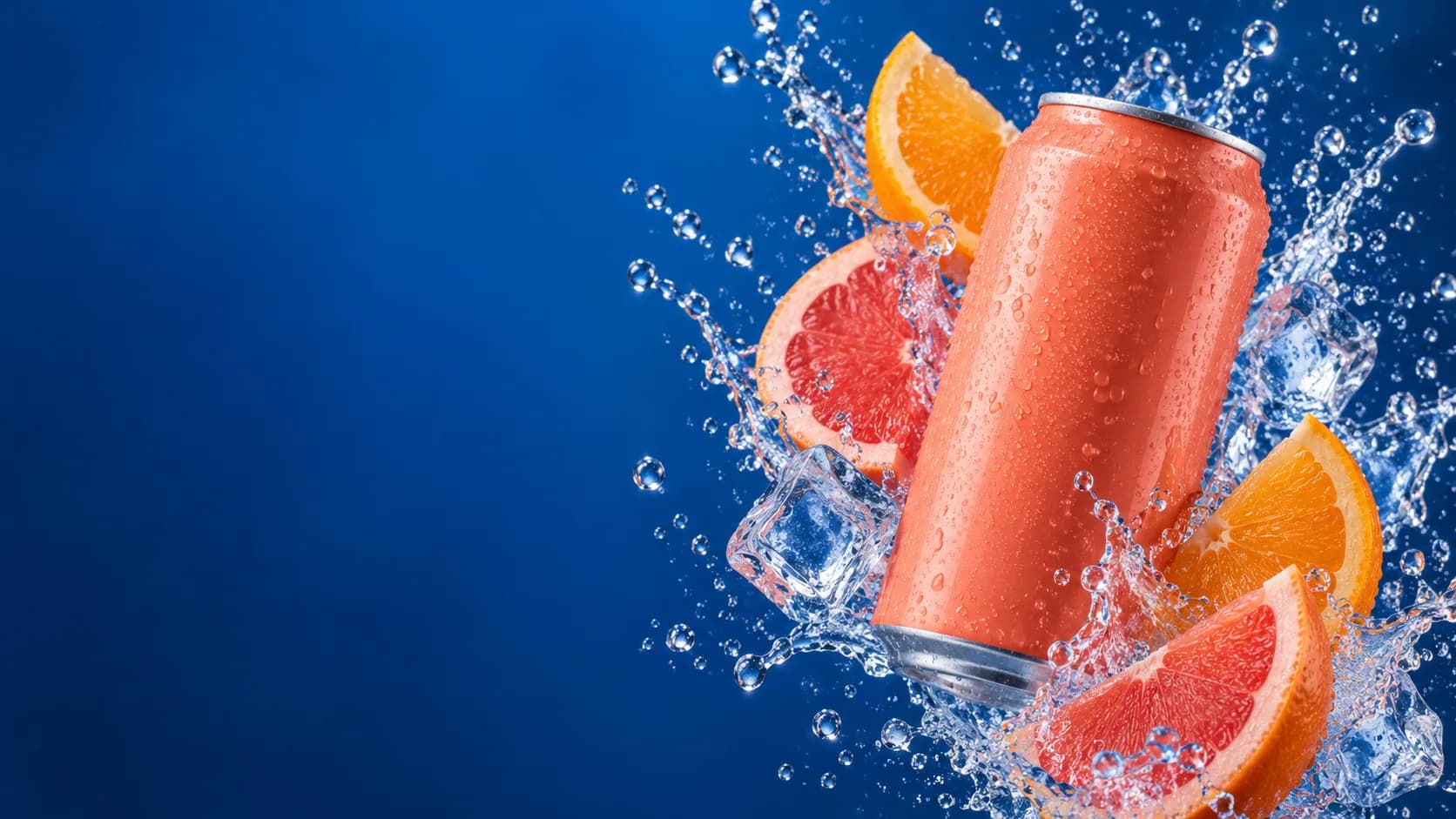
Original artwork illustrates creative direction. These photographs are not results from the three Seedream models.

FROM YOUR BRIEF TO YOUR NEXT IMAGE

Make room
for your next idea.

Create product imagery, editorial concepts and visual campaigns in one workspace.

Open Seedream Pro
  1. 01

    Describe the picture.

    Write a prompt. Add references if you have them.

  2. 02

    Choose your settings.

    Choose the aspect ratio and output size. Review your credit estimate.

  3. 03

    Generate. Review. Refine.

    Inspect the details, download your image or develop it further with Edit Image.

CREATOR VOICES

Small teams.
Big ideas.

Illustrative reviews with fictional names, shown as sample content. These are not verified customer testimonials.

Swipe or drag to explore more reviews

YOUR IDEAS. ROOM TO CREATE.

Find your creative pace.

Compare credits, storage and capacity. Choose your Insvee plan.

Loading current plans and regional pricing…

Dola Seedream 5.0 Pro credits vary by workflow and settings; check your estimate in Create. Plan output figures are approximate across tools, subject to credits and access requirements.

Full pricing details

SEEDREAM PRO FAQ

Before your
first image.

What is Dola Seedream 5.0 Pro?

Dola Seedream 5.0 Pro is ByteDance's quality-focused AI image model. On Insvee, it supports text-to-image generation and prompt-guided image editing with image references.

How do I generate an image with Seedream Pro?

Enter a prompt on this page and continue to Text to Image with Dola Seedream 5.0 Pro selected. In Create, add optional image references, choose your settings and review the credit estimate before generating.

Which sizes and image references are supported?

The current Insvee integration offers 1K, 1.5K and 2K output and accepts up to 10 image references. It creates one PNG image per request. Create shows the current upload requirements and available settings.

Can I edit an existing image?

Yes. Open Edit Image with Dola Seedream 5.0 Pro selected, upload your source image and describe the changes. You can guide the result with additional image references within the current limit.

Does Seedream Pro support multilingual text and precise editing?

ByteDance documents native multilingual generation and precise editing guided by coordinates, boxes, arrows and other visual markers. Give the exact wording or change request in your brief, then check text accuracy and the edited details before publishing.

Does Seedream Pro support image layers?

The publisher documents decomposition into one base image and up to 16 independent layers. This is a separate workflow from the Text to Image and Edit Image destinations on this page; those destinations return one image.

How does Pro compare with Flash and Lite?

Pro emphasizes image quality and detailed creative control. Flash is designed for lower-latency image creation. Lite offers a different resolution range, including 3K and 4K, and up to 14 references in Insvee. Choose the variant that fits your brief and review its current credit estimate.

How much does Seedream Pro cost on Insvee?

Create shows your current credit estimate after you choose your settings. Opening a workflow or carrying a prompt into Create does not generate an image or spend credits. Compare current Insvee plans below.

Are the photographs on this page Seedream outputs?

The photographs on this page are original creative references made for Insvee, not Seedream-generated results. They illustrate possible art direction. Your results will depend on your prompt, references and settings.

YOUR VISION. YOUR NEXT IMAGE.

Imagine it.
Make it yours.

Dola Seedream 5.0 Pro

Essential cookies keep your account secure. Optional analytics and marketing cookies stay off until you choose.