Skip to prompt
Start creating
Original creative reference: sunlit linen interior with a clear glass vase of wildflowers and warm architectural shadows; not a Seedream output

AI IMAGE GENERATOR & EDITOR · BY BYTEDANCE

Seedream 5.0 Lite

Think it through. Create in 4K.

Bring complex briefs into focus with Seedream 5.0 Lite. Explore visual reasoning, up to 4K image generation and editing guided by as many as 14 image references.

Seedream 5.0 Lite
Your prompt travels with youReview credits before generating
YOUR STARTING POINTSGenerate & editText prompts and image references
OUTPUT OPTIONS2K · 3K · 4KChoose your size in Create
VISUAL GUIDANCEUp to 14 referencesBring your own images

WHY SEEDREAM LITE

More intention.
In every image.

Visual reasoning and high-resolution creation. Explore the features, see a creative study and take your own brief into Create.

01 / VISUAL REASONING

A thoughtful brief.A more intentional image.

Seedream 5.0 Lite brings visual reasoning to complex creative instructions. Describe how the objects, materials and lighting relate, then use references to make your intention clearer.

  • Spatial relationships
  • Materials & palette
  • Lighting & atmosphere
Create with Lite

02 / REFERENCE-GUIDED EDITING

Keep the room.Reimagine one detail.

Guide an edit with your source image and a specific request. Change the upholstery, mood or styling while explaining the composition you want to preserve.

THE CHANGE REQUEST

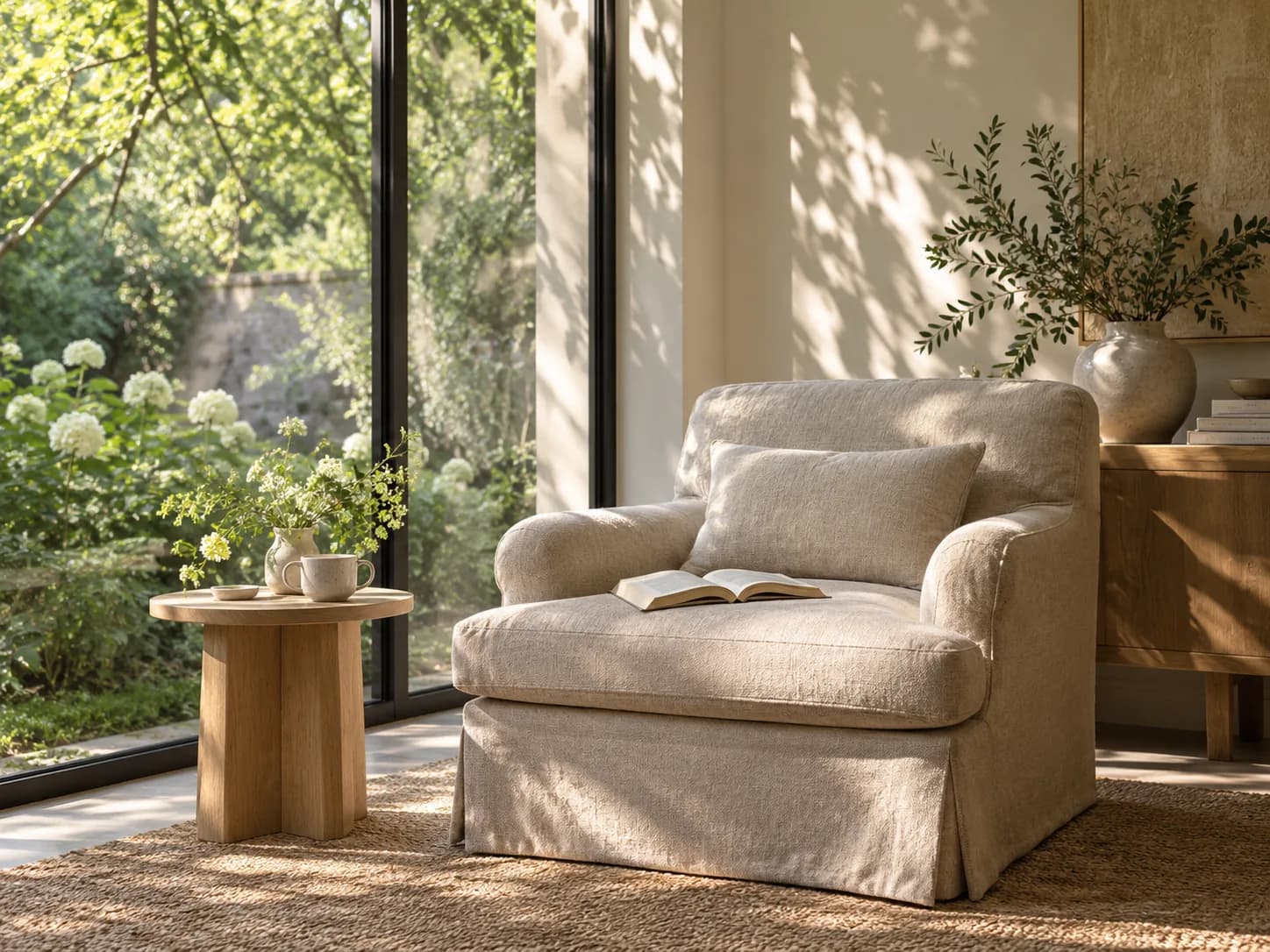
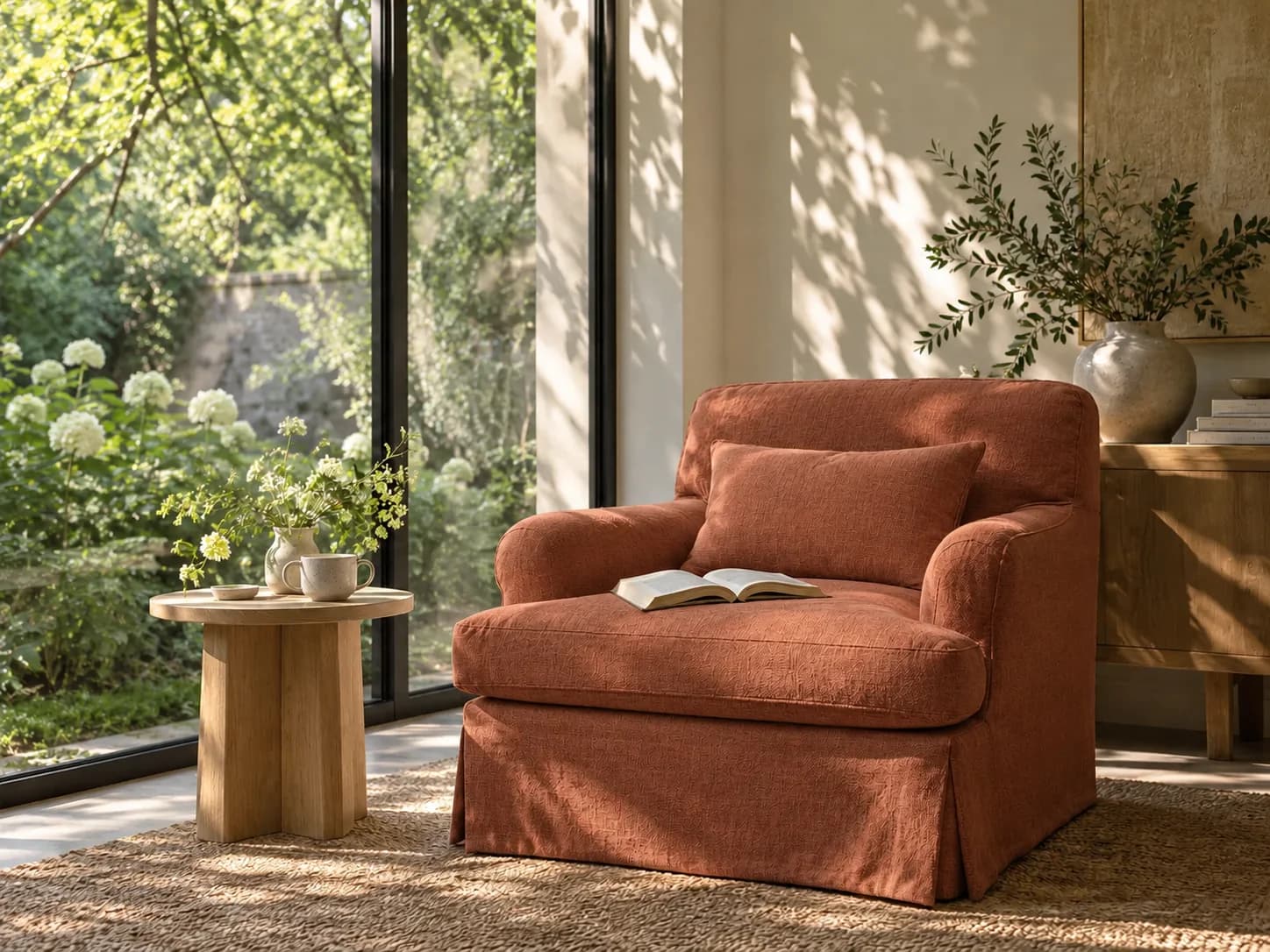
Change only the chair and cushion upholstery to warm terracotta linen. Keep the book, table, garden, perspective and sunlight unchanged.

Edit with Lite
Creative reference: the reading corner with terracotta linen upholstery; not a Seedream Lite result
Creative reference: a natural linen armchair beside a sunlit garden window
Drag to explore · use arrow keys when focusedIllustrative edit study · not a Seedream result

03 / HIGH-RESOLUTION CREATION

More roomfor the finer details.

Choose 2K, 3K or 4K output in Create. Bring up to 14 reference images to communicate your subject, palette, material and composition in a detailed creative brief.

2K3K4K
Explore 4K creation

These original visual studies illustrate creative briefs. They are not verified outputs or performance tests from Seedream 5.0 Lite.

Original creative reference: sunlit linen interior with a clear glass vase of wildflowers and warm architectural shadows; not a Seedream output
Creative reference · not a Seedream output

BEHIND THE CREATIVE REFERENCE

A little art direction
goes a long way.

Quiet light. Natural materials. Room to breathe. Translate a detailed interior or lifestyle brief into an image, with references to guide the look.

PROMPT STUDY

A sunlit architectural interior photograph with natural linen, a clear glass vase of wildflowers and warm butter-yellow walls. Soft morning light, restrained styling, realistic glass and fabric textures, quiet editorial mood. Wide composition, no text or logos.

Inspiration for your own brief · not a generation result
Try a prompt above

TWO WAYS TO BEGIN

Create something new.
Reimagine what you have.

Each workflow opens with Seedream 5.0 Lite selected.

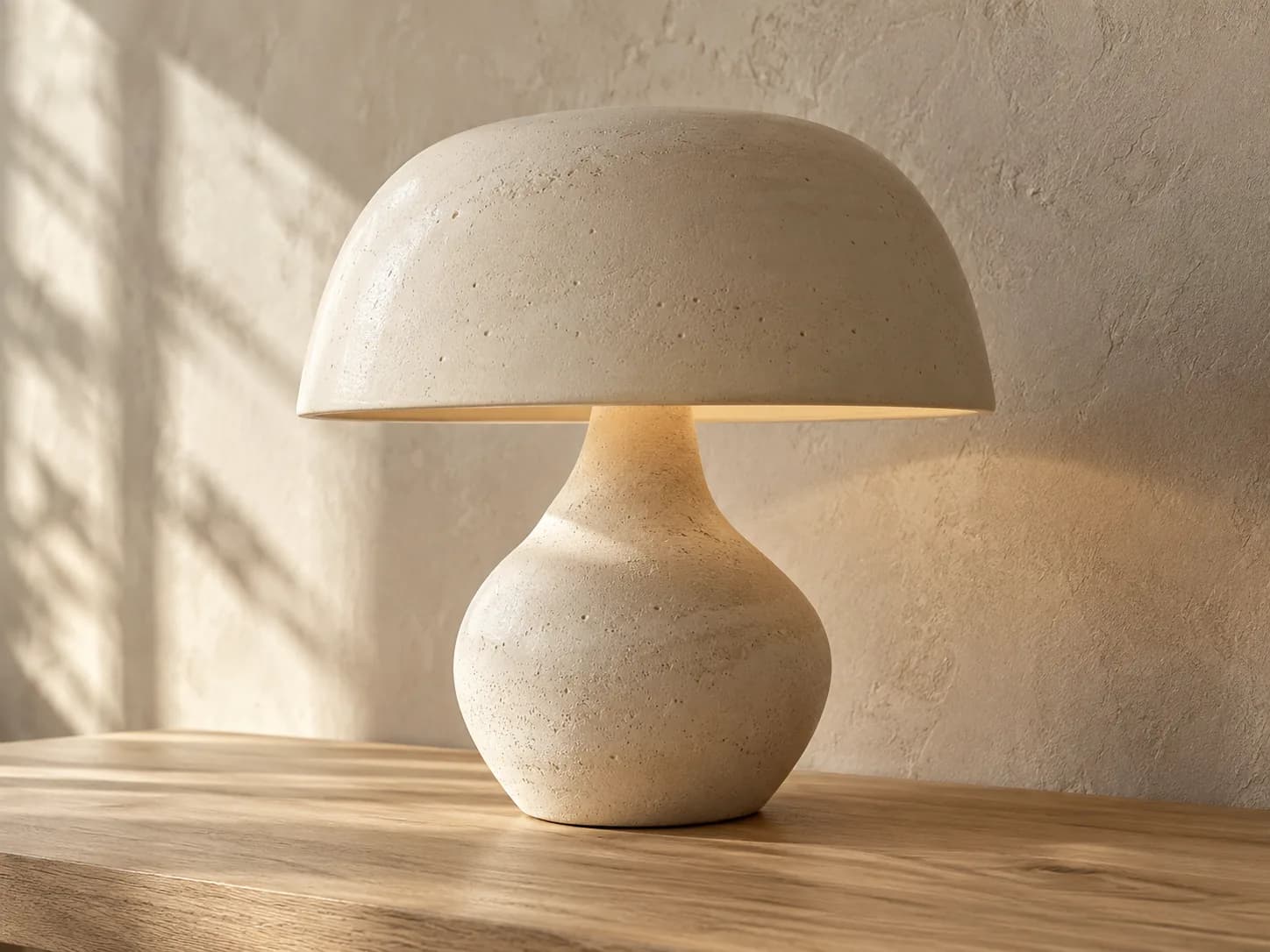
Original creative reference: Sculptural ceramic lamp showing fine clay, wood grain and plaster textures; not a Seedream output
START WITH A BRIEFCreative reference
01 / TEXT TO IMAGE

An idea is enough.

Describe your subject, setting and visual style. Add optional image references to guide the result.

Generate an AI image
Original creative reference: Linen reading chair and oak side table beside a garden window; not a Seedream output
START WITH YOUR IMAGECreative reference
02 / EDIT IMAGE

A new point of view.

Upload your image and describe what should change. Refine its mood, background, composition or details.

Edit your image

THE SEEDREAM 5.0 FAMILY

Find your
creative rhythm.

Pro for image quality and precision. Flash for faster iteration. Lite for visual reasoning and up to 4K output.

Original artwork illustrates creative direction. These photographs are not results from the three Seedream models.

FROM YOUR BRIEF TO YOUR NEXT IMAGE

Make room
for your next idea.

Create product imagery, editorial concepts and visual campaigns in one workspace.

Open Seedream Lite
  1. 01

    Describe the picture.

    Write a prompt. Add references if you have them.

  2. 02

    Choose your settings.

    Choose the aspect ratio and output size. Review your credit estimate.

  3. 03

    Generate. Review. Refine.

    Inspect the details, download your image or develop it further with Edit Image.

CREATOR VOICES

Small teams.
Big ideas.

Illustrative reviews with fictional names, shown as sample content. These are not verified customer testimonials.

Swipe or drag to explore more reviews

YOUR IDEAS. ROOM TO CREATE.

Find your creative pace.

Compare credits, storage and capacity. Choose your Insvee plan.

Loading current plans and regional pricing…

Seedream 5.0 Lite credits vary by workflow and settings; check your estimate in Create. Plan output figures are approximate across tools, subject to credits and access requirements.

Full pricing details

SEEDREAM LITE FAQ

Before your
first image.

What is Seedream 5.0 Lite?

Seedream 5.0 Lite is ByteDance's AI image model with visual reasoning and reference-led generation capabilities. On Insvee, use it for text-to-image generation and prompt-guided image editing.

Can Seedream Lite generate 4K images?

Yes. The current Insvee integration offers 2K, 3K and 4K output options. Choose the available size in Create and review its credit estimate before generating.

How many reference images can I use?

Seedream 5.0 Lite accepts up to 14 image references in the current Insvee integration. Create shows the current file requirements. This integration returns one PNG image per request.

What does visual reasoning mean for Seedream Lite?

The publisher describes stronger understanding of creative intent and relationships within an image. Use a detailed brief to specify object placement, materials, lighting and layout, and add reference images to clarify your intention. Review the result rather than assuming every instruction will be followed perfectly.

How is Lite different from Pro and Flash?

Lite offers 2K, 3K and 4K with up to 14 image references in Insvee. Pro and Flash offer 1K, 1.5K and 2K with up to 10 references. Pro focuses on quality; Flash is designed for lower latency. Compare their settings and credit estimates in Create.

Does Insvee expose every Seedream Lite capability?

This page covers the text-to-image and image-editing workflows available in Insvee. Publisher features such as online search, streaming and sequential image sets are not offered by this integration.

How much does Seedream Lite cost on Insvee?

Create shows your current credit estimate after you choose your settings. Opening a workflow or carrying a prompt into Create does not generate an image or spend credits. Compare current Insvee plans below.

Are the photographs generated by Seedream Lite?

The photographs on this page are original creative references made for Insvee, not Seedream-generated results. They illustrate possible art direction. Your results will depend on your prompt, references and settings.

YOUR VISION. YOUR NEXT IMAGE.

Imagine it.
Make it yours.

Seedream 5.0 Lite

Essential cookies keep your account secure. Optional analytics and marketing cookies stay off until you choose.