

From 1K to 4K
Choose 1K, 2K or 4K on Insvee for social concepts, detailed product imagery or larger compositions.
FLASH IMAGE GENERATION · UP TO 4K
Flash speed. A bigger creative canvas.
Nano Banana 2 brings Flash-class image generation to detailed briefs, with output up to 4K, stronger instruction following and guidance from multiple image references.
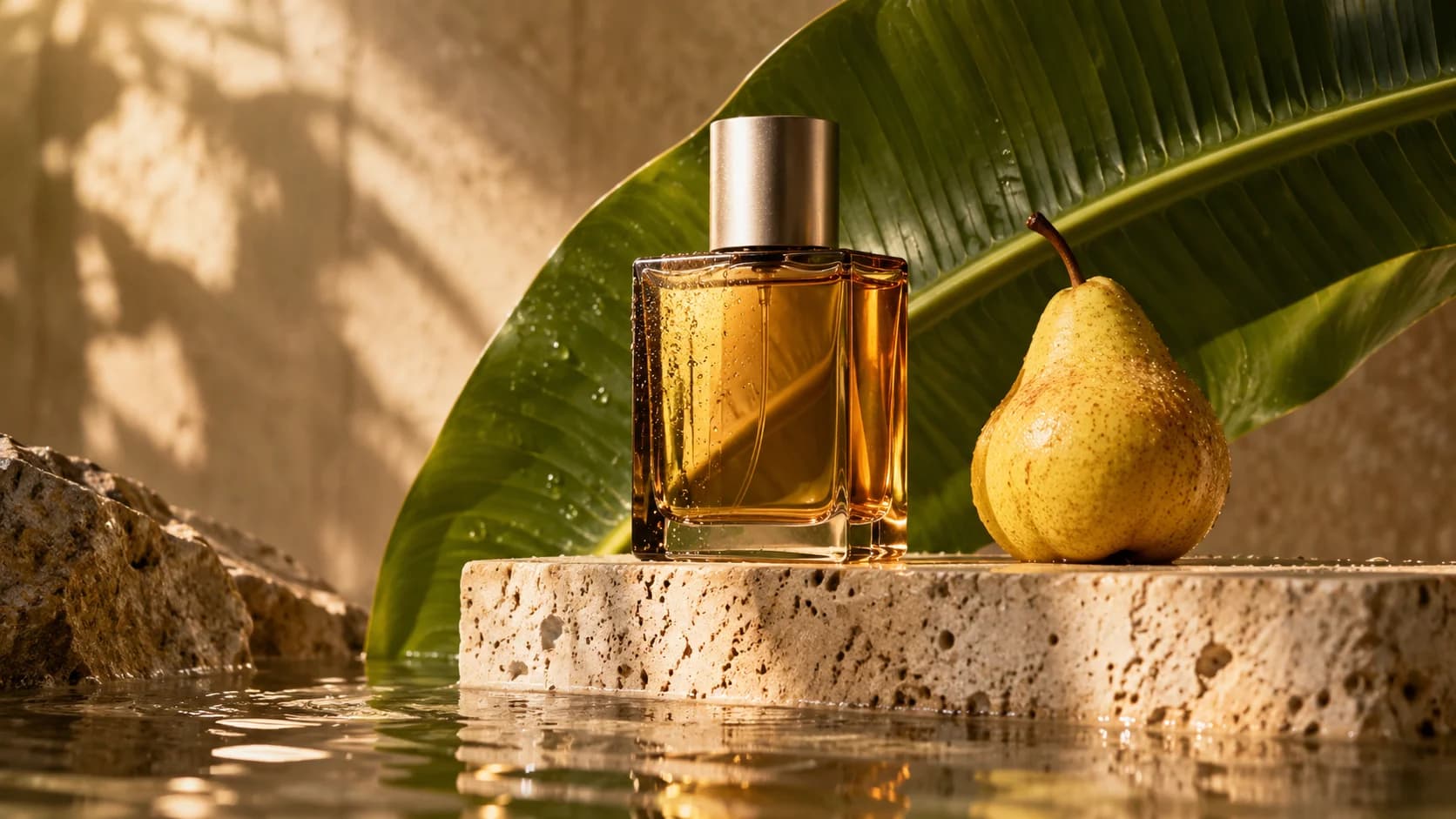
THE STEP UP / GEMINI 3.1 FLASH IMAGE
Nano Banana 2 expands the original's creative scope with higher-resolution output and more reference guidance, in Google's Flash model family.
Choose 1K, 2K or 4K on Insvee for social concepts, detailed product imagery or larger compositions.
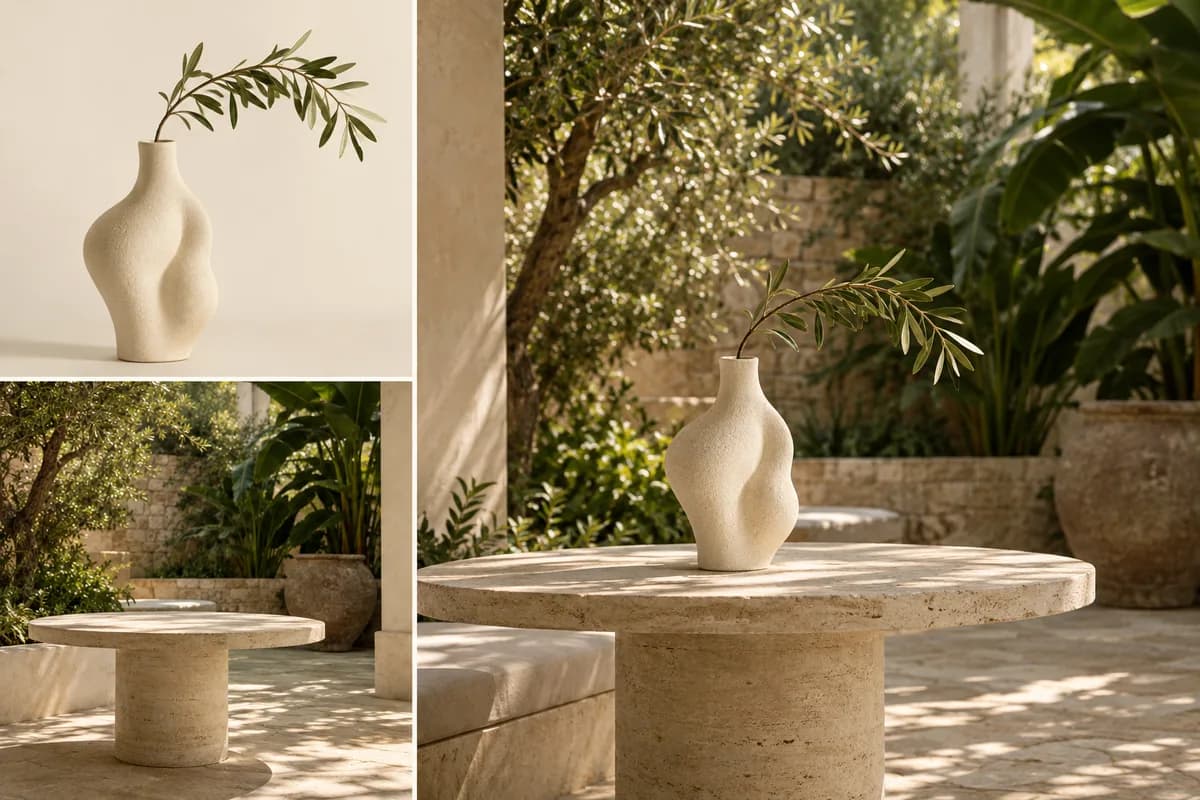
Work with up to 14 image inputs. Assign each a role to guide subjects, products and the overall scene.
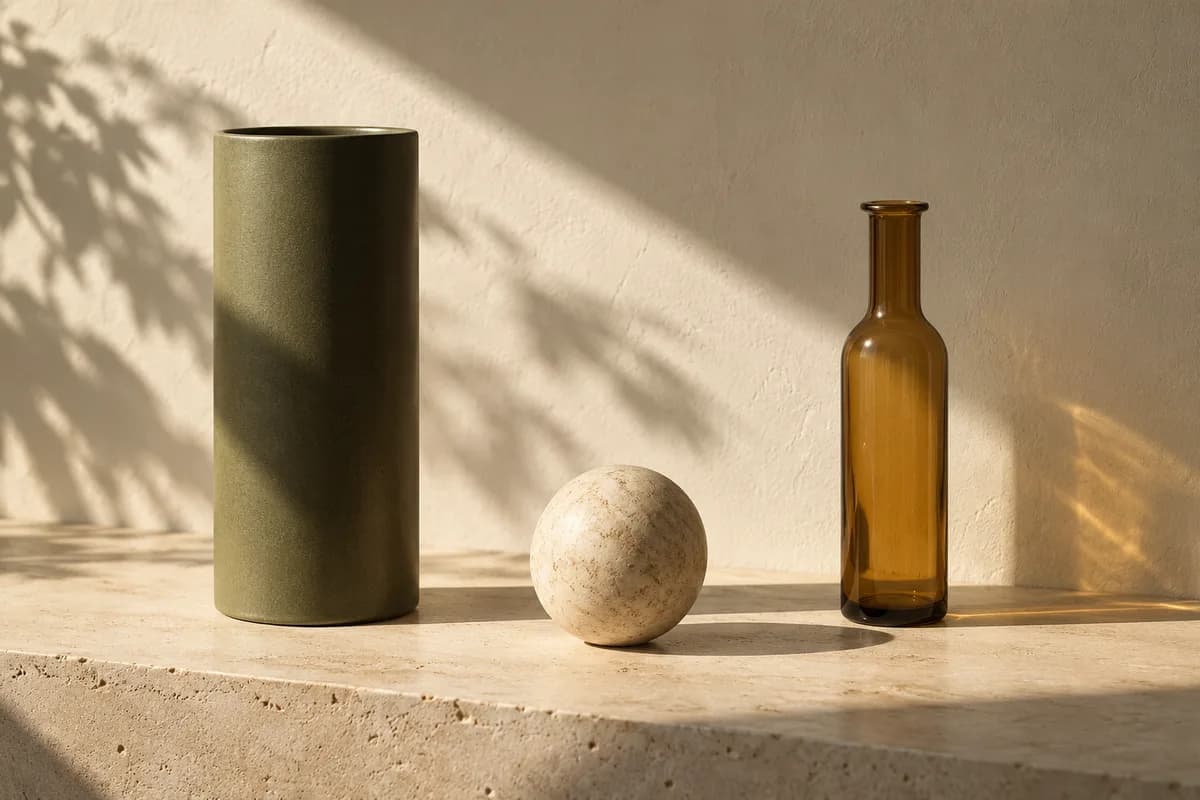
Google reports stronger instruction following and richer lighting and texture than the original Nano Banana.
Original concept illustrations · not Nano Banana outputs. These studies explain creative briefs; they are not model performance comparisons.
CREATIVE BRIEFS FOR NANO BANANA 2
Creative directions for detailed materials, reference-guided subjects and expansive compositions at your chosen resolution.

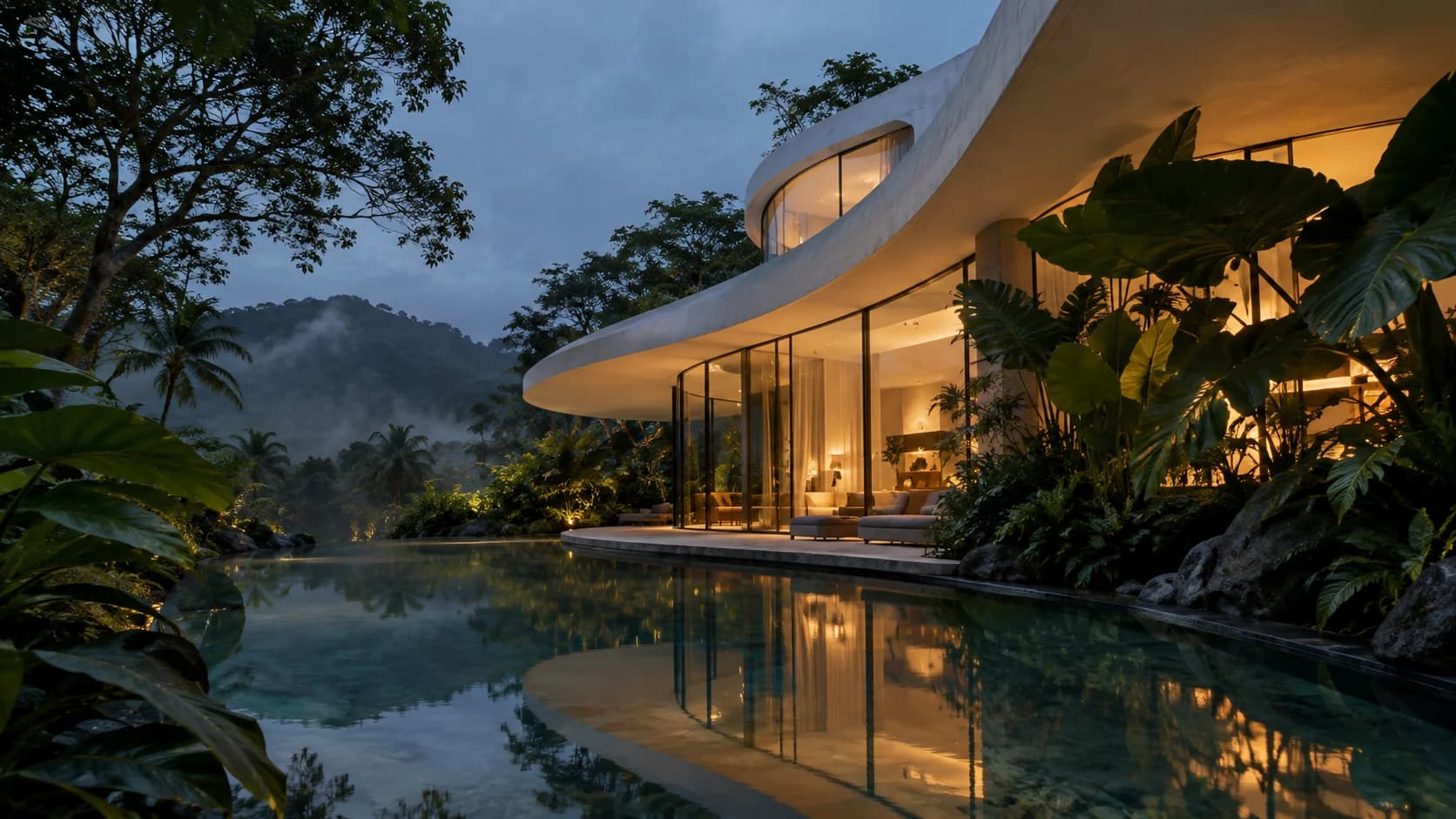
Original creative reference · not a Nano Banana output. These images illustrate creative directions; they do not demonstrate the output or capabilities of a particular model. Explore Google's own examples for publisher demonstrations.
Google's official galleryCREATE WITH NANO BANANA 2
Build a detailed scene with purposeful references and select 1K, 2K or 4K in Create.
01 / TEXT TO IMAGE
Specify reflections, surface texture and lighting in a detailed campaign brief. Select the output resolution in Create and review the credit estimate before generating.
Create a high-resolution image02 / TEXT TO IMAGE
Bring subject, styling and environment images into one brief. Nano Banana 2 accepts a larger reference set than the original, helping you communicate a more involved scene.
Build with multiple references03 / IMAGE EDITING
Describe the source image's new camera framing, light and surroundings. Google's reported instruction-following improvements help with detailed direction; inspect the result against your request.
Direct a Nano Banana 2 editChoose your source image in Create, describe the change and review the available settings before generating.ORIGINAL · 2 · 2.1 · 2 LITE · PRO
Compare the available models and find a starting point for your next image.
EXPLORE THE FAMILY
Keep the subject. Change the scene.
Gemini 2.5 Flash Image: targeted photo edits, subject consistency and small-reference image blending at 1K.
YOU ARE HERE
Flash speed. A bigger creative canvas.
Flash image generation with high-resolution options and multi-image guidance.
EXPLORE THE FAMILY
Sharper realism. Better words in the frame.
The update to Nano Banana 2, with improved image quality and text rendering.
EXPLORE THE FAMILY
Less complexity. More room to explore.
Google's lightweight image model for simple briefs and efficient concept exploration.
EXPLORE THE FAMILY
Complex ideas. Deliberate design.
Gemini 3 Pro Image: complex design, multilingual text, localization and precise creative control.
Flash image generation with high-resolution options and multi-image guidance. Available settings and credit estimates depend on the selected model and workflow. Check the current options in Create before generating.
YOUR FIRST IMAGE STARTS HERE
A considered brief, a clear visual direction and a little room to experiment.
Open Nano Banana 2Start with your subject and what the final image should communicate.
Select the available resolution and attach purposeful image references.
Review the quote, generate and inspect the result before sharing.
CREATOR VOICES
Illustrative reviews with fictional names, shown as sample content. These are not verified customer testimonials.
MAKE ROOM FOR YOUR NEXT IDEA
YOUR IDEAS. ROOM TO CREATE.
Compare credits, storage and capacity. Choose your Insvee plan.
Loading current plans and regional pricing…
Nano Banana 2 credits vary by workflow and settings; check your estimate in Create. Plan output figures are approximate across tools, subject to credits and access requirements.
Full pricing detailsNANO BANANA 2 FAQ
Nano Banana 2 is Google's Gemini 3.1 Flash Image model. It combines prompt-led image generation and editing with high-resolution options and multi-reference guidance. Insvee provides dedicated Text to Image and Image Edit entry points.
The current Insvee integration offers 1K, 2K and 4K output options. Choose the resolution in Create and check the credit estimate for your selected settings.
Yes. Insvee's current integration accepts up to 14 image references. Use relevant references and explain what each should contribute; results still need your review.
You can explore product scenes, backgrounds and campaign concepts with a prompt and your own references. Check product geometry, labels, colors and other important details before publishing a result.
Google describes 2.1 as the update to Nano Banana 2, improving visual quality, text rendering and consistency. Both have separate Insvee model selections. Choose 2 to continue a familiar workflow, or explore 2.1 for a new one.
Open Nano Banana 2 Image Edit, upload a source image and write the change you want. Include the details that should remain, then review the current controls and quote.
Credits depend on the model, workflow and selected settings. Review the current credit estimate in Create before generating, and compare live Insvee plans below. Opening Create carries your idea forward without starting a generation or spending credits.
The local photographic pictures are original creative references and are labeled accordingly. Follow the official gallery link to Google's Nano Banana 2 announcement for publisher examples of this version.
AN IDEA. A BRIEF. A NEW POSSIBILITY.
Essential cookies keep your account secure. Optional analytics and marketing cookies stay off until you choose.