

MARKETING IMAGES
A scroll-stopping image.
Product launches, menu highlights and new arrivals. Shape your brief into a campaign image.
Create marketing imagesLoading Marketing Studio
Essential cookies keep your account secure. Optional analytics and marketing cookies stay off until you choose.
INSVEE MARKETING STUDIO
Create images and video storyboards for product launches, cafés and fashion collections. Start with a brief and your references.
START WITH A LITTLE INSPIRATION

Product launches, menu highlights and new arrivals. Shape your brief into a campaign image.
Create marketing images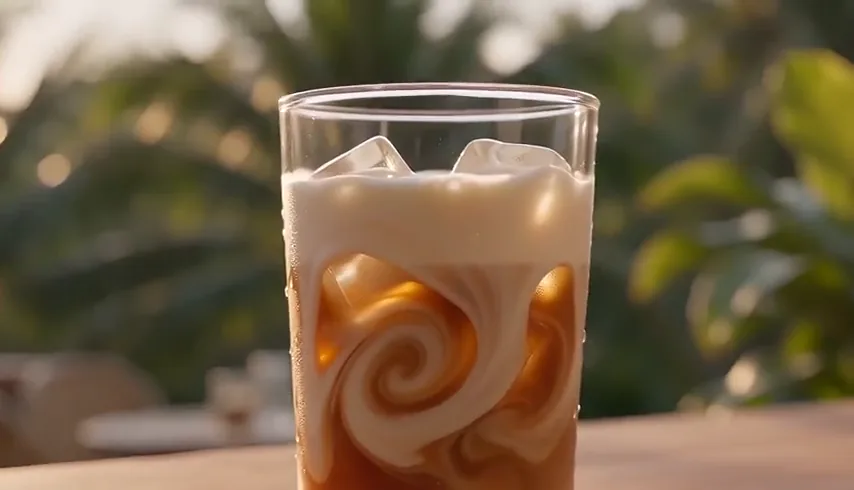
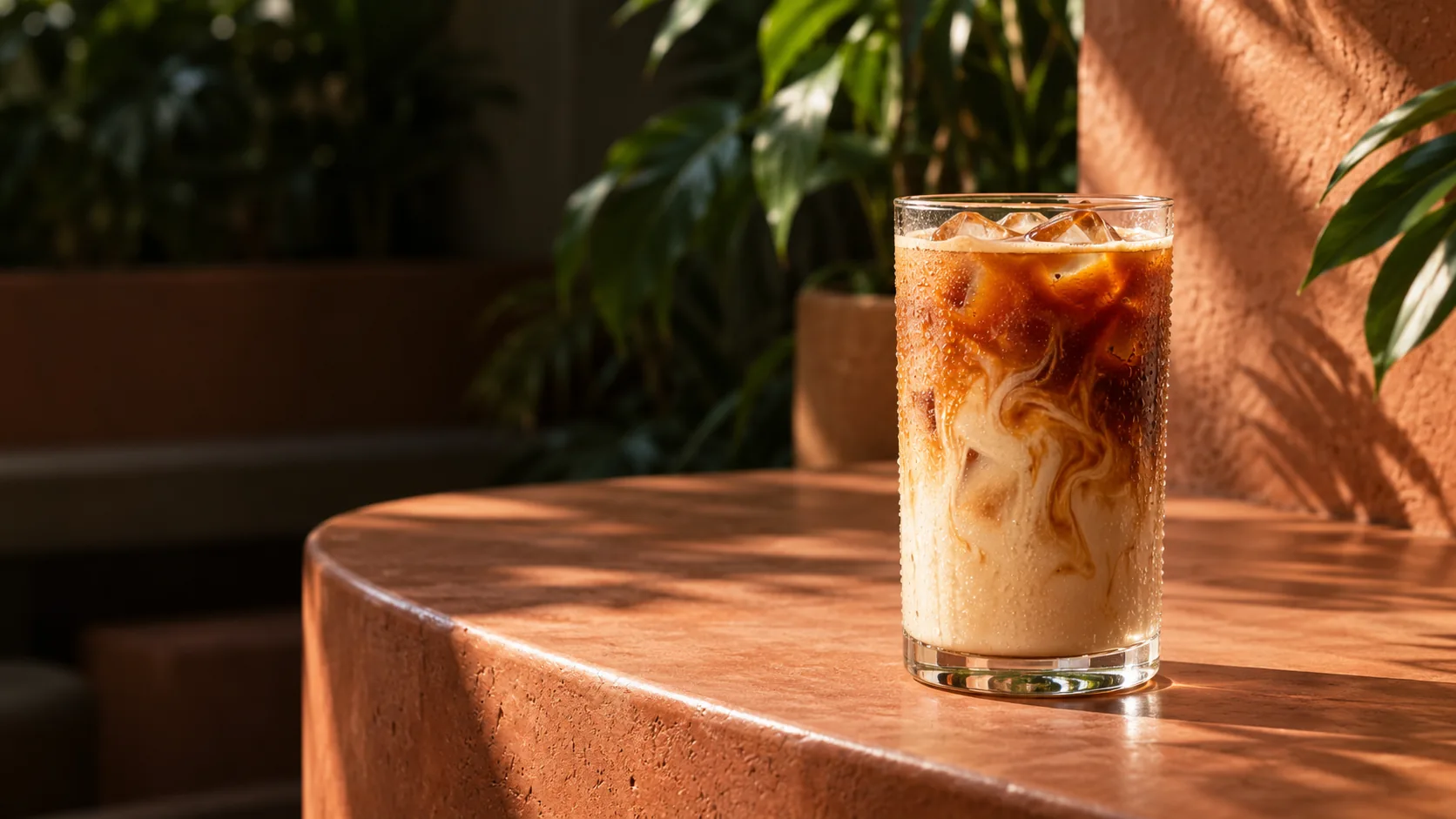
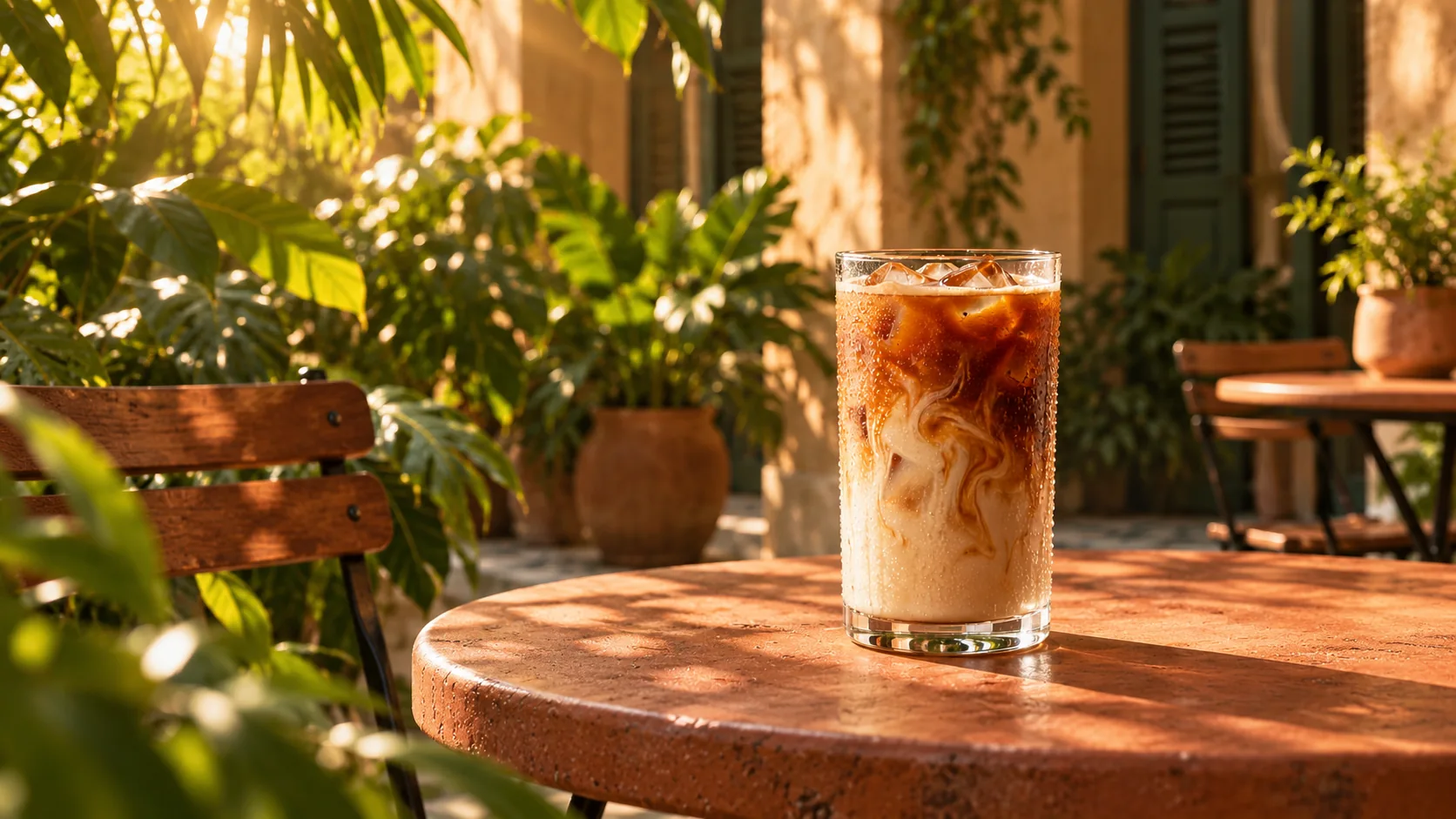
Build the reveal, scene by scene. Refine your storyboard in AI Director, then generate clips and export.
Create a video storyboardFROM FIRST IDEA TO NEXT CREATIVE
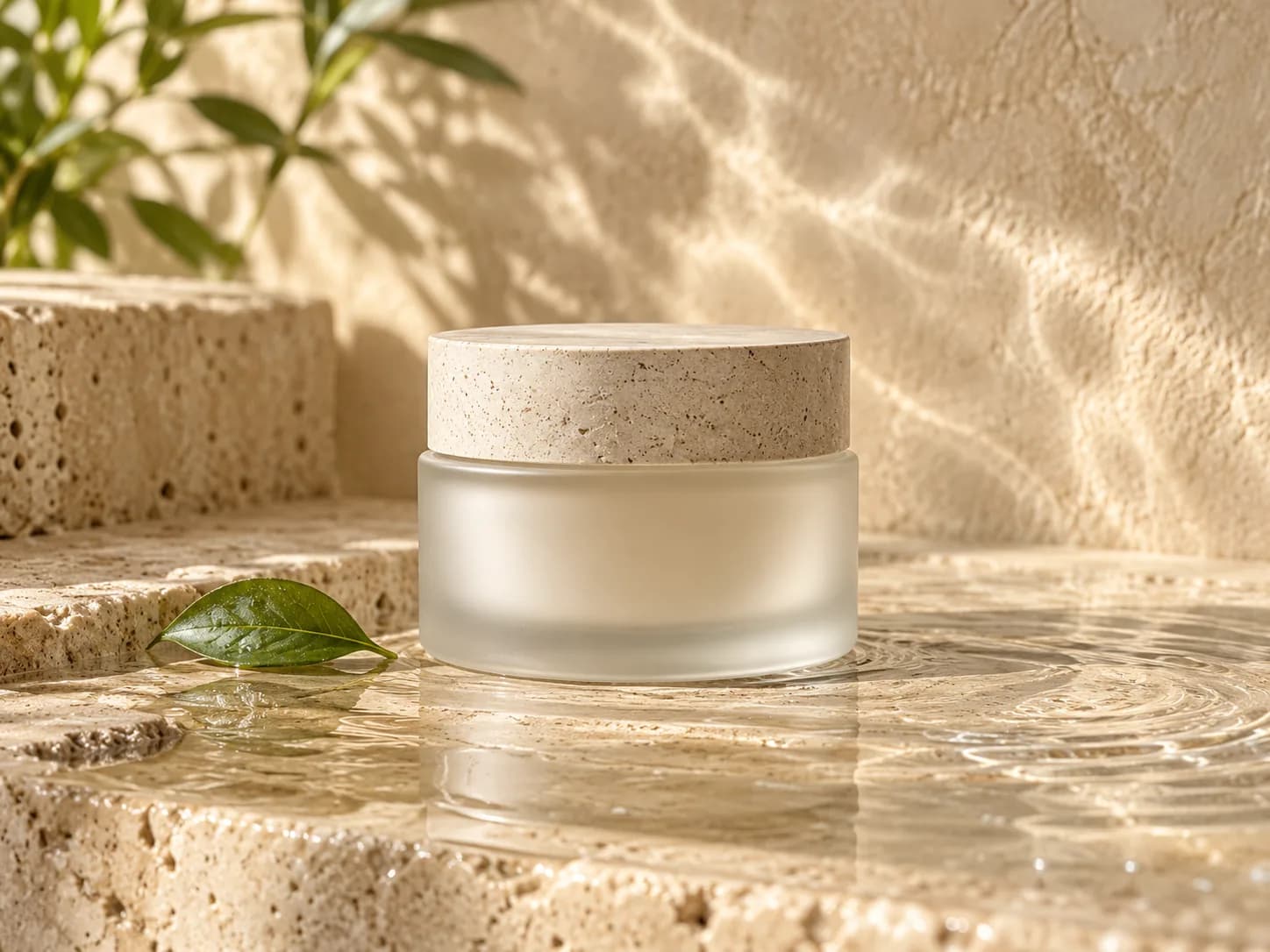
A skincare launch. Warm light, natural textures, a fresh green accent.
Add a product link, a prompt or your own references.
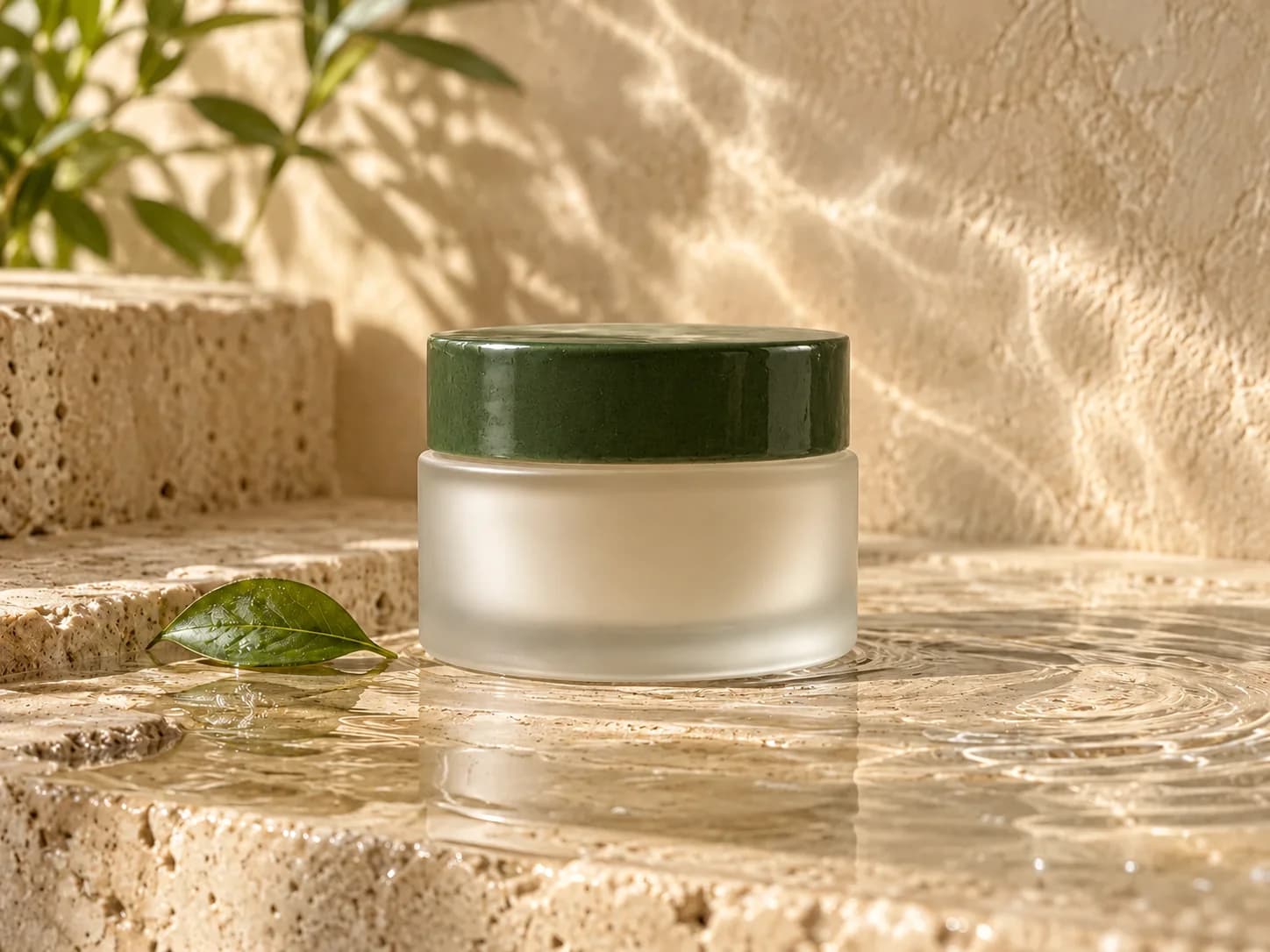
Choose Image or Video, a visual style and your model settings.
Generate images or open your storyboard in AI Director to refine scenes, generate clips and export.
YOUR IDEAS. ROOM TO CREATE.
Compare credits, storage and capacity. Choose your Insvee plan.
Loading current plans and regional pricing…
Marketing Studio credits vary by workflow and settings; check your estimate in Create. Plan output figures are approximate across tools, subject to credits and access requirements.
Full pricing detailsCREATOR VOICES
Illustrative samples with fictional names. Not verified customer testimonials.
MARKETING STUDIO FAQ
An AI creative workspace for turning product information, prompts and references into marketing images or AI Director video storyboards. Explore ideas for product launches, food and beverage promotions, fashion and ecommerce.
Image mode generates images. Video mode creates a storyboard that you open in AI Director to refine scenes, generate clips and export the finished video.
No. Describe your product, menu item or creative idea, or upload your own references. You can also add product URLs to read product details and use them in your brief.
Choose from available models and visual styles in the workspace. Aspect ratios, resolutions and other settings depend on the selected model.
Credits depend on the workflow, model and settings. Review the current estimate before generating; compare current Insvee plans in the pricing section.
No. Download your finished assets and publish them through your usual social channels. Marketing Studio focuses on creating images and preparing videos.
YOUR NEXT CREATIVE STARTS HERE