

01
Separate the visual elements
Extract layers with AI, then inspect each element's boundaries and transparency.
Loading AI tools
Essential cookies keep your account secure. Optional analytics and marketing cookies stay off until you choose.
Loading AI tool
Loading Layer Editor
Skip to Layer EditorGIVE EACH ELEMENT ITS OWN SPACE
Extract image layers, rearrange the composition and refine individual elements in a dedicated visual workspace.
Review settings and credits before you start.
GIVE EACH ELEMENT ITS OWN SPACE
Extract image layers, rearrange the composition and refine individual elements in a dedicated visual workspace.
Review settings and credits before you start.
YOUR IDEA, MADE VISIBLE
Turn a flat image into editable layers with AI. Move, resize and reorder elements, refine individual layers and save revisions. Export the visible composition as PNG.
Select a part.
Explore a change.
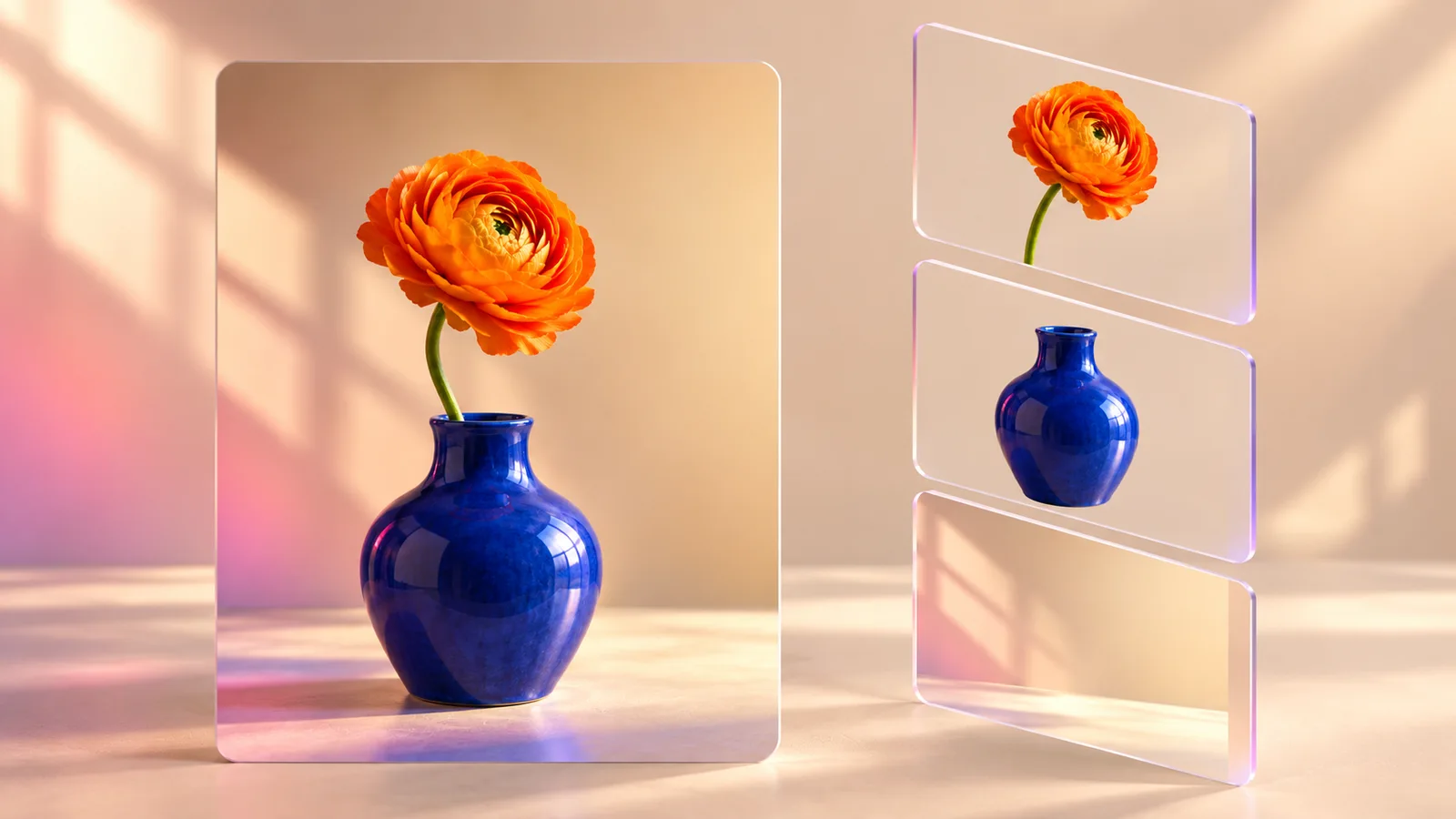
Separate the flower, vase and background. Choose a layer and explore a new composition.
Original illustration; not a verified tool result.MORE INTENTION. LESS FRICTION.
Extract layers with AI, then inspect each element's boundaries and transparency.

Move, resize, rotate and reorder layers. Adjust opacity, visibility and locking as you work.
Modify or replace layers, save revisions and export the visible composition as PNG.
Add a compatible source image and review the available extraction settings and credit estimate.
Select each layer, adjust its position, size and rotation, and refine the stack and visibility.
Keep your editable project for later revisions and download the finished visible composition as PNG.
MAKE IT PART OF YOUR PROCESS
Explore a new balance between the subject, product and background without rebuilding the entire composition by hand.
Reposition extracted elements, add permitted imagery and compare alternative layouts.
Experiment with scale, overlap, rotation and opacity while keeping an editable version to revisit.
YOUR IDEAS. ROOM TO CREATE.
Compare credits, storage and capacity. Choose your Insvee plan.
Loading current plans and regional pricing…
Layer Editor credits vary by workflow and settings; check your estimate in Create. Plan output figures are approximate across tools, subject to credits and access requirements.
Full pricing detailsCREATOR VOICES
Illustrative reviews with fictional names, shown as sample content. These are not verified customer testimonials.
LAYER EDITOR FAQ
It requests image layers from a source image, then opens them in an editable composition. You can transform and reorder elements, adjust visibility and opacity, and use supported layer modification or replacement actions.
Yes. Returned layers can be moved, resized and rotated on the canvas. The layer stack also supports reordering, visibility, opacity and locking. The usefulness of each element depends on the extraction result.
The workspace provides supported actions to modify a layer, generate a replacement or select replacement imagery. Review any generation estimate before submitting. Inspect the returned element and its transparency before adding it to the final composition.
The workspace has undo and redo for composition edits and saved revision history for persisted projects. Saved work is available through your own Layer Editor project history.
The current export downloads the visible composition as a PNG image. The editable layer project remains in Insvee. This page does not promise PSD, SVG or another layered desktop-file export.
The flower-and-vase image is a labelled workflow illustration showing the idea of separate elements. It is not presented as a verified decomposition result or a guarantee that any source image will separate into the same layers.
YOUR IDEA. YOUR NEXT MOVE.
Start with Layer Editor. Make something that feels like you.
Open Layer Editor