
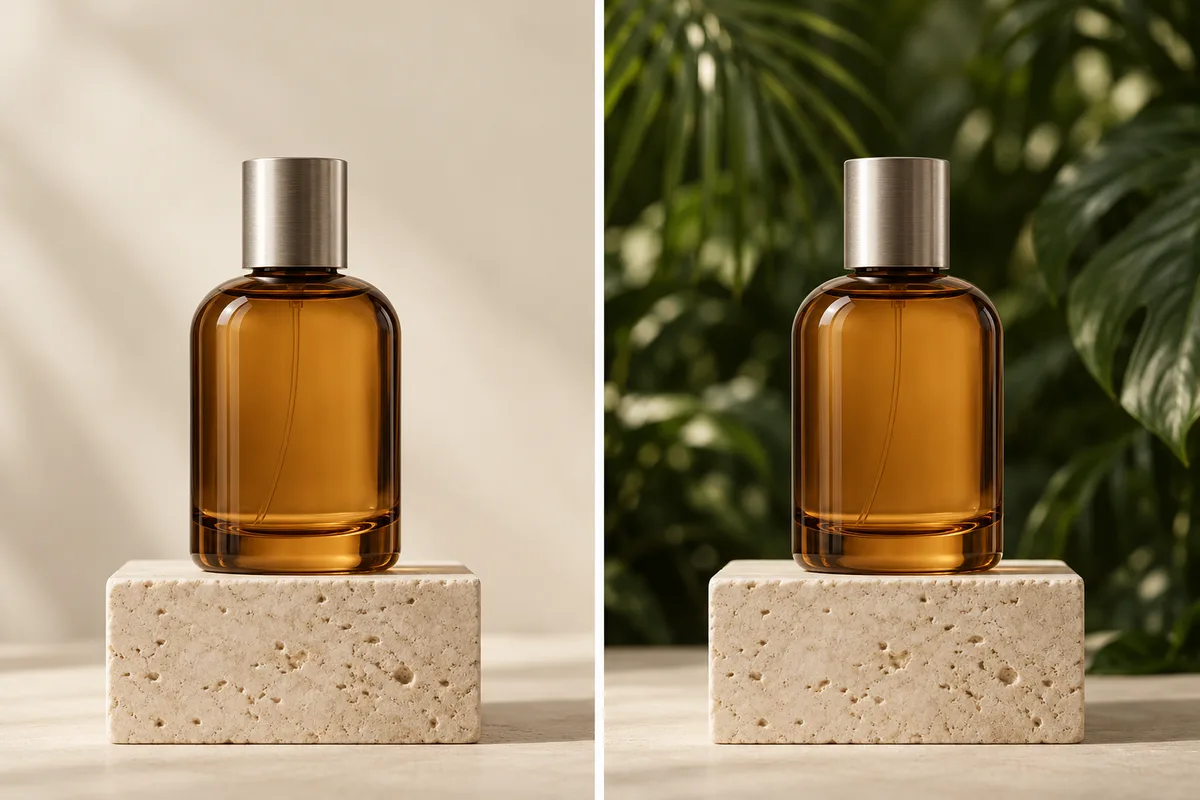
Targeted photo edits
Ask for a different background, a new outfit or a local change without writing a new scene from scratch.
THE ORIGINAL AI IMAGE GENERATOR
Keep the subject. Change the scene.
The original Nano Banana made natural-language photo edits, recognizable characters and image blending its signature. Bring your photos and direct a focused transformation in 1K.
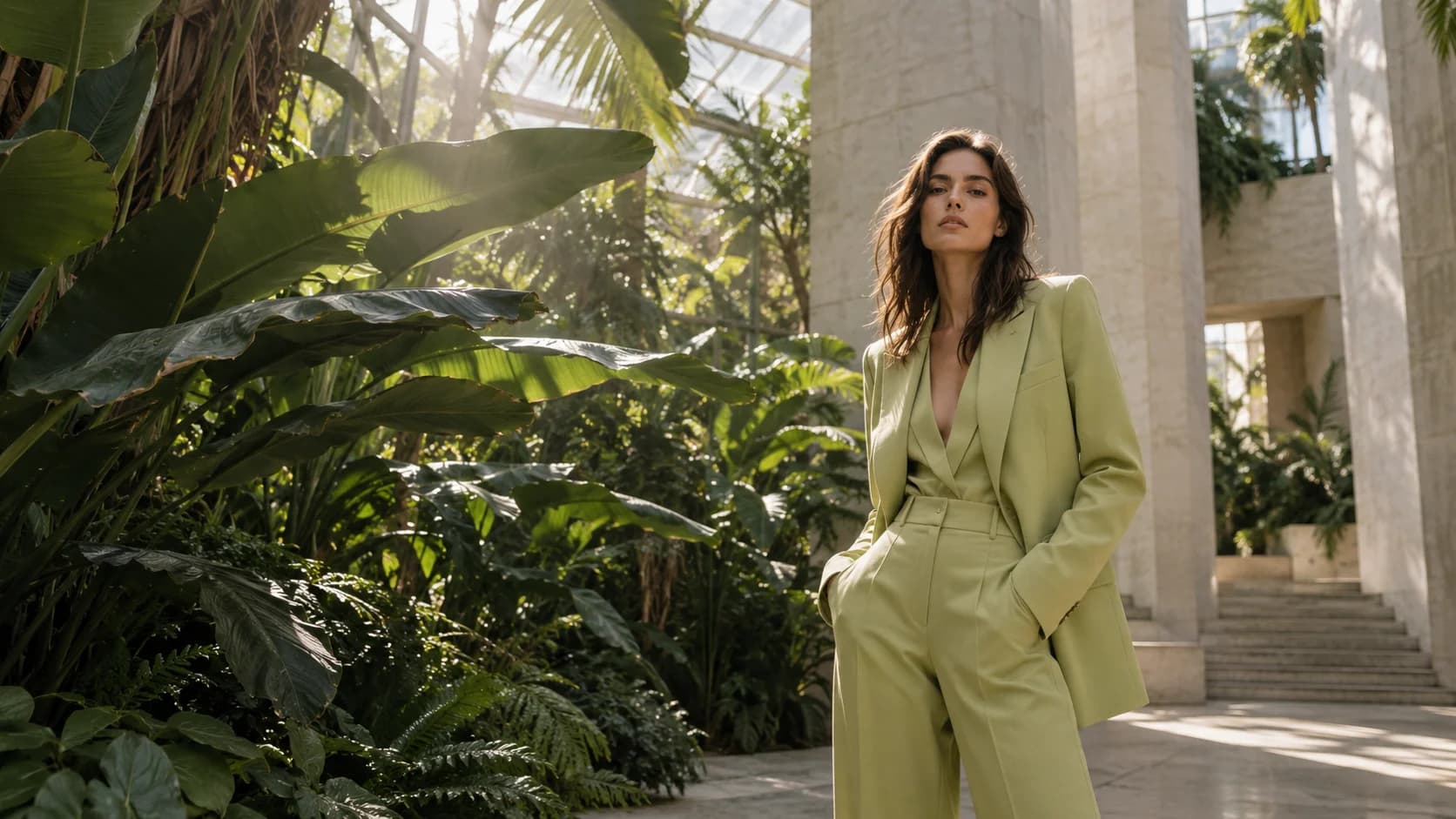
THE ORIGINAL / GEMINI 2.5 FLASH IMAGE
This is where Nano Banana began: using plain-language instructions to transform images while working from the subjects and references you provide.
Ask for a different background, a new outfit or a local change without writing a new scene from scratch.
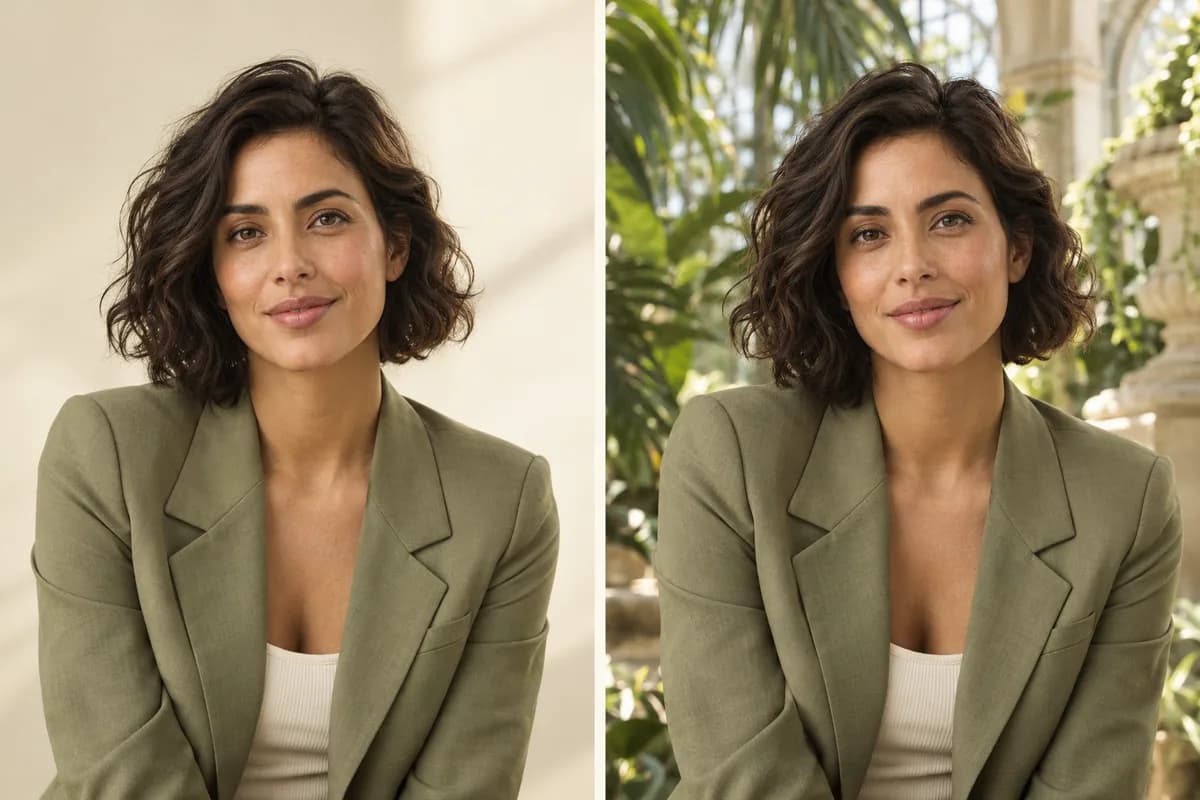
Use a character or product reference to guide its appearance in another setting. Review identity details after each generation.
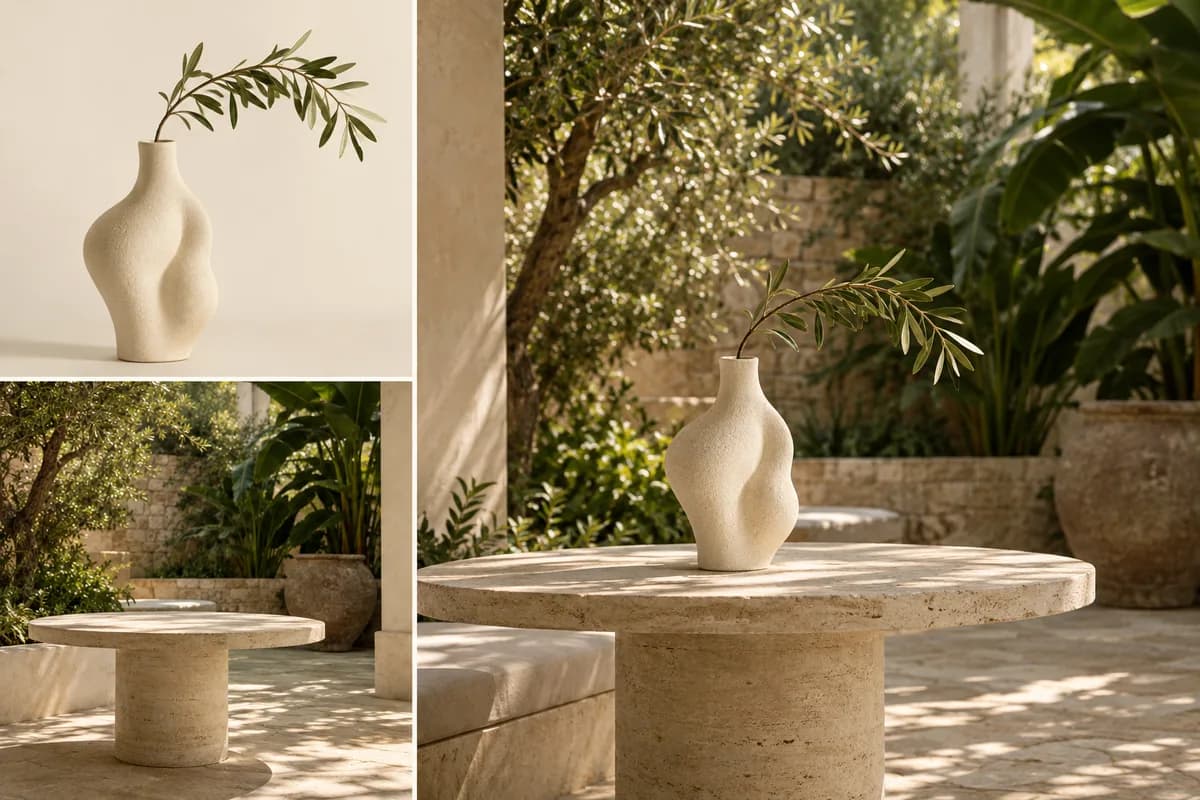
Combine a subject, environment and visual treatment. Insvee currently accepts up to three references for the original model.
Original concept illustrations · not Nano Banana outputs. These studies explain creative briefs; they are not model performance comparisons.
CREATIVE BRIEFS FOR NANO BANANA
Creative briefs for preserving a portrait, restyling a product and combining a subject with a new environment.
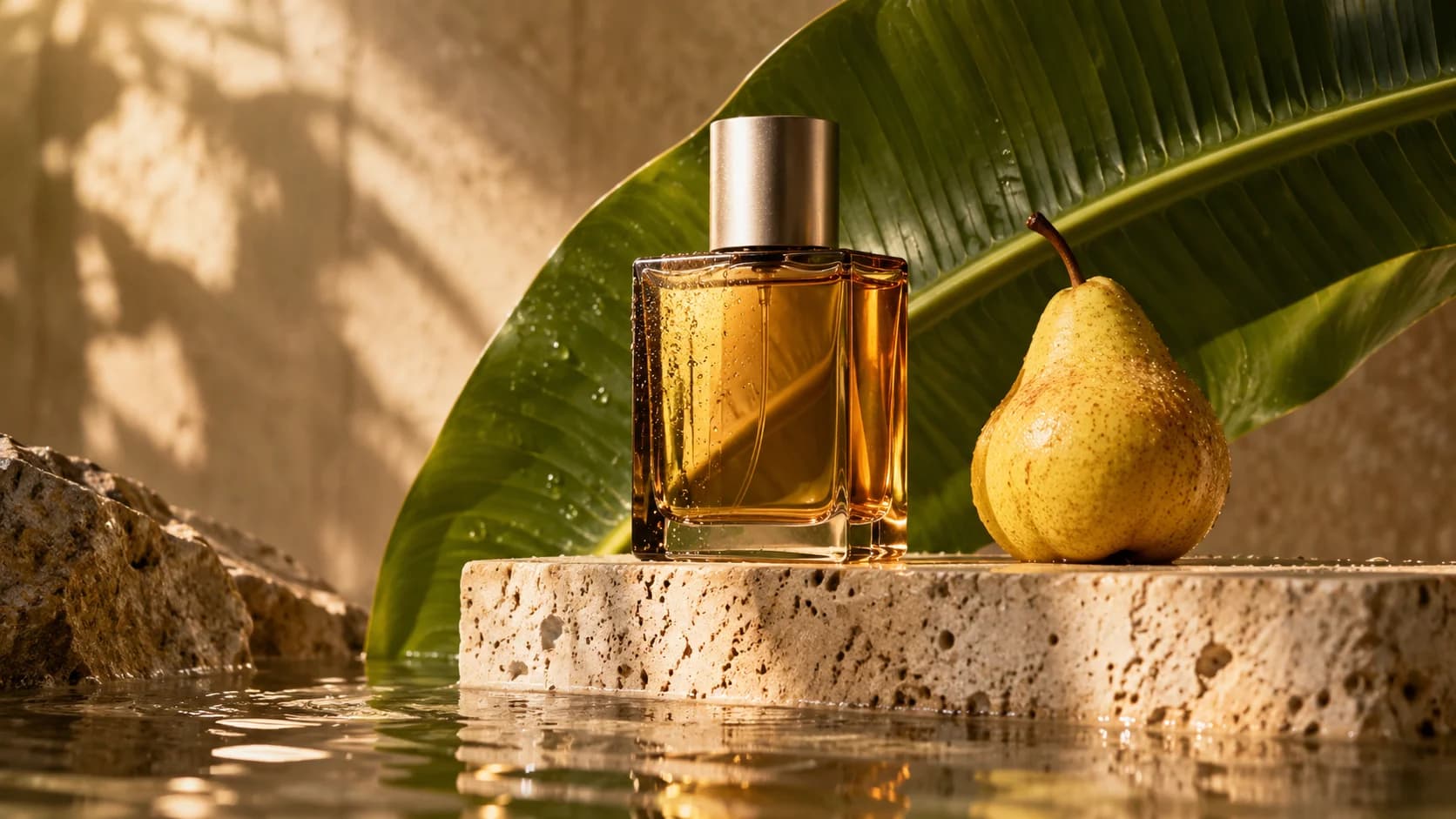
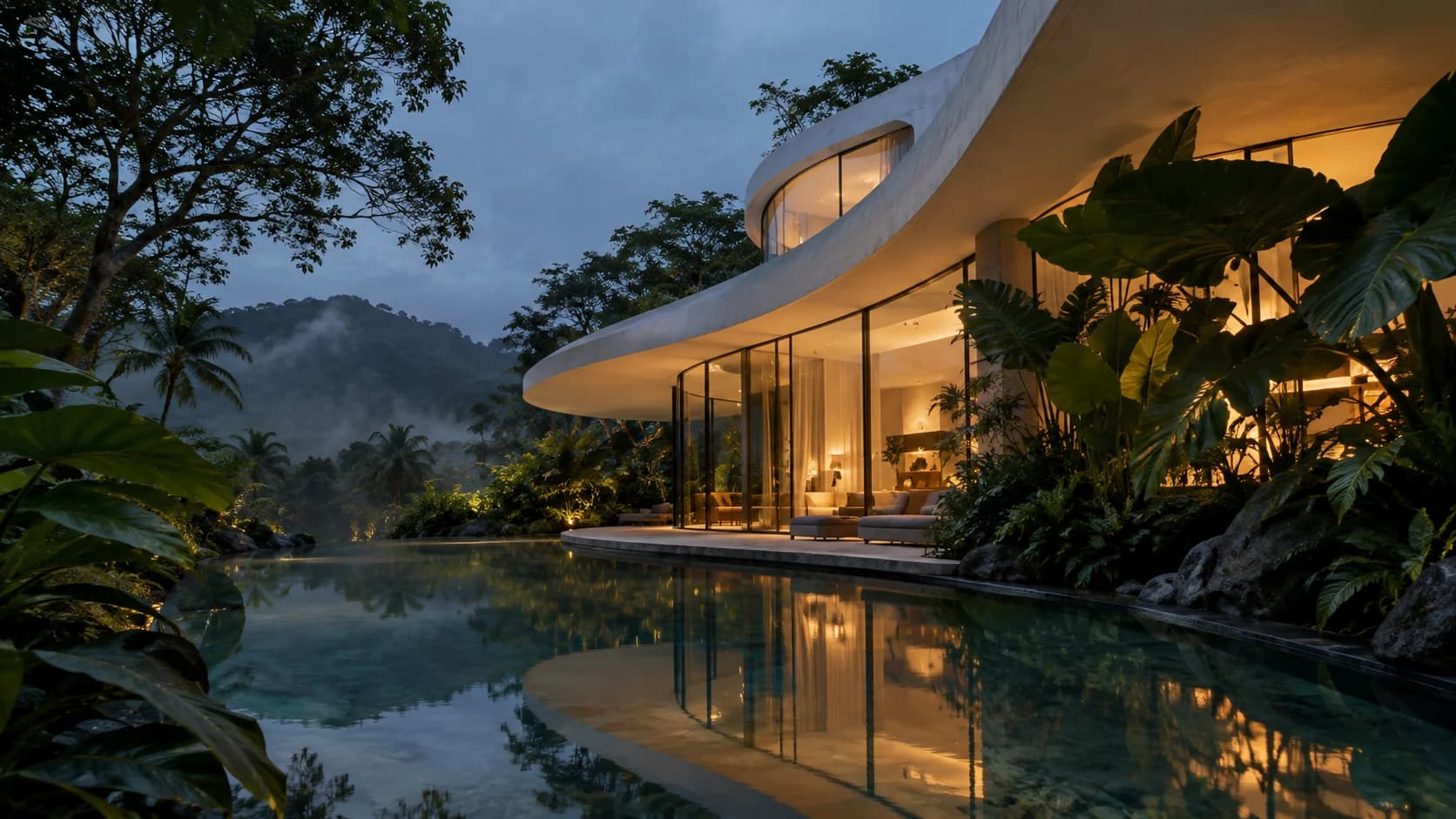
Original creative reference · not a Nano Banana output. These images illustrate creative directions; they do not demonstrate the output or capabilities of a particular model. Explore Google's own examples for publisher demonstrations.
Google's official galleryCREATE WITH NANO BANANA
Work from a recognizable subject, describe one transformation and check which details carry through.
01 / TEXT TO IMAGE
Use a portrait reference to guide a new scene. Describe the facial features, outfit and details that should stay recognizable, then give the subject a different environment.
Create a character-led scene02 / IMAGE EDITING
Ask for a new product background, softer light or a change to one object. The original model's targeted editing is a useful starting point for focused photo transformations.
Try a targeted photo editChoose your source image in Create, describe the change and review the available settings before generating.03 / TEXT TO IMAGE
Bring up to three references with distinct roles: subject, setting and style. Explain how they should combine into one 1K composition.
Combine your referencesORIGINAL · 2 · 2.1 · 2 LITE · PRO
Compare the available models and find a starting point for your next image.
YOU ARE HERE
Keep the subject. Change the scene.
Gemini 2.5 Flash Image: targeted photo edits, subject consistency and small-reference image blending at 1K.
EXPLORE THE FAMILY
Flash speed. A bigger creative canvas.
Flash image generation with high-resolution options and multi-image guidance.
EXPLORE THE FAMILY
Sharper realism. Better words in the frame.
The update to Nano Banana 2, with improved image quality and text rendering.
EXPLORE THE FAMILY
Less complexity. More room to explore.
Google's lightweight image model for simple briefs and efficient concept exploration.
EXPLORE THE FAMILY
Complex ideas. Deliberate design.
Gemini 3 Pro Image: complex design, multilingual text, localization and precise creative control.
Gemini 2.5 Flash Image: targeted photo edits, subject consistency and small-reference image blending at 1K. Available settings and credit estimates depend on the selected model and workflow. Check the current options in Create before generating.
YOUR FIRST IMAGE STARTS HERE
A considered brief, a clear visual direction and a little room to experiment.
Open Nano BananaName the subject, environment, camera angle and lighting.
Choose an image you have permission to use and describe its role.
Check the current settings and credits, then review the full image.
CREATOR VOICES
Illustrative reviews with fictional names, shown as sample content. These are not verified customer testimonials.
MAKE ROOM FOR YOUR NEXT IDEA
YOUR IDEAS. ROOM TO CREATE.
Compare credits, storage and capacity. Choose your Insvee plan.
Loading current plans and regional pricing…
Nano Banana credits vary by workflow and settings; check your estimate in Create. Plan output figures are approximate across tools, subject to credits and access requirements.
Full pricing detailsNANO BANANA FAQ
The original Nano Banana is Google's Gemini 2.5 Flash Image model. On Insvee, its dedicated Text to Image and Image Edit workflows let you create from a prompt or transform an existing image.
They are different model versions. This page opens the original Nano Banana. Nano Banana 2 has its own model selection, supports higher-resolution options in Insvee and has a separate page in the comparison below.
Yes. Choose Image Edit, upload your source image and describe the changes. A specific instruction such as changing the background while keeping the main subject is a useful starting point.
The current original Nano Banana integration offers 1K output. For 2K or 4K options, explore Nano Banana 2, Nano Banana 2.1 or Nano Banana Pro. Create shows the settings currently available for your chosen version.
The original Nano Banana integration accepts up to three image references. Give each reference a clear purpose and check the current upload guidance in Create.
The original suits an established workflow that already uses it. Google now points new development toward newer Nano Banana models. Compare 2 Lite for focused 1K work, 2.1 for higher-resolution everyday creation and Pro for more demanding visual briefs.
Credits depend on the model, workflow and selected settings. Review the current credit estimate in Create before generating, and compare live Insvee plans below. Opening Create carries your idea forward without starting a generation or spending credits.
Use reference images you own or have permission to use, including permission for any recognizable person. Review the output and applicable terms before publishing or using it commercially.
AN IDEA. A BRIEF. A NEW POSSIBILITY.
Essential cookies keep your account secure. Optional analytics and marketing cookies stay off until you choose.