Skip to prompt
Start creating
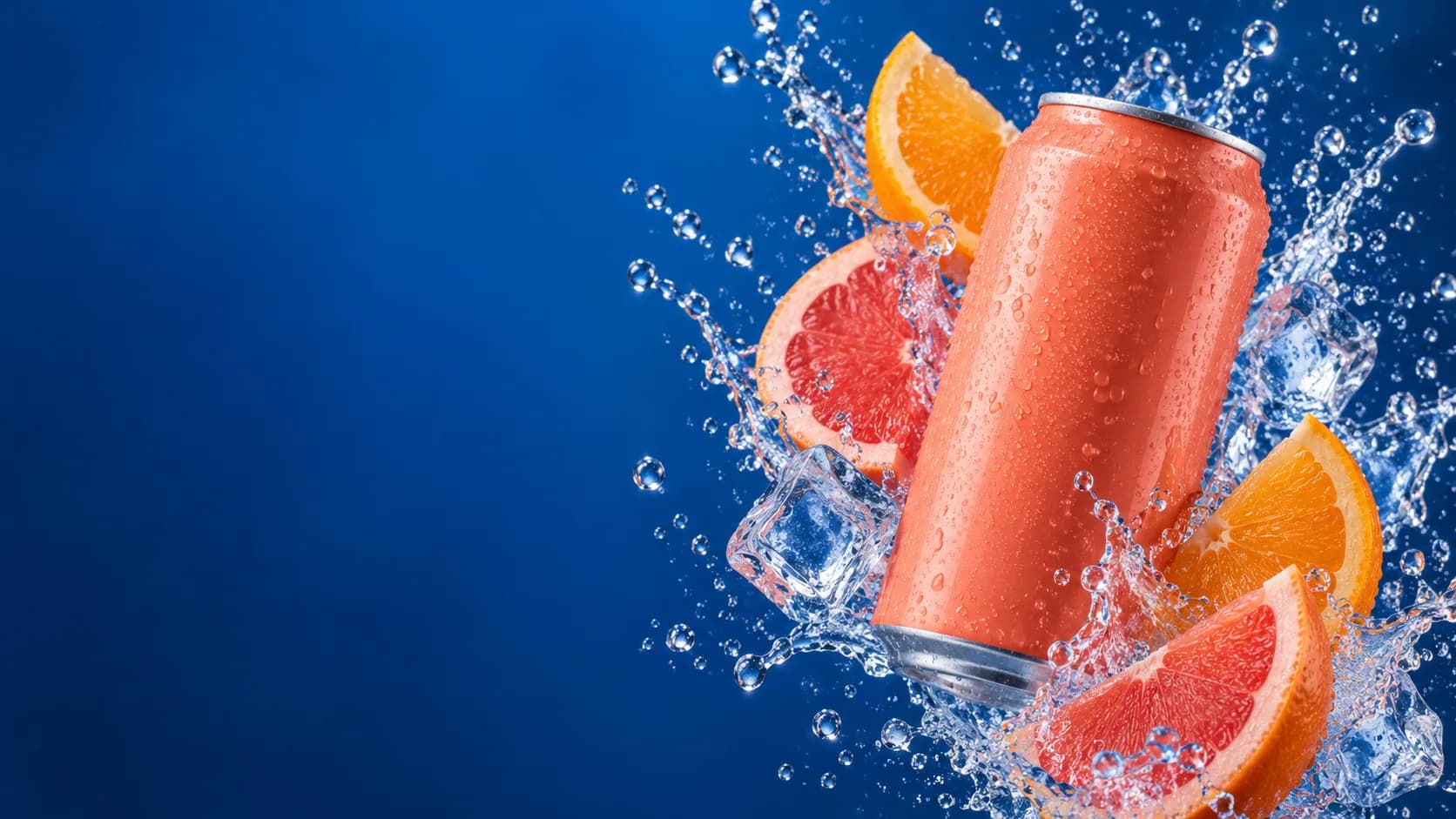
Original creative reference: unbranded coral beverage can with citrus and a water splash on a cobalt background; not a Seedream output

AI IMAGE GENERATOR & EDITOR · BY BYTEDANCE

Dola Seedream 5.0 Flash

More ideas. Less waiting.

Explore campaign concepts with Dola Seedream 5.0 Flash, designed for lower latency and cost than Pro. Create multilingual visuals or make precise edits with your own references.

Dola Seedream 5.0 Flash
Your prompt travels with youReview credits before generating
YOUR STARTING POINTSGenerate & editText prompts and image references
OUTPUT OPTIONS1K · 1.5K · 2KChoose your size in Create
VISUAL GUIDANCEUp to 10 referencesBring your own images

WHY SEEDREAM FLASH

More intention.
In every image.

Faster creative iteration with precise image editing. Explore the features, see a creative study and take your own brief into Create.

01 / FASTER CREATIVE ITERATION

Keep the momentum.Explore the next direction.

Flash is designed for lower latency and lower cost than Pro. Explore campaign treatments and refine promising ideas while your creative brief is still fresh.

  • Explore a direction
  • Refine the brief
  • Review your favourite
Explore with FlashGeneration time varies with your request and service load. Review your current credit estimate in Create.

02 / PRECISE IMAGE EDITING

Same composition.A fresh point of view.

Flash also supports precise, visually guided image editing. Upload your source, identify the detail to change and describe the elements you want to retain.

THE CHANGE REQUEST

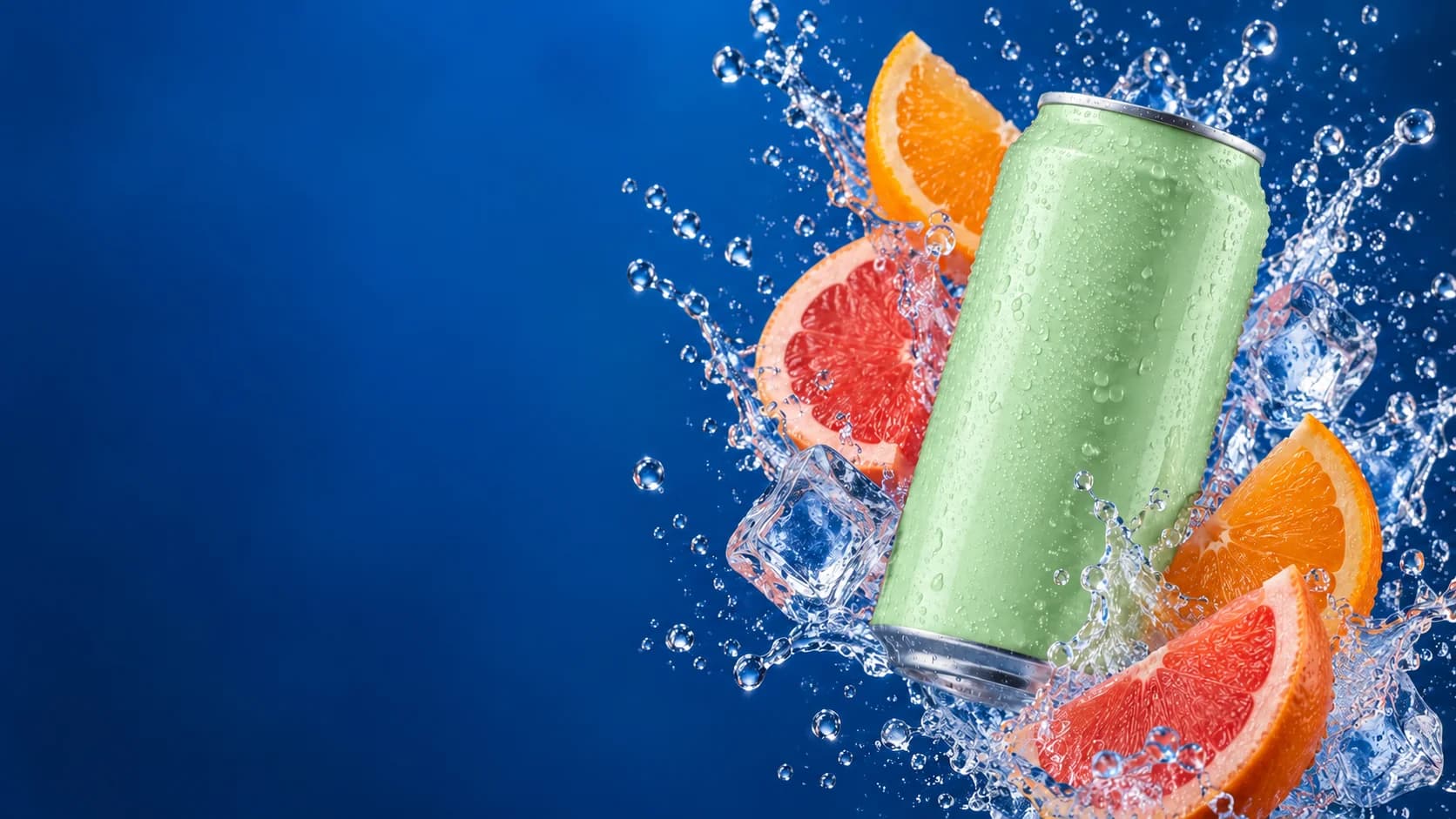
Change only the coral can to satin mint green. Keep the fruit, ice, water splash, camera angle and cobalt background unchanged.

Edit with Flash
Creative reference: the same beverage campaign with a mint-green can; not a Seedream Flash result
Creative reference: a coral beverage can with citrus and a water splash on cobalt blue
Drag to explore · use arrow keys when focusedIllustrative edit study · not a Seedream result

03 / TEXT, LAYOUT & MULTILINGUAL GENERATION

Take the campaigninto another language.

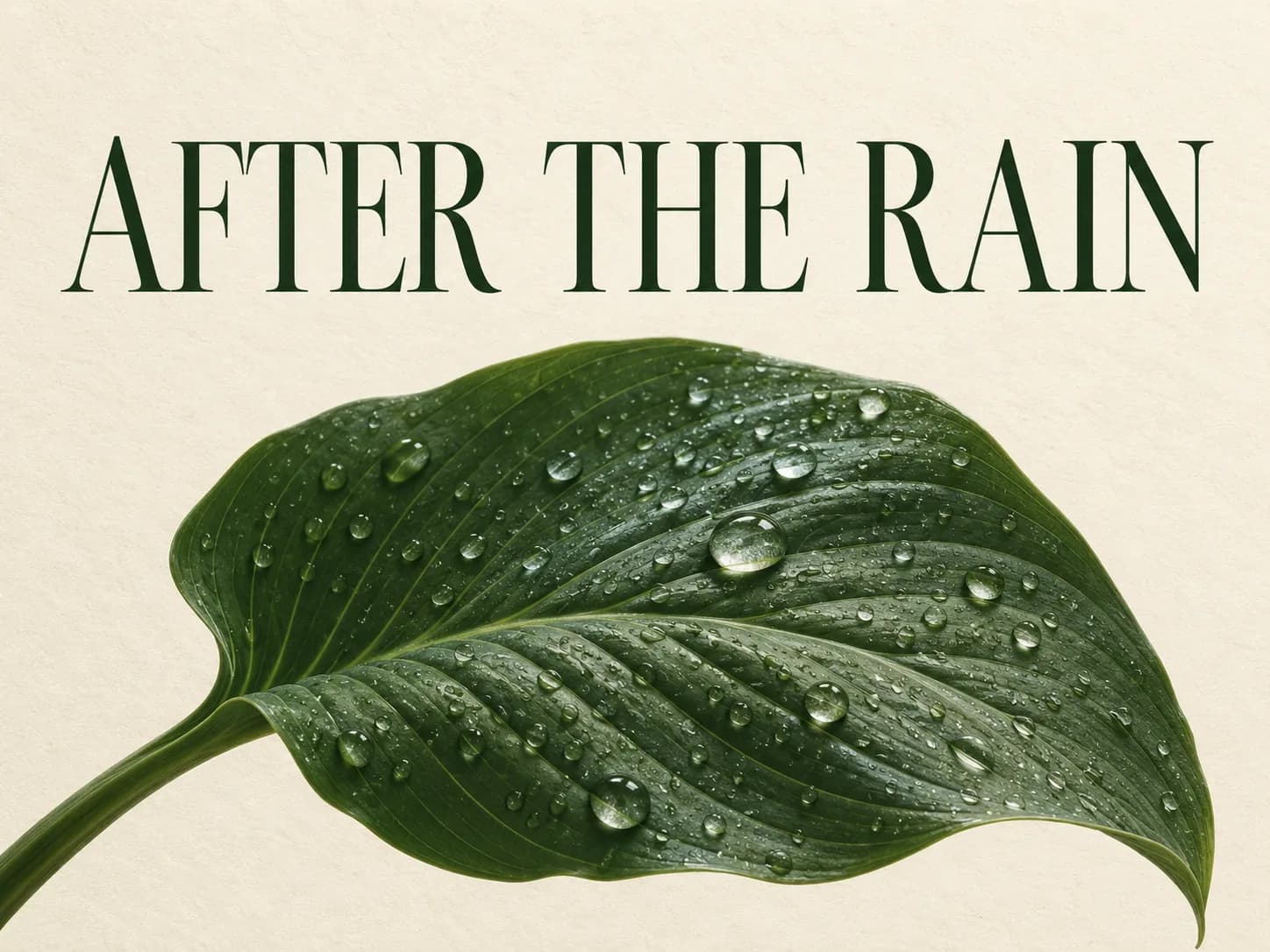
Use native multilingual generation to explore localized posters and promotional imagery. Give Flash the exact wording, reading order and style you want.

Specify the exact text. Check spelling, translation and layout before publishing.

Create a poster concept

These original visual studies illustrate creative briefs. They are not verified outputs or performance tests from Dola Seedream 5.0 Flash.

Original creative reference: unbranded coral beverage can with citrus and a water splash on a cobalt background; not a Seedream output
Creative reference · not a Seedream output

BEHIND THE CREATIVE REFERENCE

A little art direction
goes a long way.

A burst of colour. A fresh composition. Explore your next campaign direction with a clear prompt, then take the idea further in Edit Image.

PROMPT STUDY

A bold premium beverage campaign photograph: an unbranded coral can, fresh citrus and a crisp water splash against a deep cobalt-blue background. Hard studio light, realistic droplets, vivid complementary colour, wide composition. No text or logos.

Inspiration for your own brief · not a generation result
Try a prompt above

TWO WAYS TO BEGIN

Create something new.
Reimagine what you have.

Each workflow opens with Dola Seedream 5.0 Flash selected.

Original creative reference: Iced matcha and a croissant on a sunlit mint-green cafe table; not a Seedream output
START WITH A BRIEFCreative reference
01 / TEXT TO IMAGE

An idea is enough.

Describe your subject, setting and visual style. Add optional image references to guide the result.

Generate an AI image
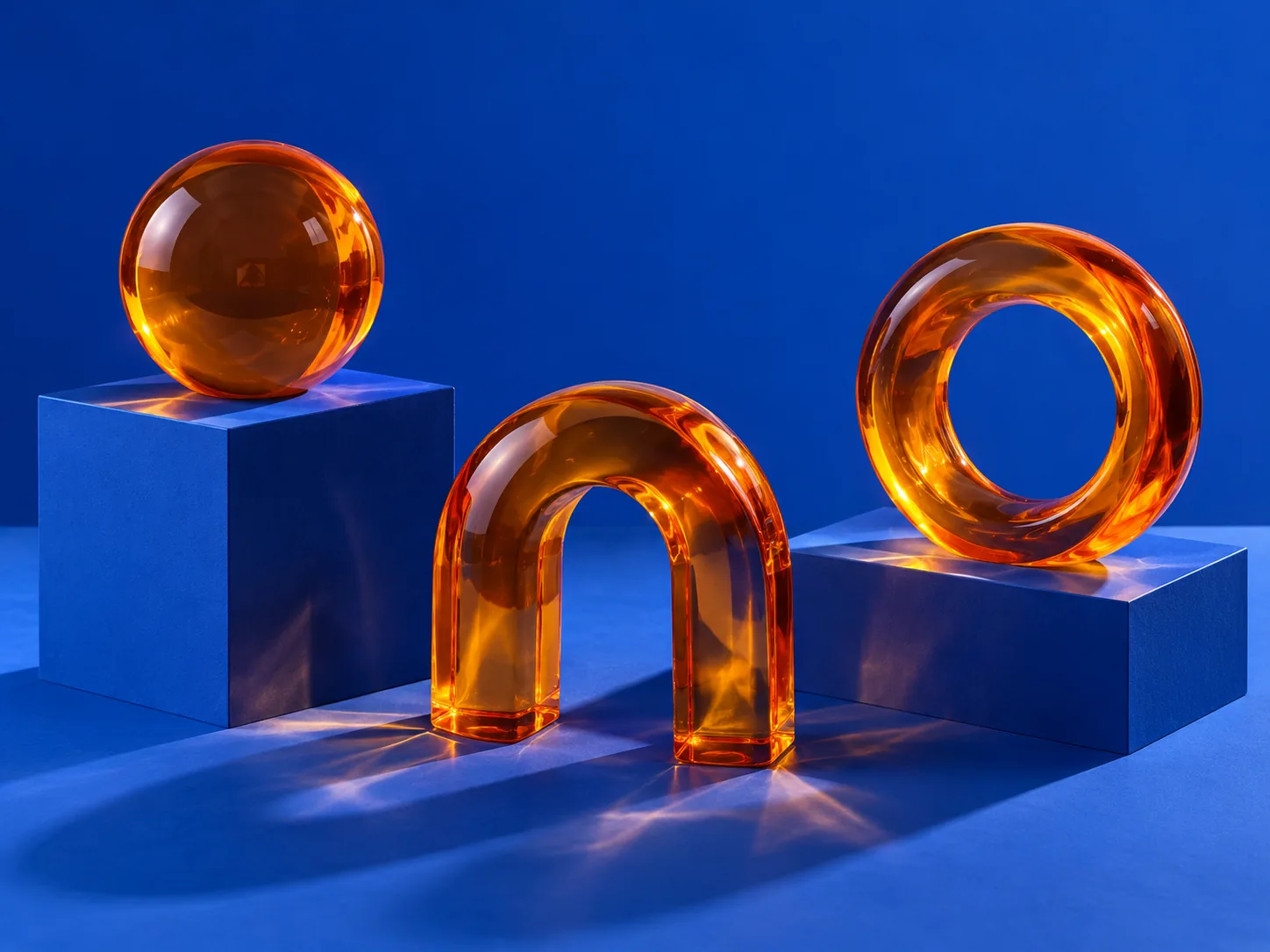
Original creative reference: Amber glass sculptures on cobalt-blue plinths with crisp studio shadows; not a Seedream output
START WITH YOUR IMAGECreative reference
02 / EDIT IMAGE

A new point of view.

Upload your image and describe what should change. Refine its mood, background, composition or details.

Edit your image

THE SEEDREAM 5.0 FAMILY

Find your
creative rhythm.

Pro for image quality and precision. Flash for faster iteration. Lite for visual reasoning and up to 4K output.

Original artwork illustrates creative direction. These photographs are not results from the three Seedream models.

FROM YOUR BRIEF TO YOUR NEXT IMAGE

Make room
for your next idea.

Create product imagery, editorial concepts and visual campaigns in one workspace.

Open Seedream Flash
  1. 01

    Describe the picture.

    Write a prompt. Add references if you have them.

  2. 02

    Choose your settings.

    Choose the aspect ratio and output size. Review your credit estimate.

  3. 03

    Generate. Review. Refine.

    Inspect the details, download your image or develop it further with Edit Image.

CREATOR VOICES

Small teams.
Big ideas.

Illustrative reviews with fictional names, shown as sample content. These are not verified customer testimonials.

Swipe or drag to explore more reviews

YOUR IDEAS. ROOM TO CREATE.

Find your creative pace.

Compare credits, storage and capacity. Choose your Insvee plan.

Loading current plans and regional pricing…

Dola Seedream 5.0 Flash credits vary by workflow and settings; check your estimate in Create. Plan output figures are approximate across tools, subject to credits and access requirements.

Full pricing details

SEEDREAM FLASH FAQ

Before your
first image.

What is Dola Seedream 5.0 Flash?

Dola Seedream 5.0 Flash is ByteDance's image model designed for lower latency and cost-efficient creation. Insvee supports text-to-image generation and image editing with this exact Flash variant.

How is Seedream Flash different from Pro?

Flash prioritizes a faster creative workflow, while Pro emphasizes image quality and detailed control. Both current Insvee integrations offer 1K, 1.5K and 2K output and up to 10 references. Actual generation time varies with the request and service load.

Can Flash generate images from references?

Yes. You can add up to 10 image references in the supported Create workflow. The current integration produces one PNG image per request; it does not expose streaming or sequential batch generation.

Can I use Seedream Flash as an AI image editor?

Yes. Choose Edit Image with Dola Seedream 5.0 Flash selected, upload your image and write the changes you want. Review the current settings and credit estimate before submitting.

Can Flash create multilingual designs and precise edits?

Yes. The publisher lists native multilingual generation and precise editing guided by coordinates, boxes and arrows for Flash. Include exact wording or clear visual instructions and review the result. Flash also supports layer decomposition upstream; the two workflows linked on this page return a single image.

Does Flash support 4K output on Insvee?

The current Flash integration offers 1K, 1.5K and 2K. Seedream 5.0 Lite has 2K, 3K and 4K options in its own Create workflow.

How much does Seedream Flash cost on Insvee?

Create shows your current credit estimate after you choose your settings. Opening a workflow or carrying a prompt into Create does not generate an image or spend credits. Compare current Insvee plans below.

Are these verified Seedream Flash image results?

The photographs on this page are original creative references made for Insvee, not Seedream-generated results. They illustrate possible art direction. Your results will depend on your prompt, references and settings.

YOUR VISION. YOUR NEXT IMAGE.

Imagine it.
Make it yours.

Dola Seedream 5.0 Flash

Essential cookies keep your account secure. Optional analytics and marketing cookies stay off until you choose.