
Insvee MotionLock 1.0
Loading AI tools
Loading AI tools
Essential cookies keep your account secure. Optional analytics and marketing cookies stay off until you choose.
Loading AI tool
Loading Video Edit
Skip to Video EditREIMAGINE A SHOT YOU ALREADY HAVE
Bring a source video and describe the change. Explore a new setting, subject or visual style with a compatible editing model.
Review settings and credits before you start.
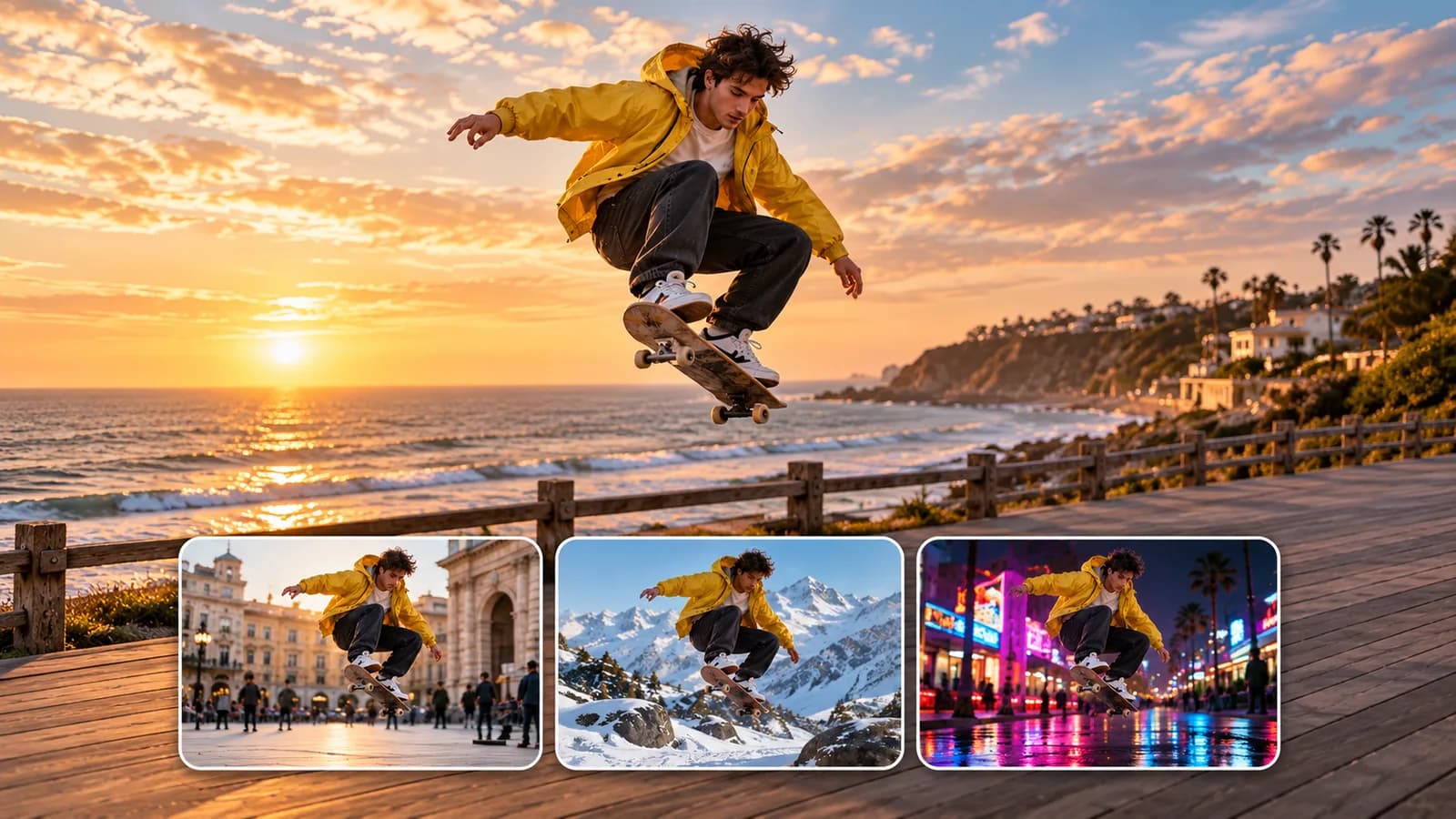
REIMAGINE A SHOT YOU ALREADY HAVE
Bring a source video and describe the change. Explore a new setting, subject or visual style with a compatible editing model.
Review settings and credits before you start.
YOUR IDEA, MADE VISIBLE
Transform an existing video with text instructions and supported references. Change its setting, subject or style, editing the full clip or a selected section where available.
The supplied MotionLock source shot and winter variation. This demonstrates the named editing workflow; the skateboard image is illustrative artwork.
Start your own versionPublished examples from the Insvee template library.
MORE INTENTION. LESS FRICTION.
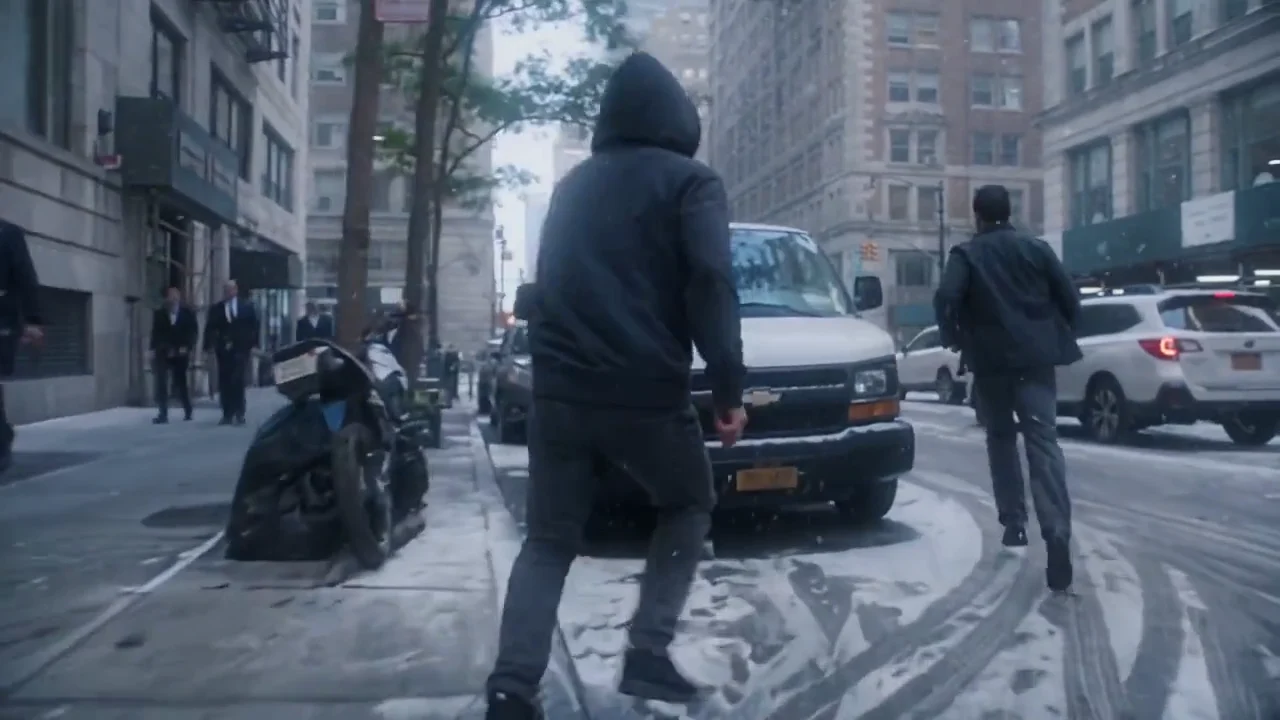
Describe a new location, subject, style or atmosphere using your source clip as the starting point.
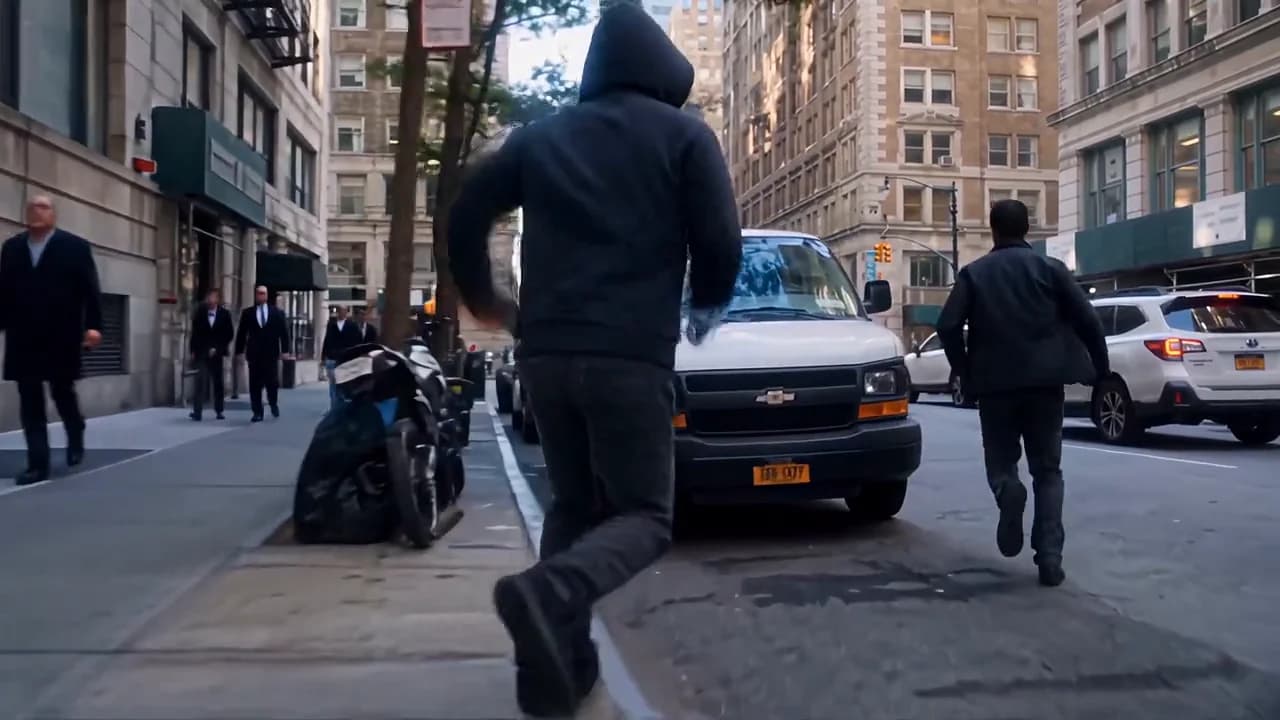
Edit the whole video or a selected range where your model supports it.
Try compatible editing models, including Insvee MotionLock for scene and subject transformations.
Choose a compatible source clip you own or have permission to use.
Select an editing model, write the change and add supported references or a selected range where offered.
Check credits, generate and inspect both the intended changes and motion throughout the result.
MAKE IT PART OF YOUR PROCESS
Explore how a shot could feel in a different setting, season or lighting direction.
Develop alternative visual treatments from a permitted starting clip.
Test a new cast or aesthetic through a model that supports your intended transformation.
CHOOSE YOUR CREATIVE ENGINE
Choose from the current public catalog. Available inputs and output settings depend on the model.
YOUR IDEAS. ROOM TO CREATE.
Compare credits, storage and capacity. Choose your Insvee plan.
Loading current plans and regional pricing…
Video Edit credits vary by workflow and settings; check your estimate in Create. Plan output figures are approximate across tools, subject to credits and access requirements.
Full pricing detailsCREATOR VOICES
Illustrative reviews with fictional names, shown as sample content. These are not verified customer testimonials.
VIDEO EDIT FAQ
Open Video Edit, select a compatible model and add a source clip. Describe the change, provide any supported references and choose the available settings. Review the credit estimate before generating the edited video.
Some compatible workflows support selecting a source-video range instead of editing the whole clip. The selected model's form determines whether this control is available. Review the chosen range before submitting.
Motion preservation depends on the model, source and requested change. A source video provides direction, but generated edits can change movement, timing, appearance and small details. Review the full output for unexpected differences.
Video Edit supports a broader written transformation through a compatible editing model. Replace Character is a dedicated workflow using one source video and one replacement image to swap the main character.
The comparison reuses the supplied Insvee MotionLock source and winter demonstration already published on its model page. It shows that specific editing workflow, rather than a result from every Video Edit model. The skateboard artwork is a separate labelled illustration.
Reference-image support depends on the selected editing model. If the form accepts images, add permitted references that clearly explain the subject or visual direction. The current form also shows the applicable upload limits.
YOUR IDEA. YOUR NEXT MOVE.
Start with Video Edit. Make something that feels like you.