
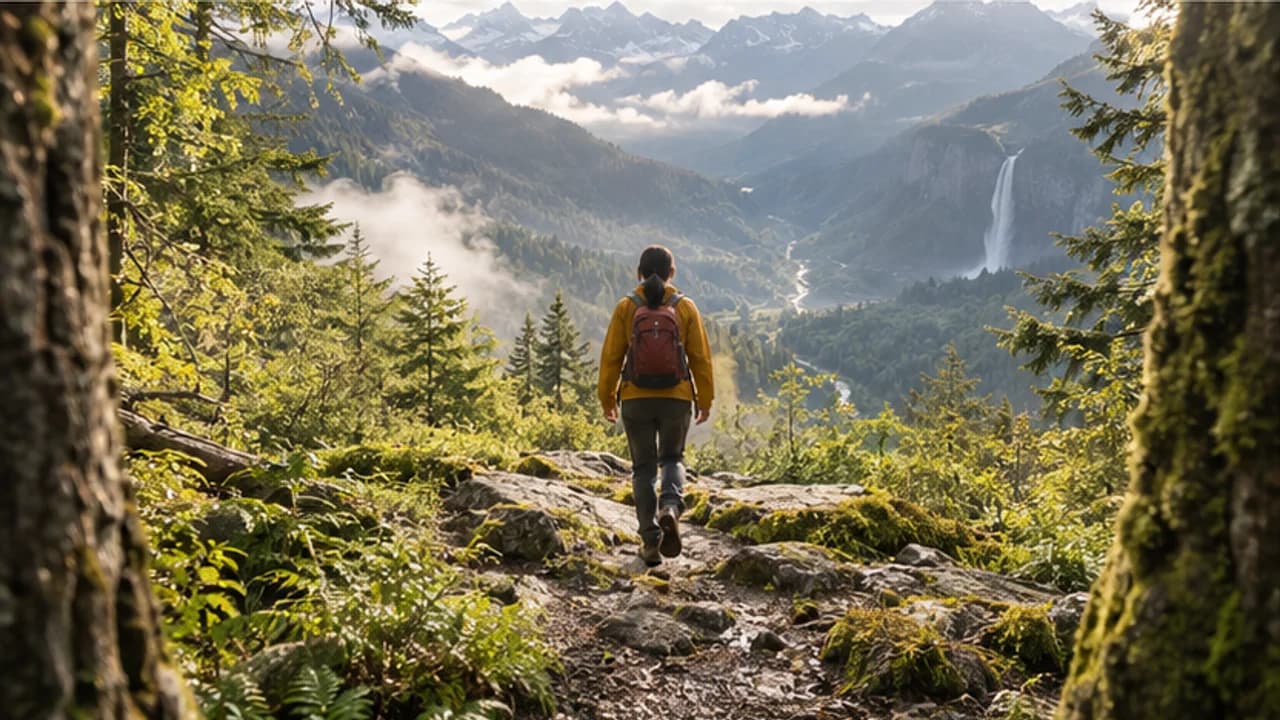
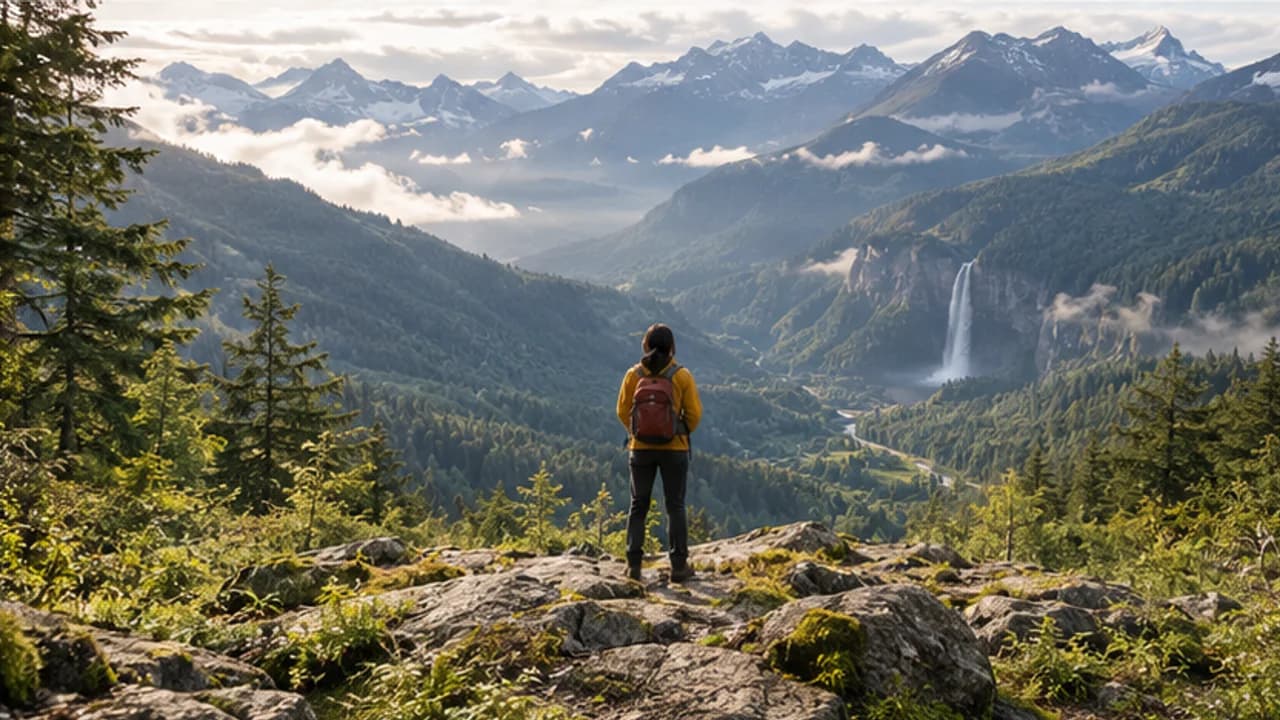

Your clipNew footageA longer story
Start where your video stops
Add your source clip and describe the action or reveal that should follow its final moment.
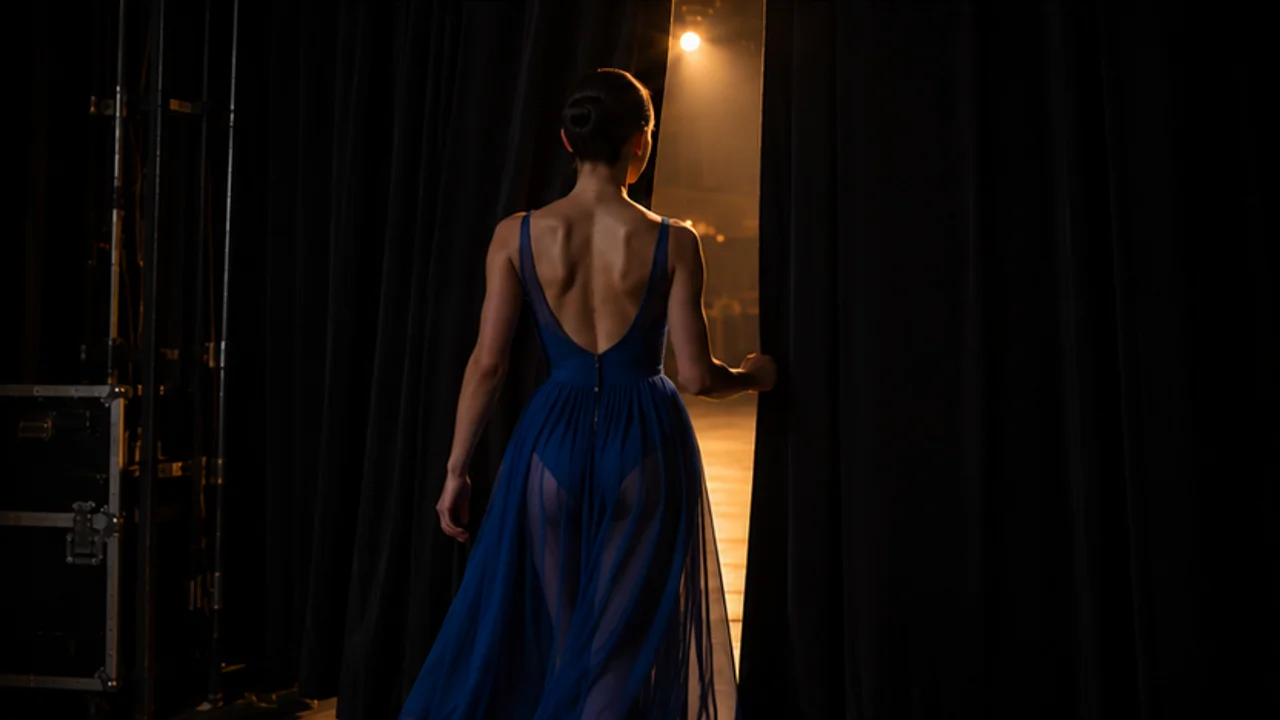
Loading AI tools
Essential cookies keep your account secure. Optional analytics and marketing cookies stay off until you choose.
Loading AI tool
Loading Video Extend
Skip to Video ExtendGIVE THE MOMENT ANOTHER BEAT
Bring a video and describe what happens next. Explore a continuation with the model and duration that fit your story.
Review settings and credits before you start.


Your clipNew footageLonger video
Illustrative artwork · not a verified extension result
GIVE THE MOMENT ANOTHER BEAT
Bring a video and describe what happens next. Explore a continuation with the model and duration that fit your story.
Review settings and credits before you start.


YOUR IDEA, MADE VISIBLE
Extend a video with a prompt describing the next action or camera movement. Choose the duration and direction supported by your model, then review how the continuation connects.


Your clipNew footageA longer story
MORE INTENTION. LESS FRICTION.


Your clipNew footageA longer story
Add your source clip and describe the action or reveal that should follow its final moment.
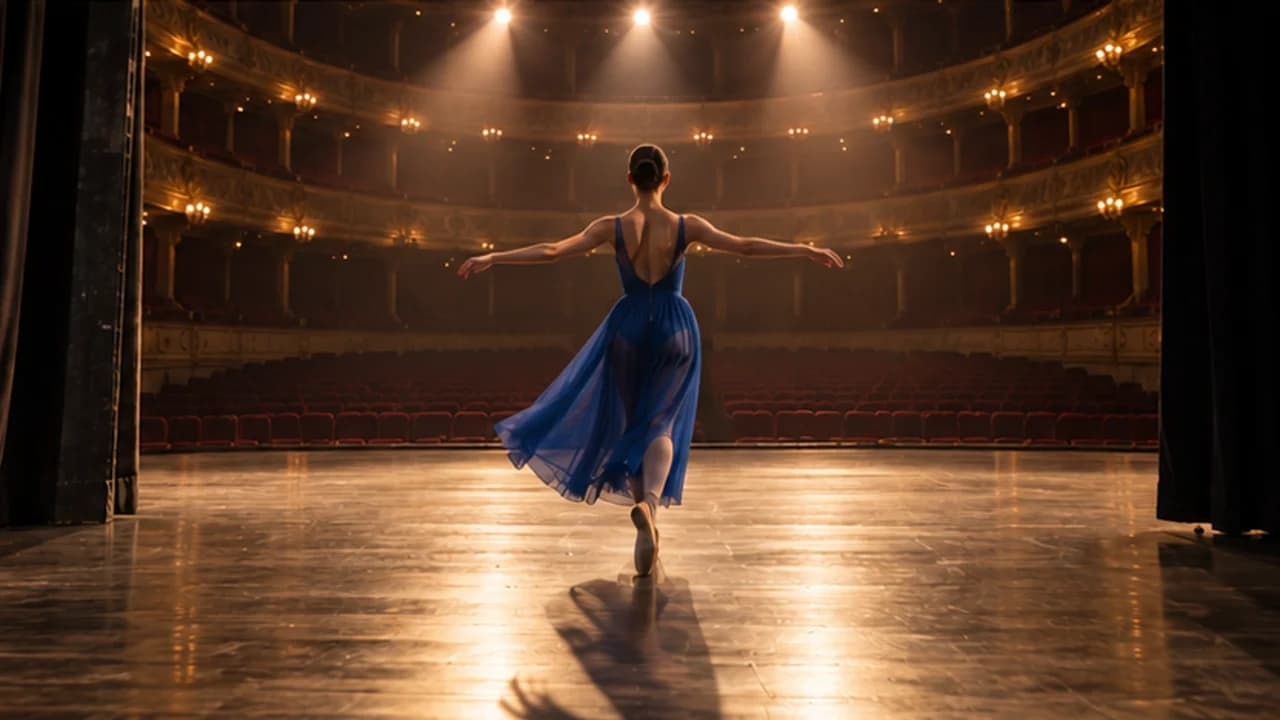
Upload a compatible source video with a clear scene and movement you want to develop.
Describe the continuation, select an available model and review its supported extension settings.
Check credits, create the continuation and review the transition before assembling your final edit.
MAKE IT PART OF YOUR PROCESS
Explore a few more beats of an action or atmosphere already established in your clip.
Develop the next camera movement or reveal from a permitted product scene.
Continue a scene toward a wider view or another stage of an ongoing movement.
CHOOSE YOUR CREATIVE ENGINE
Choose from the current public catalog. Available inputs and output settings depend on the model.
YOUR IDEAS. ROOM TO CREATE.
Compare credits, storage and capacity. Choose your Insvee plan.
Loading current plans and regional pricing…
Video Extend credits vary by workflow and settings; check your estimate in Create. Plan output figures are approximate across tools, subject to credits and access requirements.
Full pricing detailsCREATOR VOICES
Illustrative reviews with fictional names, shown as sample content. These are not verified customer testimonials.
VIDEO EXTEND FAQ
Open Video Extend, select a compatible model and add a source video. Describe what should happen next, choose the supported extension settings and review the credit estimate before generating.
The workflow asks the model to generate a continuation from the source and your instruction. It is not a promise of a simple loop or slow-motion conversion. Inspect the output to see how the model develops the scene.
Extension length and source-duration limits depend on the selected model. Create shows the current supported choices and validates your clip before submission.
Some video-extension models support forward, backward or both-direction controls. Other available workflows publish a forward continuation only. Use the options actually offered by your selected model in Create.
A source video guides the continuation, but a perfect join is not guaranteed. Review the boundary, appearance, lighting, motion and audio, then make any timing or transition adjustments needed in your final edit.
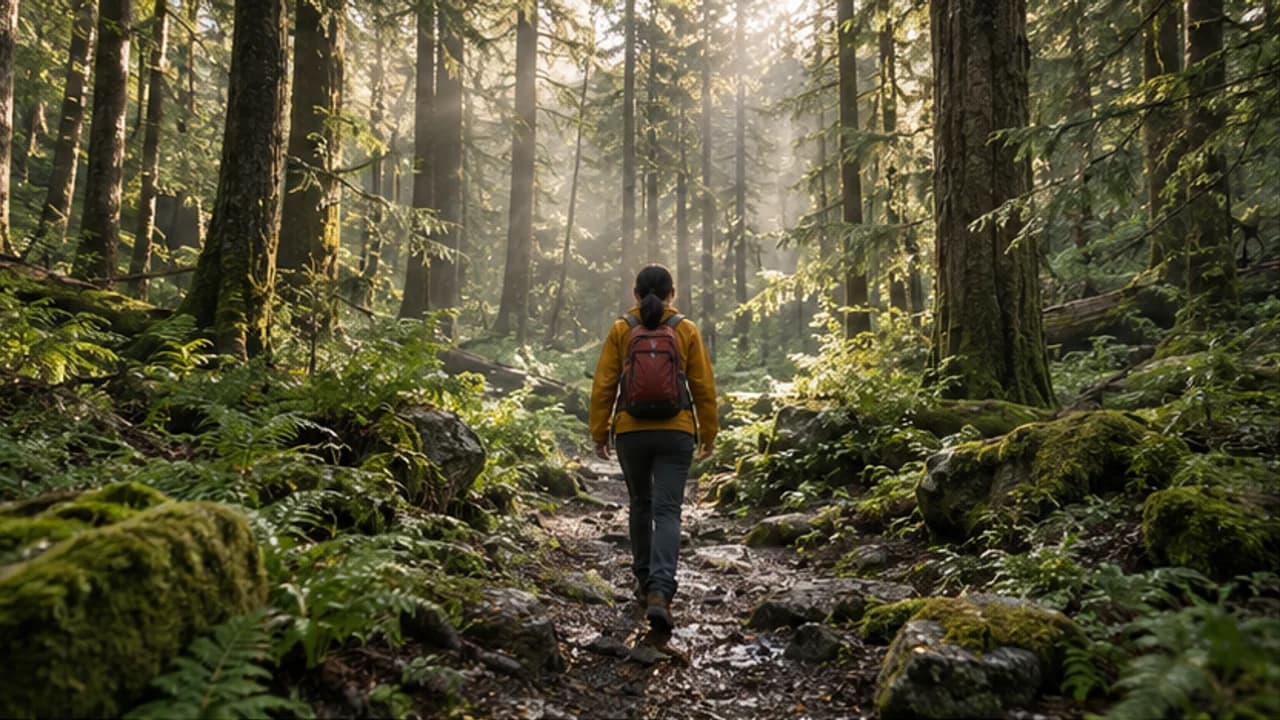
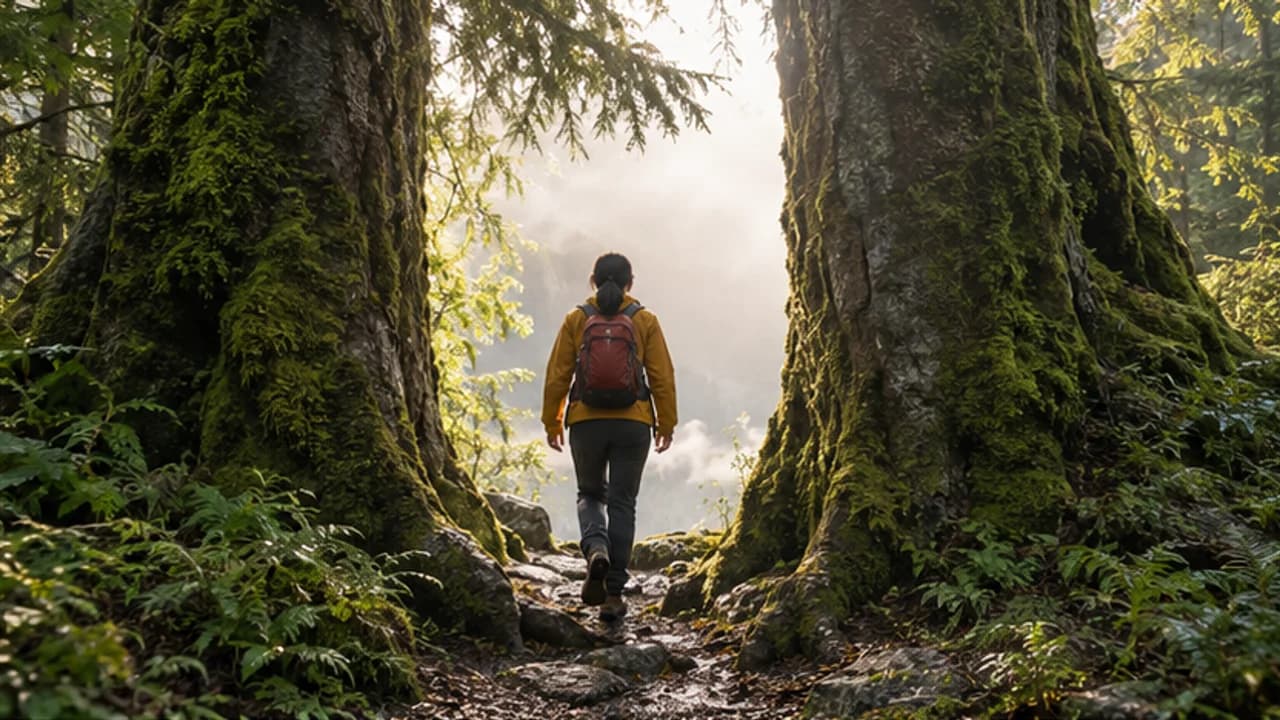
The hiking sequence is an original labelled workflow illustration. It separates the original-clip concept from imagined added footage and is not a verified Video Extend output or a frame-by-frame continuity benchmark.
YOUR IDEA. YOUR NEXT MOVE.
Start with Video Extend. Make something that feels like you.
Your clipNew footageLonger video
Illustrative artwork · not a verified extension result
Continuation idea: Keep following the hiker beyond the trees, then reveal a wide mountain valley and waterfall.
Original illustration; not a verified tool result.
Your clipNew footageA longer story
Generate a continuation with supported settings, then review how the new footage connects to your clip.
Review the transition, subject consistency, pacing and motion before joining your clips.