01 / CAMERA & ACTIONGet closer.
Get closer.
Change the angle.
Direct the movement, framing and pace in your scene brief.
Direct your first shotAI VIDEO GENERATOR BY BYTEDANCE
More story. More possibility.
Go further with 30-second AI videos, richer references and draft previews. Turn your next idea into a film on Insvee.
REAL SEEDANCE 2.5 RESULTS
Published on Insvee. Watch with sound for the full scene.
Direct the movement, framing and pace in your scene brief.
Direct your first shot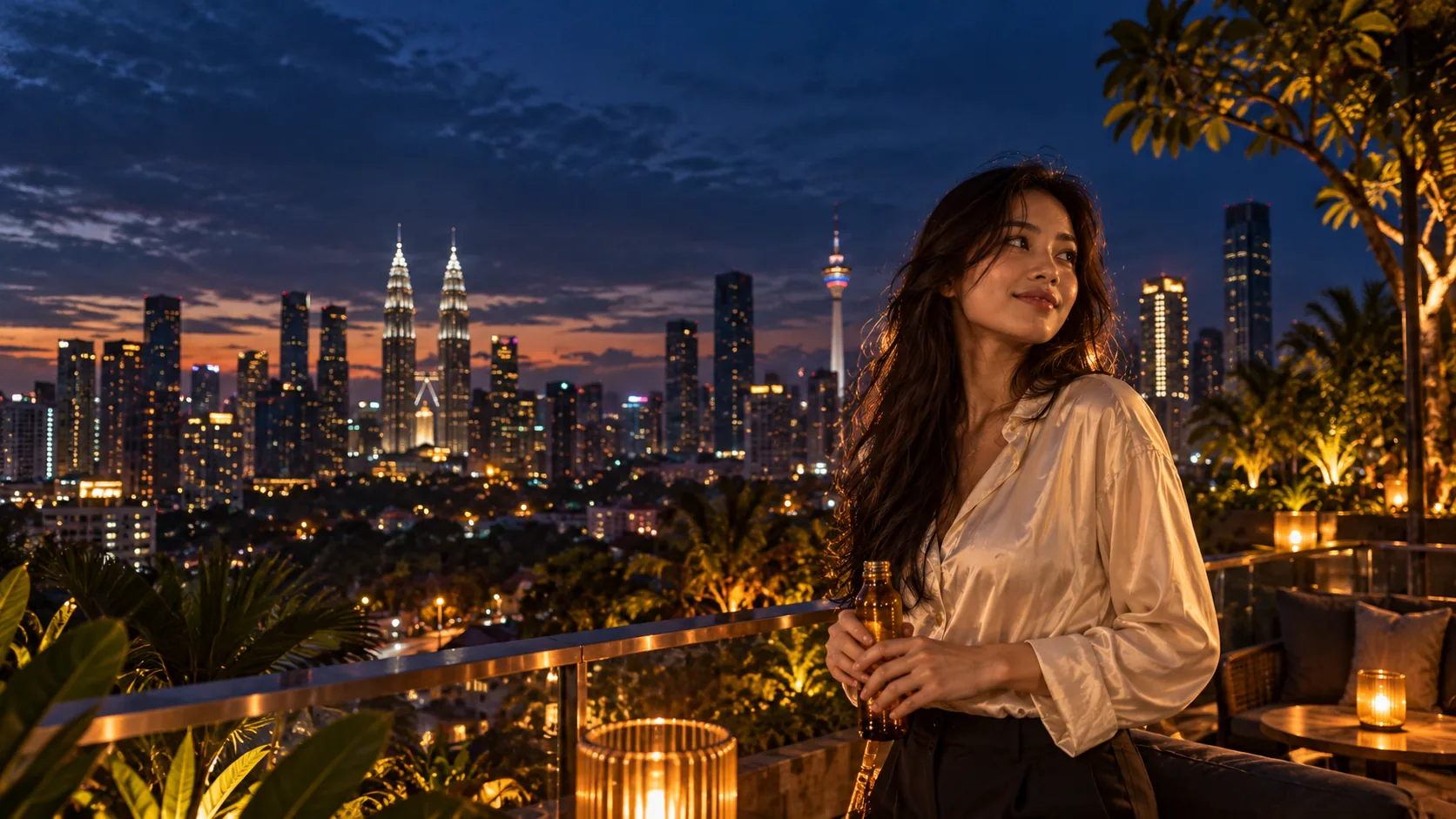
Turn everyday actions into food films, social clips and campaign ideas.
Make your next campaignThese published examples are 8-second, 720p Text to Video results. Longer clips and other workflows are separate capabilities.
MULTIMODAL REFERENCES
Combine visual direction, movement and sound. Or start with audio alone.
Bring your references Up to the limits shown above; video and audio each have a 30-second combined cap.IMAGE TO VIDEO
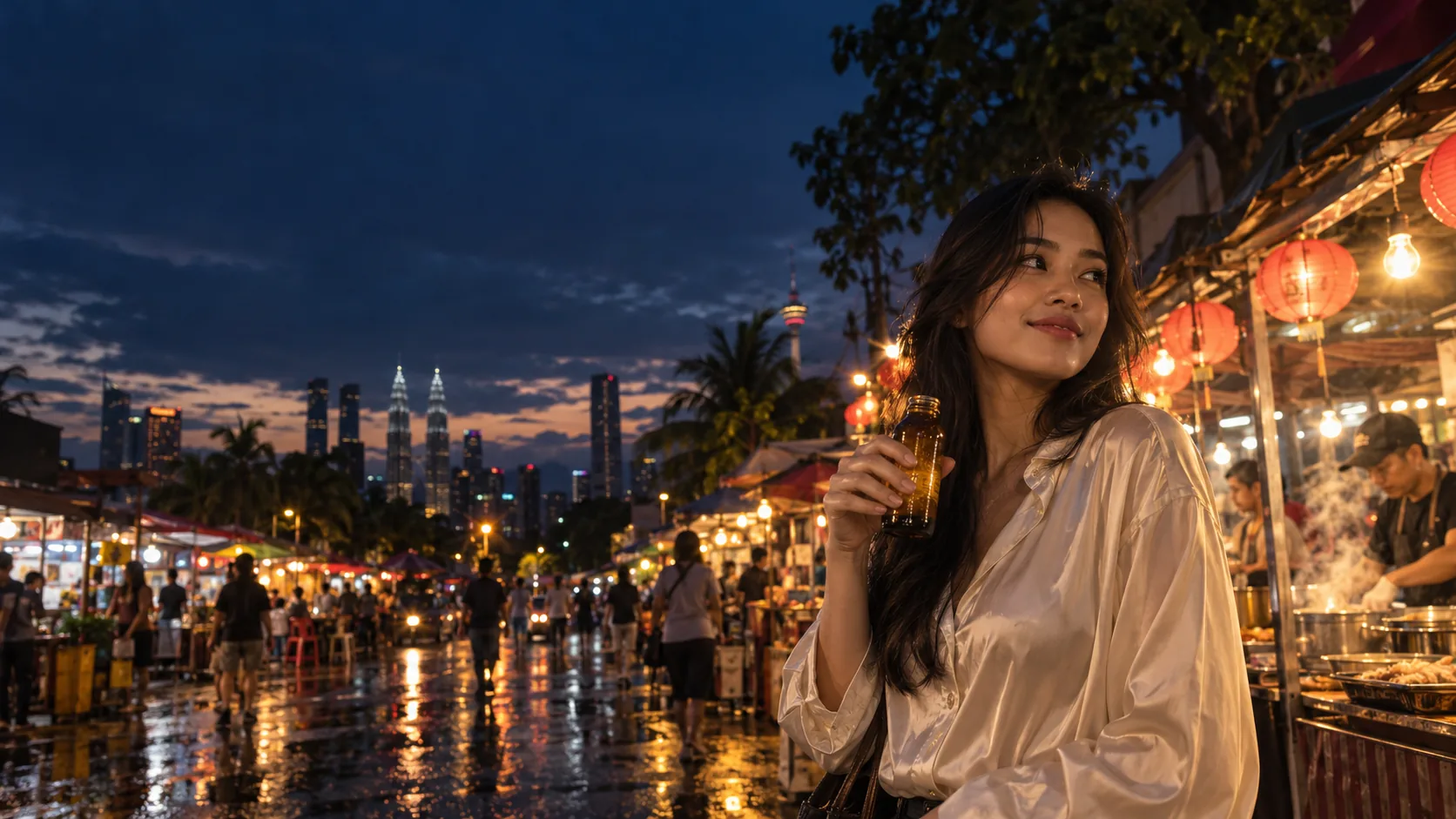
Your start frame sets the first image. An optional end frame guides the last. Seedance generates the movement between them—one continuous shot, from holding the bottle to taking a sip.
Create with start & end frames01 / FIRST IMAGEStart frameBottle held near her chestSeedance generates the movement“Raise the bottle and take a sip.”
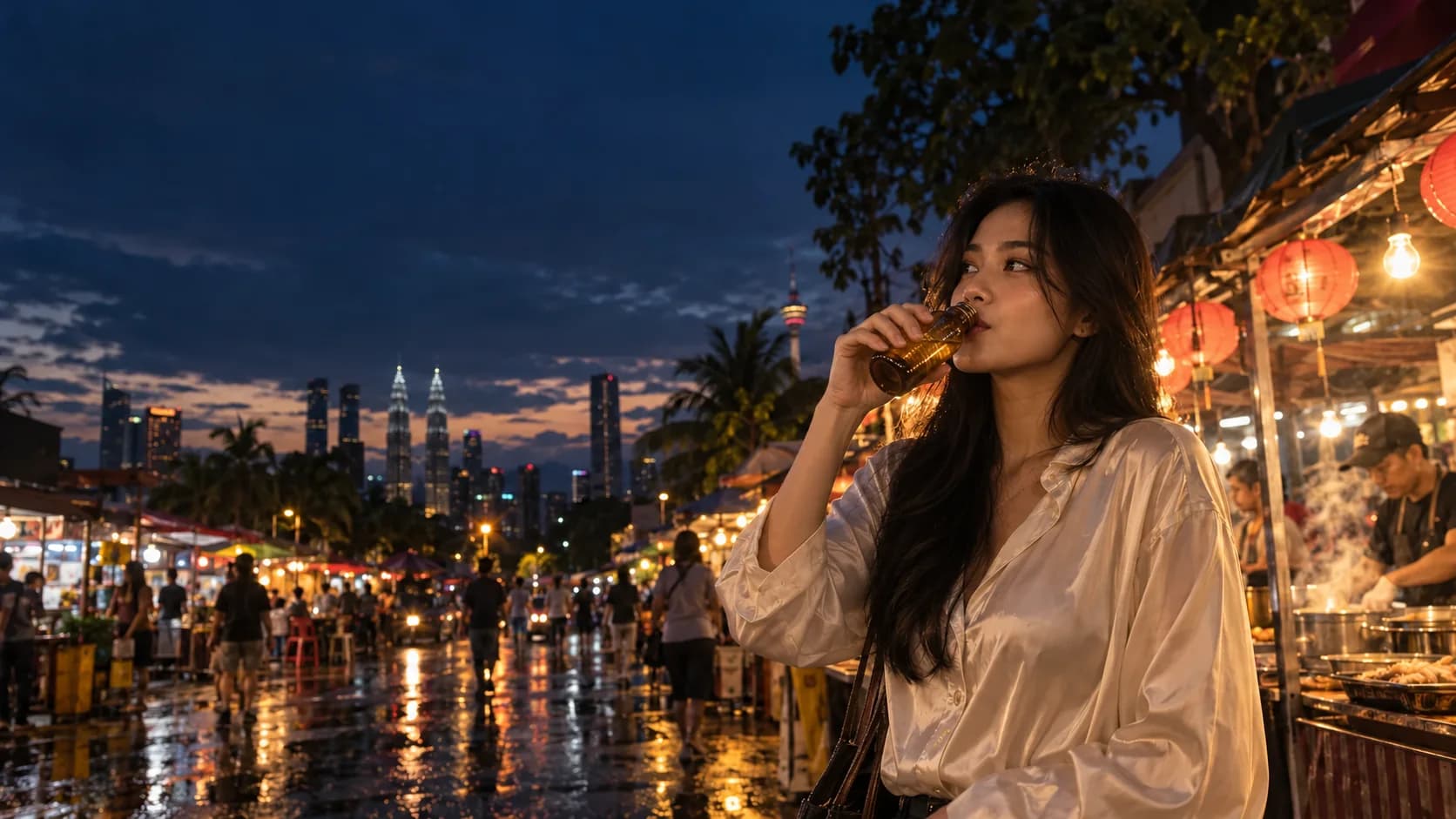 02 / LAST IMAGEEnd frame OptionalSame shot · bottle raised to her lips
SEEDANCE 2.5 DRAFT MODE
Test motion, framing and style with lower-cost 480p drafts before committing to 1080p. Finalize the draft you like to help keep your creative direction consistent and avoid costly full-resolution retries.
Try the draft workflowTry ideas at a lower cost.
Catch issues. Keep the direction you like.
Finalize your chosen draft within 7 days.
PEOPLE. PLACES. PERSONALITY.
Describe the atmosphere, dialogue and effects. Add optional generated audio.
ONE MODEL. FOUR STARTING POINTS.
Choose your Seedance 2.5 workflow.
Start with words. Guide the scene with images, clips or audio.
Write your sceneAnimate a start image, with an optional end frame.
Animate your framesRework a source clip with a prompt and up to 9 image guides.
Reimagine your clipBring a source video. Describe the continuation.
Continue the storyYOUR NEXT CAMPAIGN STARTS HERE
For brands, creators and businesses in Malaysia and Southeast Asia.
Open Seedance 2.5Write a prompt and add the references you need.
Set duration, framing and audio. Try Draft or generate directly.
Check the credit estimate, create your video and review the result.
CREATOR VOICES
Illustrative reviews with fictional names, shown as sample content. These are not verified customer testimonials.
READY FOR YOUR NEXT STORY?
YOUR IDEAS. ROOM TO CREATE.
Compare credits, storage and capacity. Choose your Insvee plan.
Loading current plans and regional pricing…
Seedance credits vary by workflow and settings; check your estimate in Create. Plan output figures are approximate across tools, subject to credits and access requirements.
Full pricing detailsSEEDANCE 2.5 FAQ
Seedance 2.5 is ByteDance's AI video model. On Insvee, create videos from text or images, edit existing clips and extend a scene, with optional generated audio.
Seedance 2.5 supports clips up to 30 seconds, up to 50 Text to Video references, audio-only references, MOV output and a 480p draft-to-1080p workflow. Explore Seedance 2.0 for its own capabilities and examples.
Text to Video accepts up to 30 images, 10 video clips and 10 audio clips, with 50 references total. Video and audio references are 2–30 seconds each, with up to 30 seconds combined per media type. Start/End Frame, Edit and Extend have their own inputs; Create shows the current limits.
Yes. Seedance 2.5 Text to Video supports audio-only references. Add your audio and describe the visuals you want. You can also choose optional generated audio for dialogue, ambience or effects.
Enable Draft in Create to generate a 480p preview. Review the result, then request its 1080p final within seven days. Draft and final are separately billed; review each credit estimate before continuing.
Generate 4–30-second clips in MP4 or MOV at 480p, 720p or 1080p. Text to Video supports landscape, portrait and square options. Frame, Edit and Extend workflows use adaptive framing. Create shows the settings for your selected workflow.
The playable examples are published Insvee Official Seedance 2.5 Text to Video results: 8 seconds, 720p, with generated audio enabled. They are not demonstrations of Draft, Edit or Extend. The reference-to-video animation pairs an illustrative ice-cream object reference with a motion excerpt from the night-market example; these were not its original generation inputs. The other night-market and rooftop photographs are original creative-reference concepts.
Insvee shows the current credit estimate in Create before you generate. Entering a prompt on this page starts no paid job. Explore the live plan comparison below for included credits.
IMAGINE IT. DIRECT IT. CREATE IT.
Essential cookies keep your account secure. Optional analytics and marketing cookies stay off until you choose.