

Bring the movement.
Upload one reference video. MotionLock uses its movement and camera direction to guide your edit.
One motion. Three worlds.
Keep the motion.
Change the world.
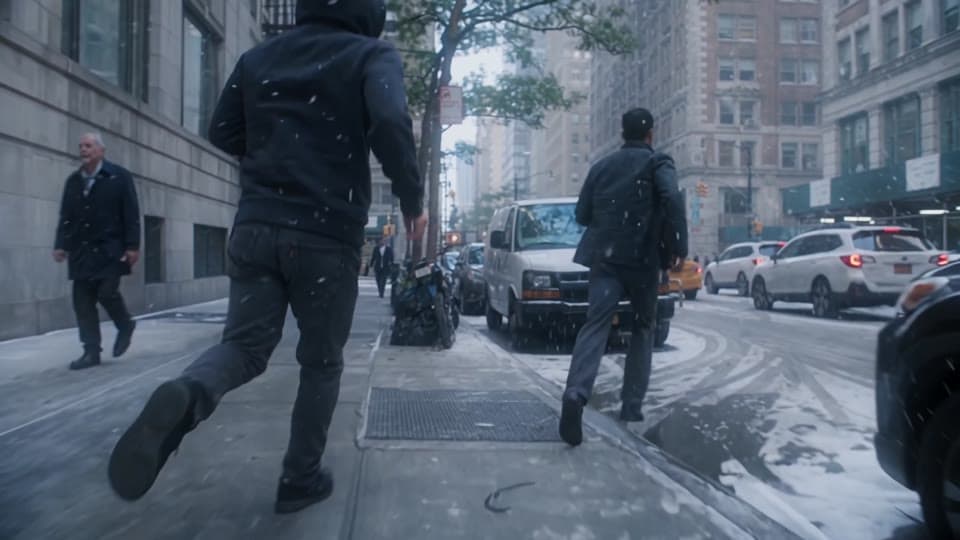
AI video-to-video editing starts with your own footage.
Reimagine a character, object, or setting using the source movement as a guide.
AI VIDEO-TO-VIDEO EDITING
Insvee MotionLock 1.0 is an AI video-to-video editor that uses a reference clip as the starting point for its movement and camera direction. Describe a different character, object, or environment, with optional images to guide the appearance.
Compare the original footage with character, object, and location changes in the examples below.
01 / Object replacement
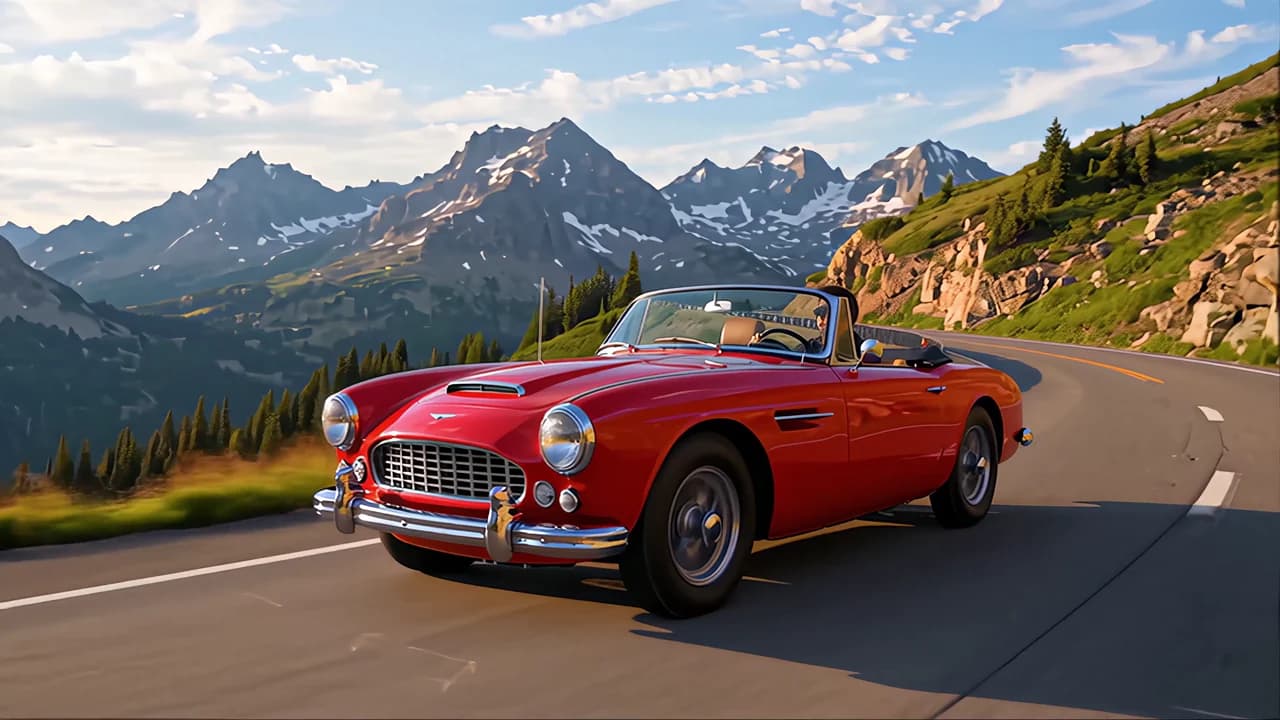
A different silhouette, the same mountain drive. Swap the car while the road, camera movement, and surrounding landscape carry the shot.

Replace the classic with a white supercar.
02 / Character + environment
Take a warehouse fight into a school classroom or an illustrated arena. Follow the same punches, kicks, and camera beats through a different cast and setting.
Recast the performers as students in a school classroom.
03 / Character recasting
A suited walk through a modern lobby becomes a woman in a red qipao moving through an ornate Chinese interior. The walk, gestures, and tracking shot connect both versions.
Change the character, wardrobe, and setting in one edit.
04 / Location swap
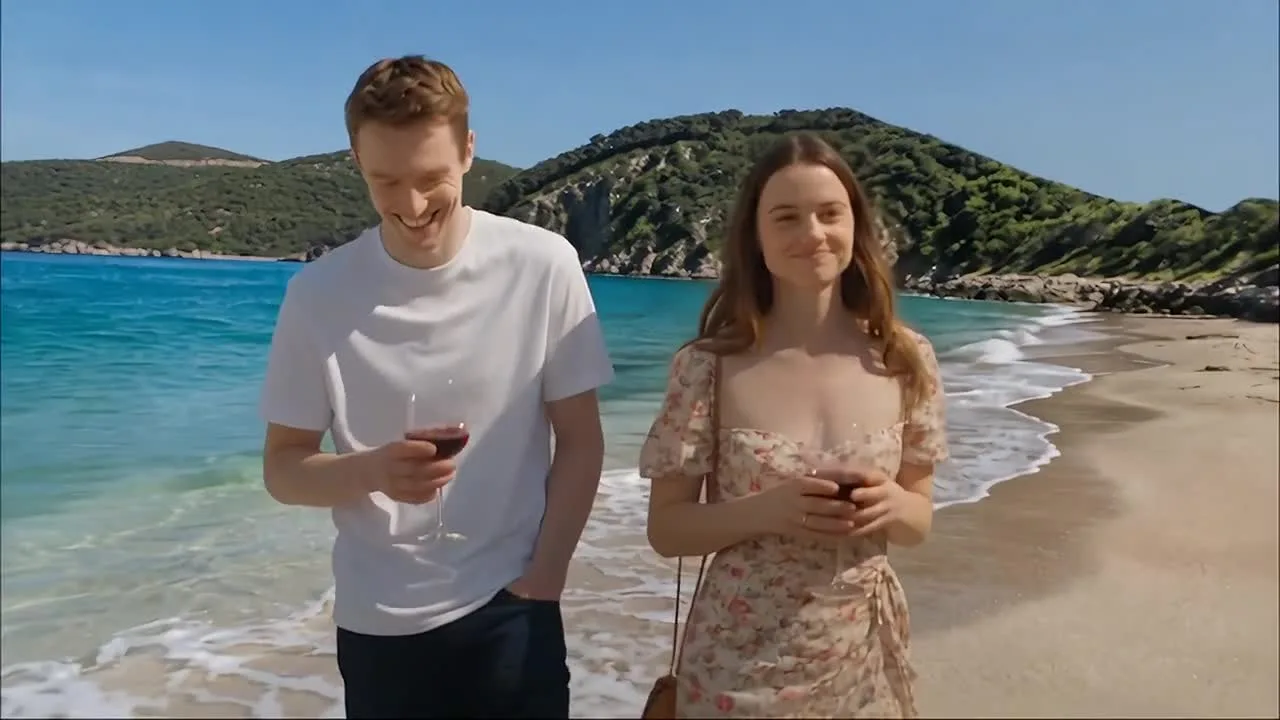
Keep the couple at the heart of the scene. Move their vineyard stroll to a sunlit beach or a hotel lobby, with the conversation and movement as your starting point.

Trade the vineyard for turquoise water and a sunny shoreline.
05 / World transformation
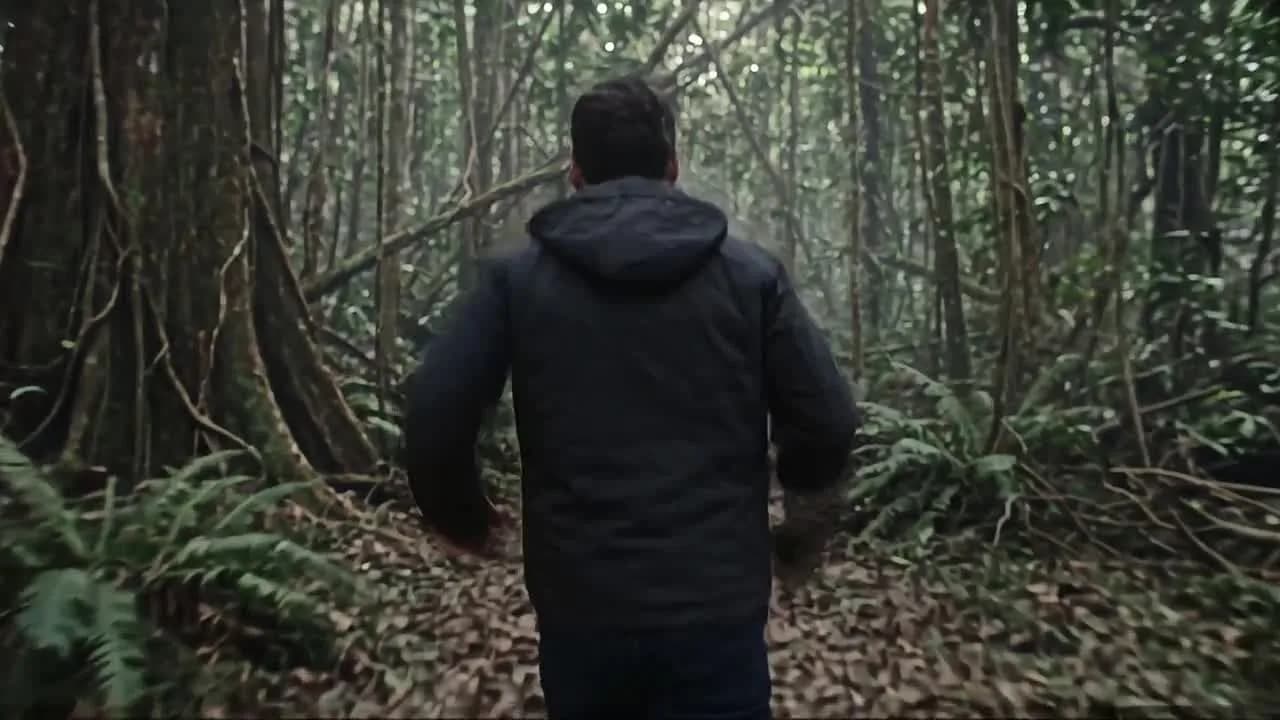
Follow a runner out of the alley and into a lush jungle, or rebuild the character and streets as a Lego-built world. One movement becomes two very different visual stories.
Move the run into a lush jungle surrounded by trees and ferns.
FROM YOUR TAKE TO YOUR VISION
Upload one reference video. MotionLock uses its movement and camera direction to guide your edit.

Describe a new character, object, or setting. Add optional image references to guide the look.
Example promptReplace the car with a white supercar.

Choose Standard or Pro in Video settings, review the credit estimate, and generate your full-clip edit.
FROM A SOURCE CLIP TO A CREATIVE DRAFT
AI video editing ideas for marketing teams in Malaysia and Southeast Asia. Start with your footage and explore a new creative direction.
SourceReimaginedTry object replacement to explore a new silhouette or finish. Check logos, proportions, and product details before using an edit in a campaign.
See object replacement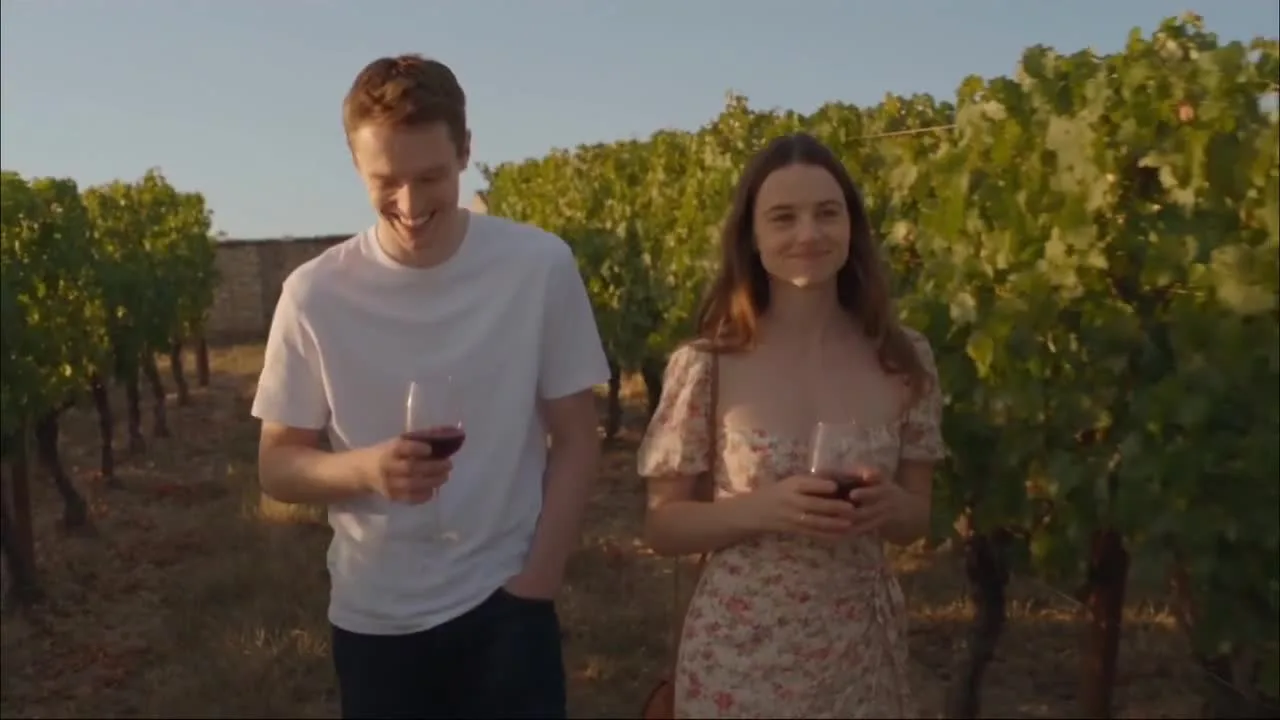 Source
 Reimagined
Explore location changes from vineyard to beach or hotel, using the same performance as your starting point.
Compare location changes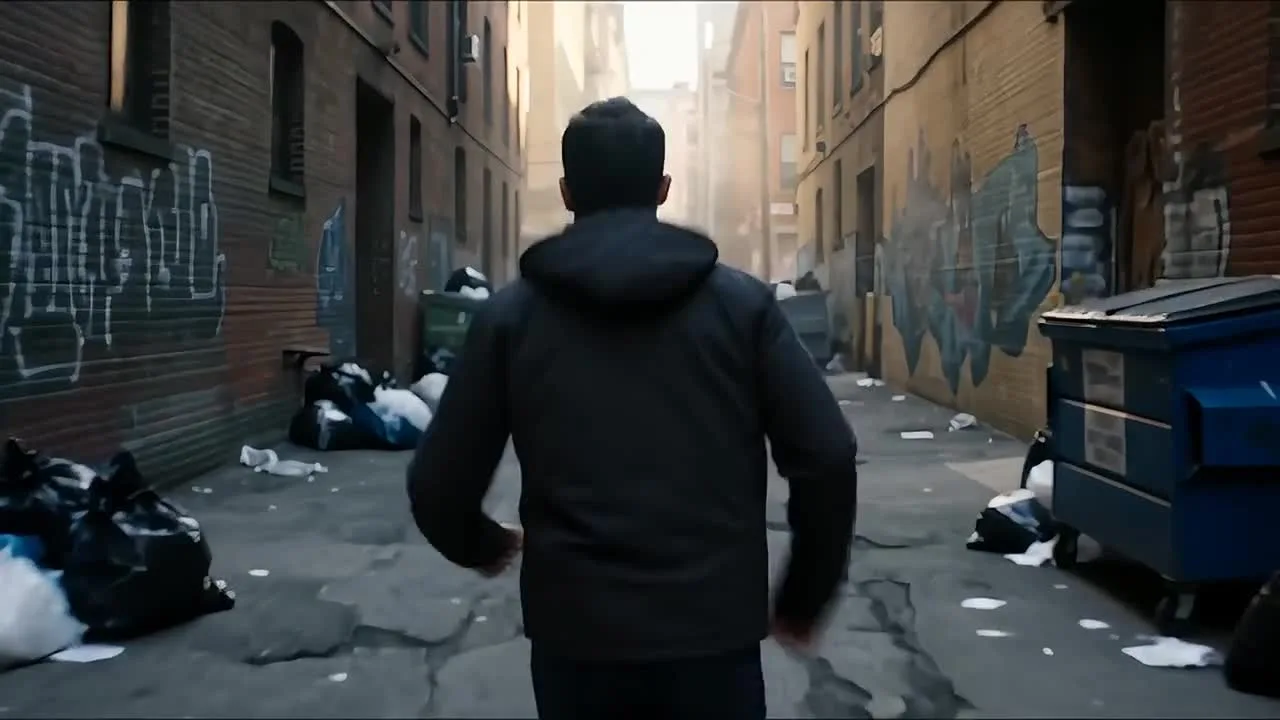 Source
 Reimagined
Reimagine characters and environments with the source movement as a guide. Compare the fight and running transformations for inspiration.
Explore world transformationsBEFORE YOUR FIRST EDIT
Yes. MotionLock requires one source video. Add optional image references to guide the character, object, or setting, and describe the change you want.
MotionLock edits the full reference clip. Selected-section editing is available only with supporting Video Edit models. The Video Edit guide explains how to check the available workflow.
Open MotionLock in Video Edit, then expand Video settings to choose the mode. Review the available settings and credit estimate after switching modes.
The selected mode controls the accepted video length, file limits, and number of image references. Check the current upload controls in the workspace. If a saved file is incompatible, follow the reference troubleshooting guide.
Generative editing can change details beyond the requested edit. Compare the result with the source and review movement, faces, product features, text, and audio before publishing. The showcase examples illustrate possibilities and are not a guarantee for another clip.
The workspace displays a credit estimate for the current mode, source, and settings before you generate. Review the estimate after changing your inputs. The plans and pricing page explains current plan credits and capacity.
YOUR NEXT SCENE STARTS WITH THIS ONE
Essential cookies keep your account secure. Optional analytics and marketing cookies stay off until you choose.