
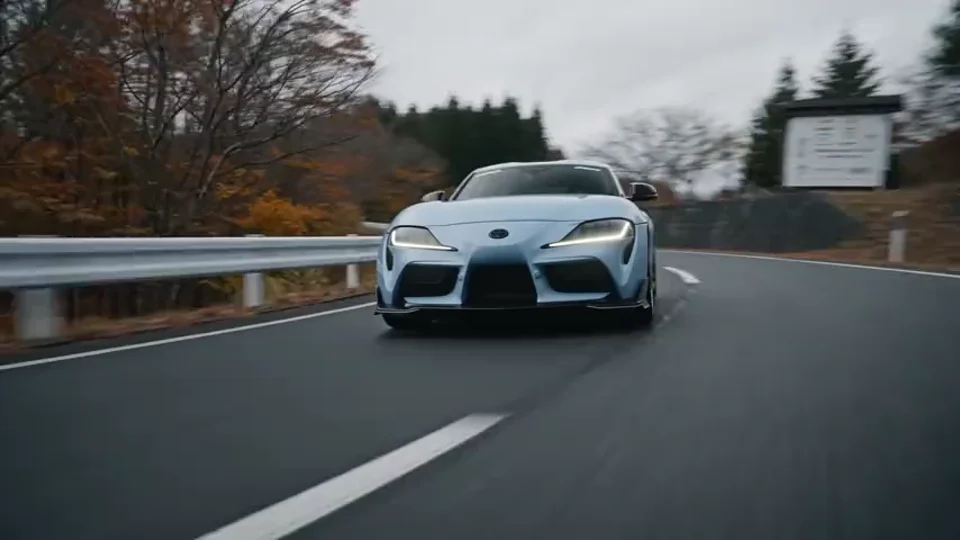
01 / CAMERA & MULTI-SHOT DIRECTIONEvery angle.
Every angle.
One vision.
Describe tracking shots, close-ups and a wider reveal in one scene brief.
Direct your first shotAI VIDEO GENERATOR BY BYTEDANCE
Think in scenes. Create in motion.
Turn prompts and references into cinematic AI videos. Direct the camera, shape the scene, and create with sound on Insvee.
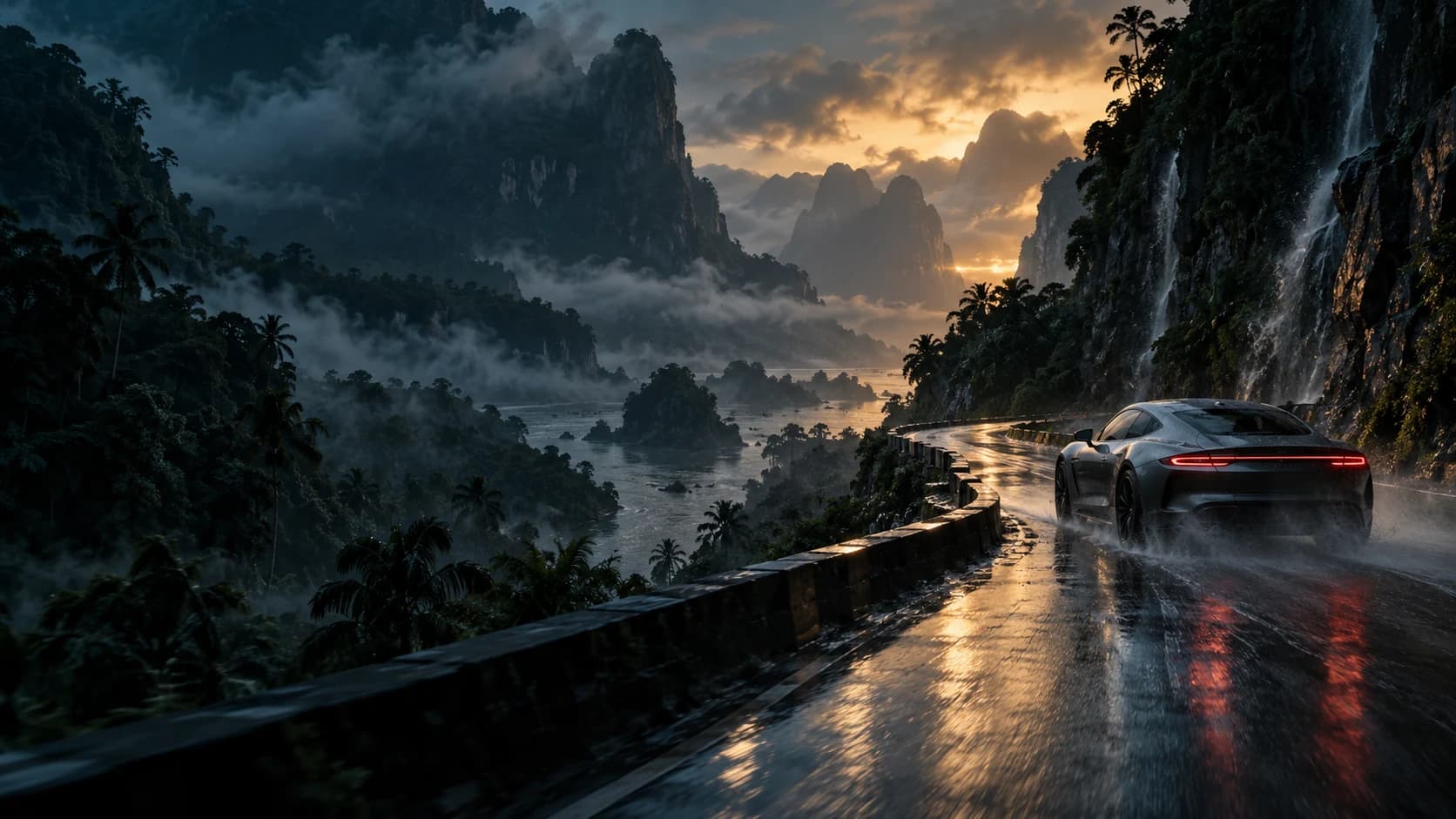
SEE THE POSSIBILITIES
Guide the subject, camera and style with images, video and sound.
Describe tracking shots, close-ups and a wider reveal in one scene brief.
Direct your first shot
Bring your imagery. Build a campaign around its look and details.
Bring your referencesACTION. ATMOSPHERE. IMAGINATION.
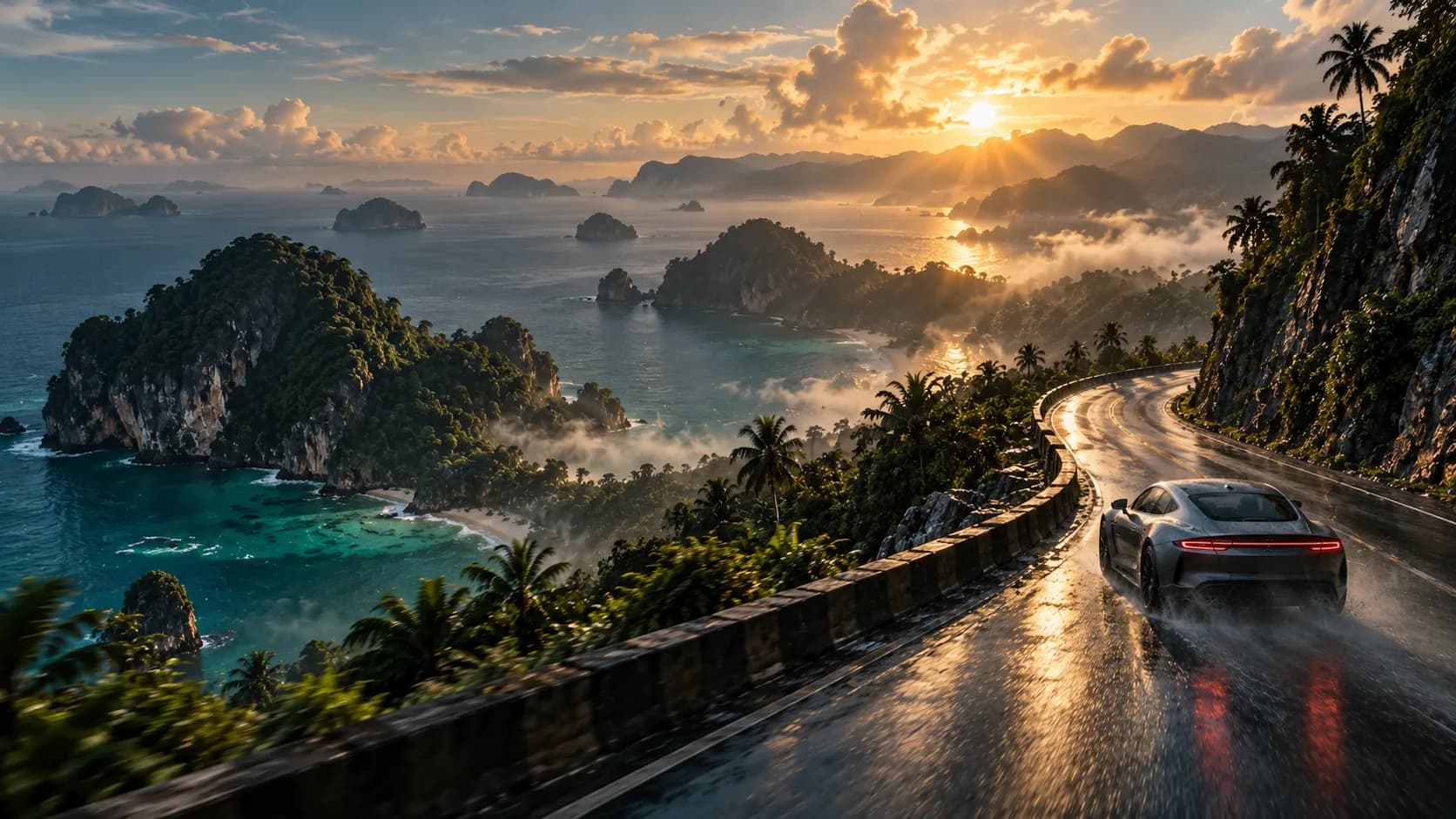
IMAGE TO VIDEO
Choose a start image, add an optional end frame, and describe the movement.
Animate your frames01 / START FRAME02 / OPTIONAL END FRAMEONE MODEL. FOUR STARTING POINTS.
Choose your Seedance 2.0 workflow.
Write your scene. Add image, video or audio references.
Start with a promptAnimate a starting image. Guide it with an optional end frame.
Animate your framesReimagine a source clip with a prompt and image guides.
Edit your videoUpload a clip. Describe the scene that comes next.
Continue your scene CREATIVE REFERENCE
VIDEO EDIT
Change the mood, setting or visual details of your source clip.
Reimagine your videoCONTINUATION CONCEPTVIDEO EXTEND
Continue your source video with the next action or camera reveal.
Continue your sceneOPTIONAL GENERATED AUDIO
Describe the dialogue, ambience and effects. Create with picture and sound.
Write a scene with sound Original creative reference · no audio sampleYOUR NEXT CAMPAIGN STARTS HERE
For brands, creators and businesses in Malaysia and Southeast Asia.
Open Seedance 2.0Write a prompt. Add your references.
Set the format, length and audio. Review the credit estimate.
Review your take and develop the next.
CREATOR VOICES
Illustrative reviews with fictional names, shown as sample content. These are not verified customer testimonials.
READY FOR YOUR FIRST TAKE?
YOUR IDEAS. ROOM TO CREATE.
Compare credits, storage and capacity. Choose your Insvee plan.
Loading current plans and regional pricing…
Seedance credits vary by workflow and settings; check your estimate in Create. Plan output figures are approximate across tools, subject to credits and access requirements.
Full pricing detailsSEEDANCE 2.0 FAQ
ByteDance's AI video model. On Insvee, use Seedance 2.0 for text to video, image to video, video editing and video extension in one Create workspace.
Text to Video supports up to 9 images, 3 videos and 3 audio clips, with 12 references total. Audio needs an image or video reference. Start/End Frame uses images. Edit and Extend use a source video. Create shows the current upload limits.
Generate 4–15-second MP4 clips. Text and frame workflows offer landscape, portrait and square formats; Edit and Extend adapt to the source. Available resolutions appear in Create; 4K uses an enhancement stage.
Yes, optional generated audio is available. Describe dialogue, ambience or effects, then review timing and pronunciation before publishing.
Create shows your current credit estimate before generation. Entering a prompt here starts no paid job. See plans and pricing for plan credits.
Live examples come from Insvee's public Official catalog and are checked for the exact model version. Original reference artwork and imagined frame concepts are labelled separately.
IMAGINE IT. DIRECT IT. CREATE IT.
Essential cookies keep your account secure. Optional analytics and marketing cookies stay off until you choose.