
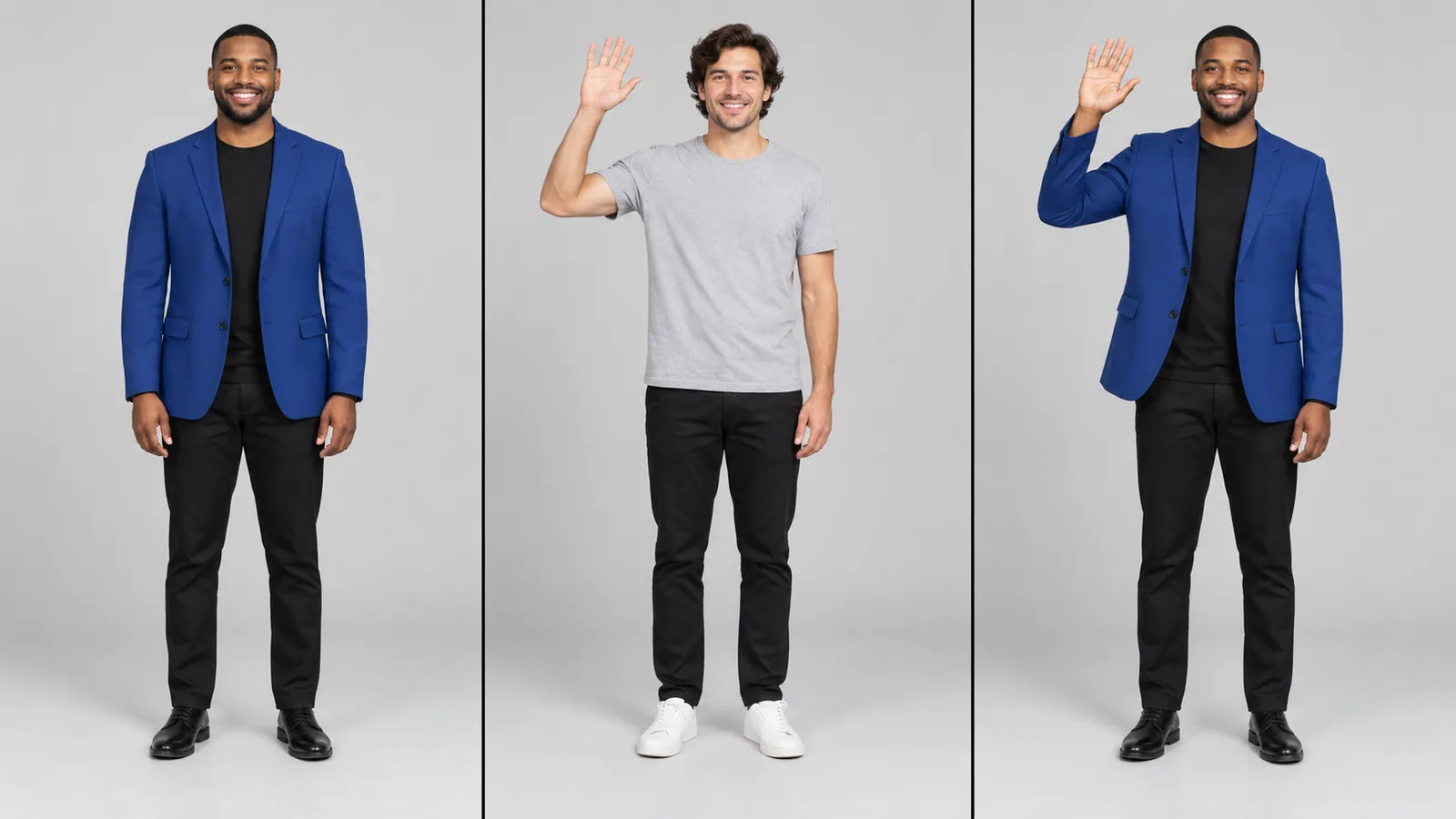
- Character image
- Motion reference
- Illustrated result
01
Separate appearance from movement
Use the character image for appearance and the reference video for movement.
Loading AI tools
Essential cookies keep your account secure. Optional analytics and marketing cookies stay off until you choose.
Loading AI tool
Loading Motion Control
Skip to Motion ControlONE CHARACTER. A PERFORMANCE TO FOLLOW.
Pair a character image with a motion video. Use the reference performance to guide an animated result.
Review settings and credits before you start.
ONE CHARACTER. A PERFORMANCE TO FOLLOW.
Pair a character image with a motion video. Use the reference performance to guide an animated result.
Review settings and credits before you start.
YOUR IDEA, MADE VISIBLE
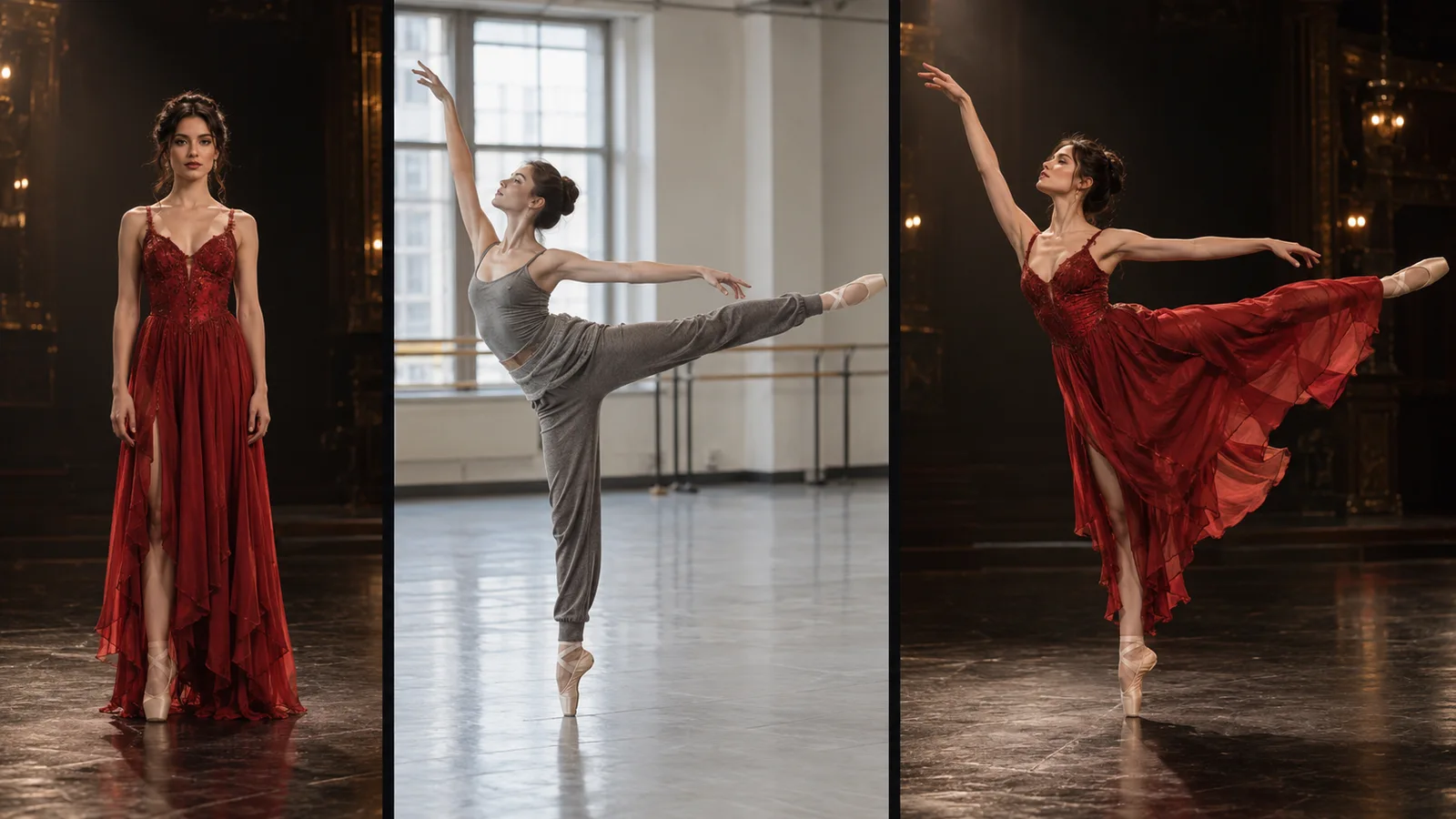
AI Motion Control animates a character image using a reference performance video. Guide appearance and movement separately, with orientation, audio and prompt options where supported.
The image guides appearance. The reference video guides movement.
Original illustration; not a verified tool result.MORE INTENTION. LESS FRICTION.
Use the character image for appearance and the reference video for movement.
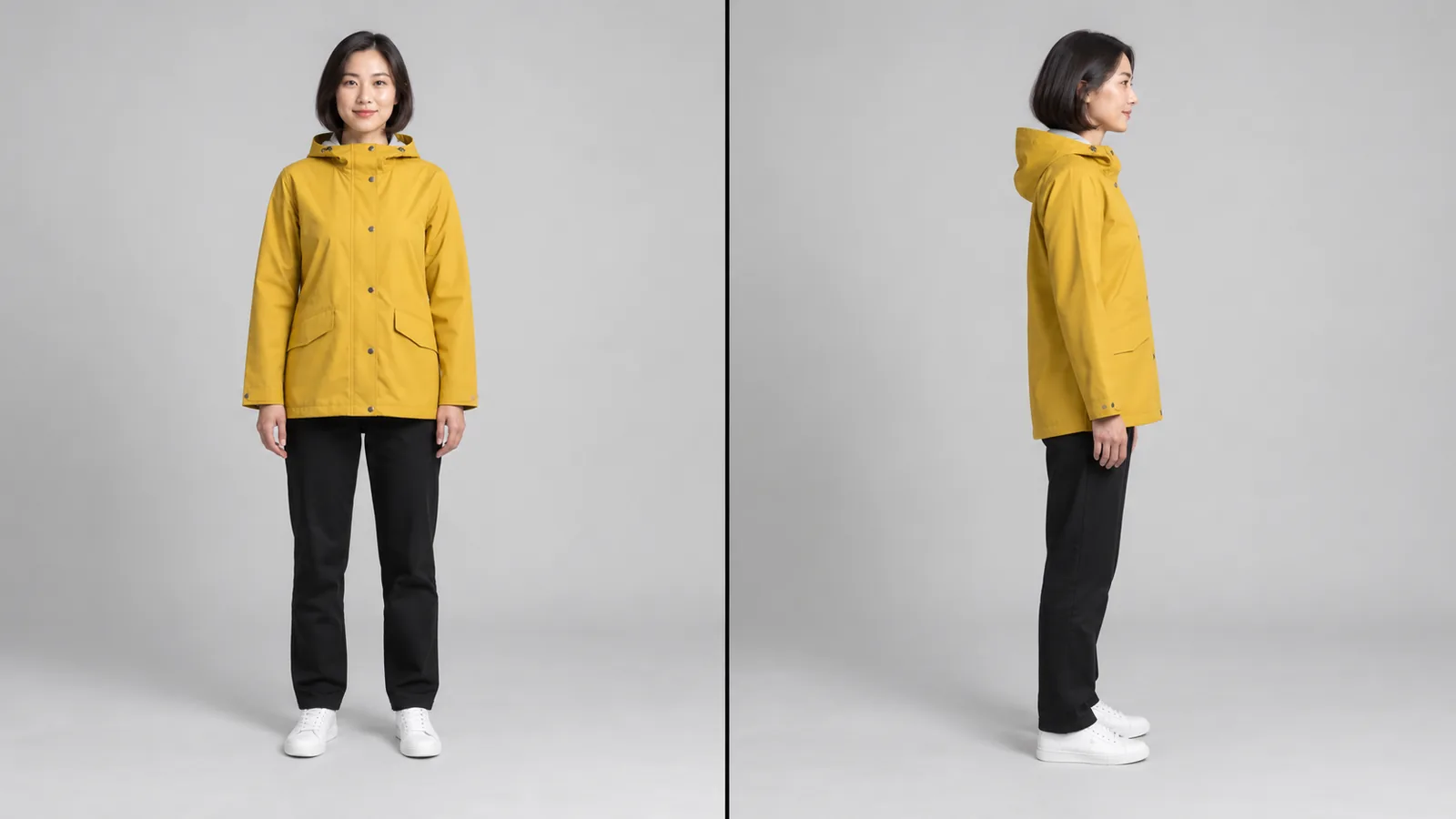
Follow image or video orientation where supported. Input limits can change with your selection.
Check pose, limbs, facial appearance and movement throughout the generated clip.
Use a clear image of the permitted character you want to animate and check the selected model's image requirements.
Upload the reference performance, then review orientation, optional direction and supported output settings.
Check the estimate, submit the task and inspect movement and character appearance in the completed result.
MAKE IT PART OF YOUR PROCESS
Explore how a character could follow a permitted choreography or movement reference.
Test pose and gesture direction while starting from your chosen character image.
Develop short performance ideas using source images and videos you have permission to use.
CHOOSE YOUR CREATIVE ENGINE
Choose from the current public catalog. Available inputs and output settings depend on the model.
YOUR IDEAS. ROOM TO CREATE.
Compare credits, storage and capacity. Choose your Insvee plan.
Loading current plans and regional pricing…
Motion Control credits vary by workflow and settings; check your estimate in Create. Plan output figures are approximate across tools, subject to credits and access requirements.
Full pricing detailsCREATOR VOICES
Illustrative reviews with fictional names, shown as sample content. These are not verified customer testimonials.
MOTION CONTROL FAQ
Motion Control uses a character image for appearance and a reference video for movement to guide a generated performance. It is useful when you want the motion reference to play a direct role in the result.
The dedicated workflow requires one character image and one motion-reference video. File size, dimensions, duration and supported formats depend on the selected model and are shown or checked in Create.
A prompt is optional in compatible Motion Control workflows. The image and motion video supply the main direction. Use any available prompt field for concise supporting direction rather than assuming every Motion Control model accepts the same text controls.
Compatible models let you choose image or video orientation to guide the character's facing and composition. Input-duration limits can differ between these choices, so review the current form after changing orientation.
Motion Control animates a character image from a reference performance. Replace Character uses a dedicated replacement workflow to swap the main character in a source clip. Choose based on whether your main goal is transferring a performance or recasting an existing video.
The dancer image is a labelled workflow illustration showing the roles of character appearance and motion reference. It is not a verified Motion Control job or evidence of exact pose transfer.
YOUR IDEA. YOUR NEXT MOVE.
Start with Motion Control. Make something that feels like you.
Try Motion Control