Skip to prompt
Start creating
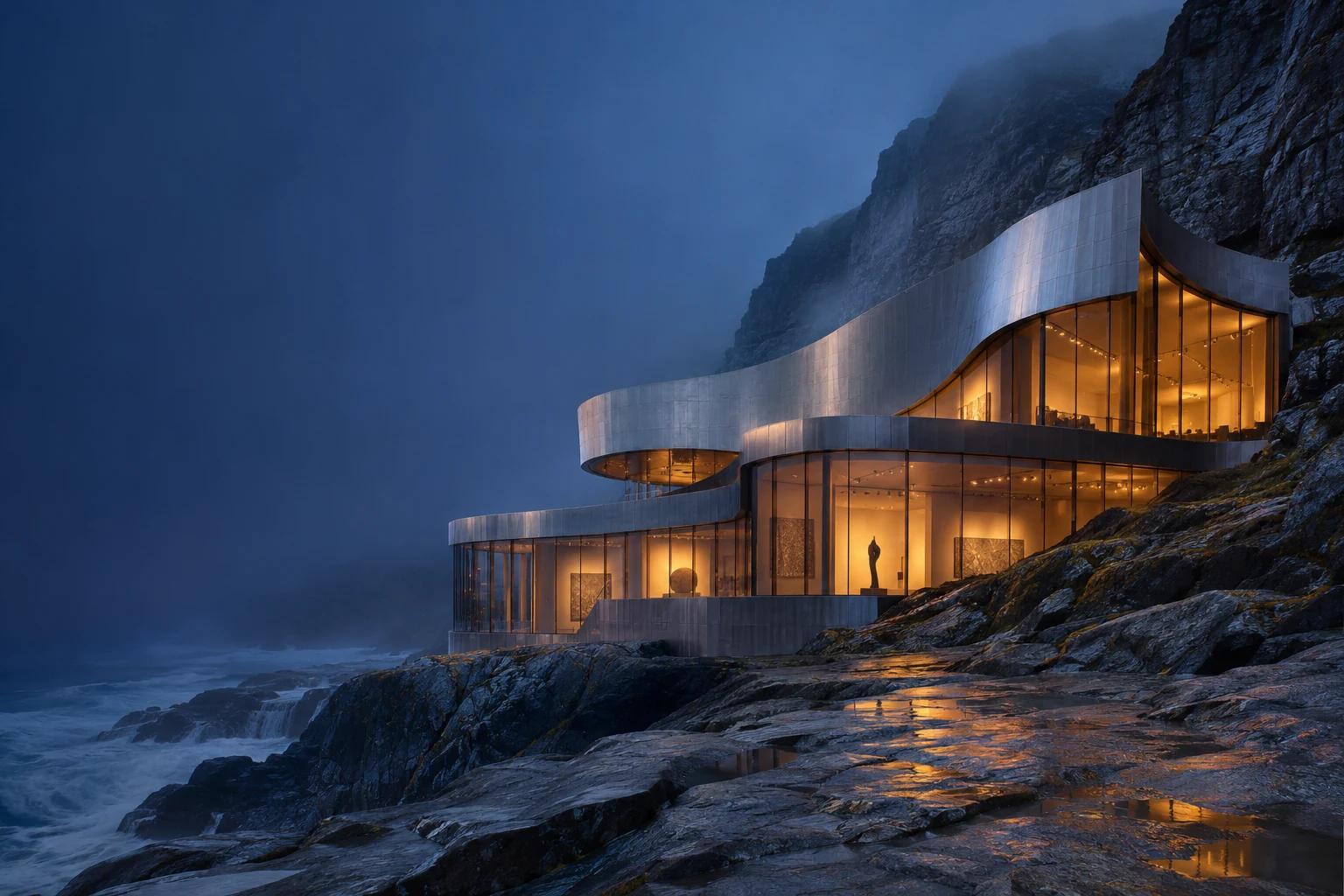
Creative reference of a steel museum built into a coastal cliff at blue hour
Illustrative creative reference

AI IMAGE GENERATOR & EDITOR · BY BYTEDANCE

Dola Seedream 5.5

Refine one detail at a time.

Generate realistic images, refine a specific detail across successive edits, and make transparent PNGs for your layouts. Use up to 10 image references to guide Dola Seedream 5.5.

Dola Seedream 5.5
Your prompt travels with youReview credits before generating
YOUR STARTING POINTSGenerate & editText prompts and image references
OUTPUT OPTIONS1K · 1.5K · 2KChoose your size in Create
VISUAL GUIDANCEUp to 10 referencesBring your own images

WHY SEEDREAM 5.5

Generate the image.
Then refine it.

Targeted edits, photographic detail and transparent PNGs. Explore the features, see a creative study and take your own brief into Create.

PHOTOGRAPHIC DETAIL

Natural light.Tactile materials.

Seedream 5.5 is designed for more natural lighting, surface textures and clearer lettering. Specify the material, the light source or the exact text in your brief.

  • Lighting and reflections
  • Surface texture
  • Lettering and layout
Create with Seedream 5.5

TARGETED IMAGE EDITING

Change the finish.Keep the composition.

Describe the exact change in Edit Image. To keep refining, use the result as the source for your next edit and specify which details to preserve.

THE CHANGE REQUEST

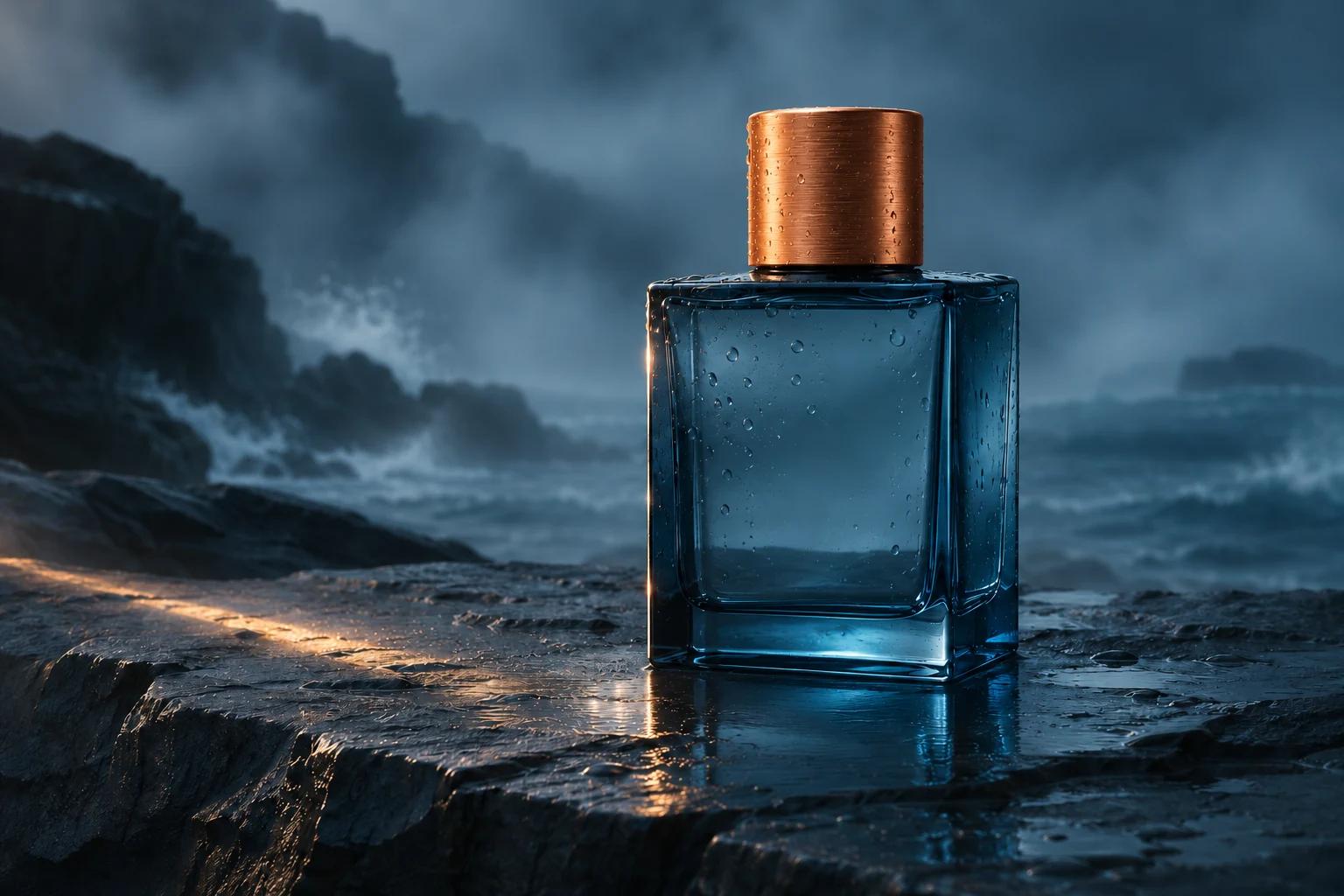
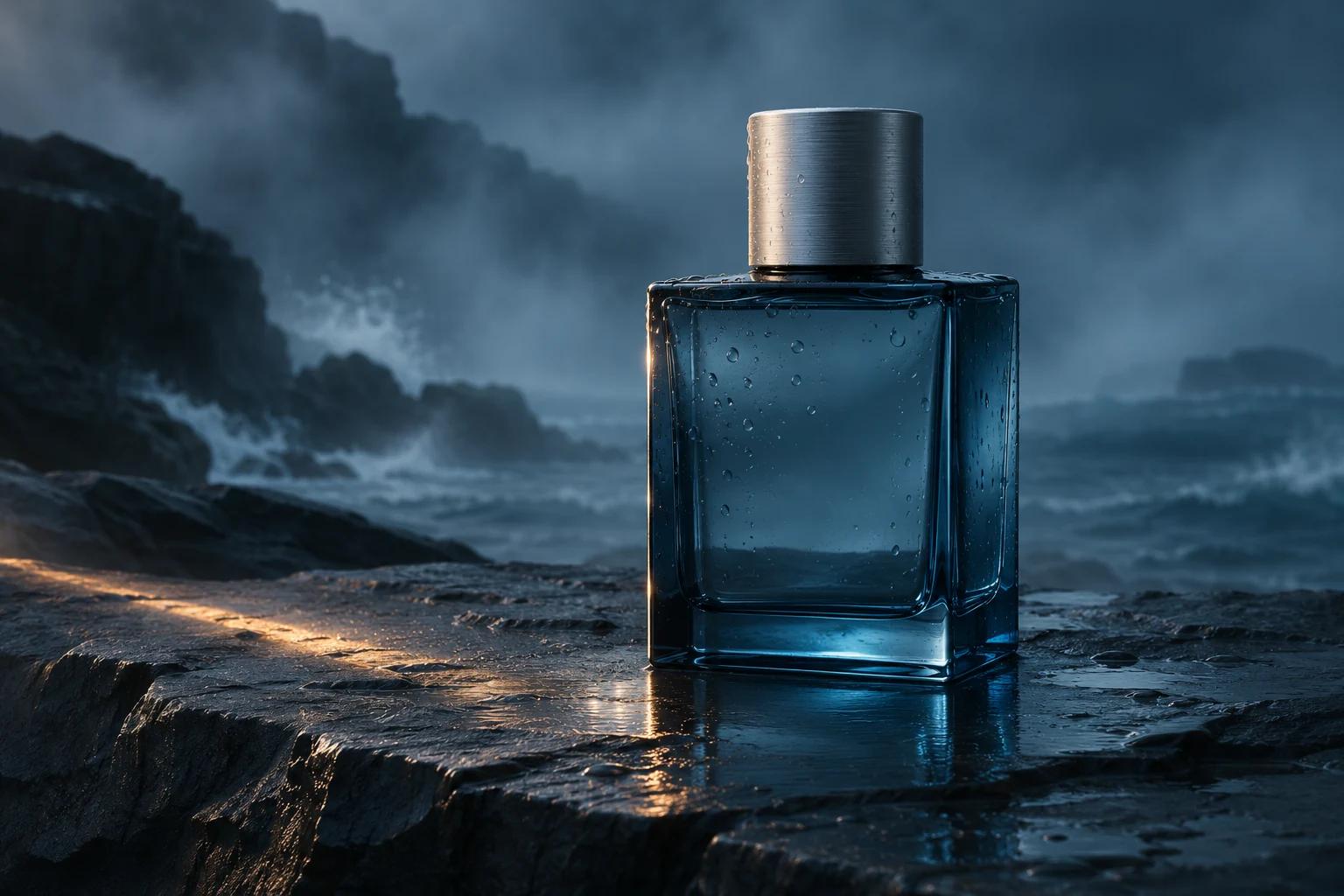
Change the bottle cap from brushed silver to warm copper. Preserve the bottle, droplets, framing, lighting and background.

Edit with Seedream 5.5
Creative reference of a blue glass bottle with a brushed copper cap
Creative reference of a blue glass bottle with a brushed silver cap
Drag to explore · use arrow keys when focusedIllustrative edit study · not a Seedream result

TRANSPARENT PNG

Make an assetfor any background.

Turn on Transparent background in Image settings to generate a PNG with transparency from a prompt or an existing image. Use the result in layouts, overlays or composites.

Open Text to Image
Creative reference of a steel museum built into a coastal cliff at blue hour
Creative reference · not a Seedream output

BEHIND THE CREATIVE REFERENCE

A little art direction
goes a long way.

Use the light inside the museum to anchor the scene. The wet stone carries the reflection toward the camera while the dark coastline leaves room for typography.

PROMPT STUDY

Architectural photography of a terraced steel museum on a rocky coast at blue hour. Warm interior light reflected in wet stone, sea mist, natural mineral textures and dark navy sky. Wide view with the building on the right.

Inspiration for your own brief · not a generation result
Try a prompt above

Choose an
image workflow.

Each workflow opens with Dola Seedream 5.5 selected.

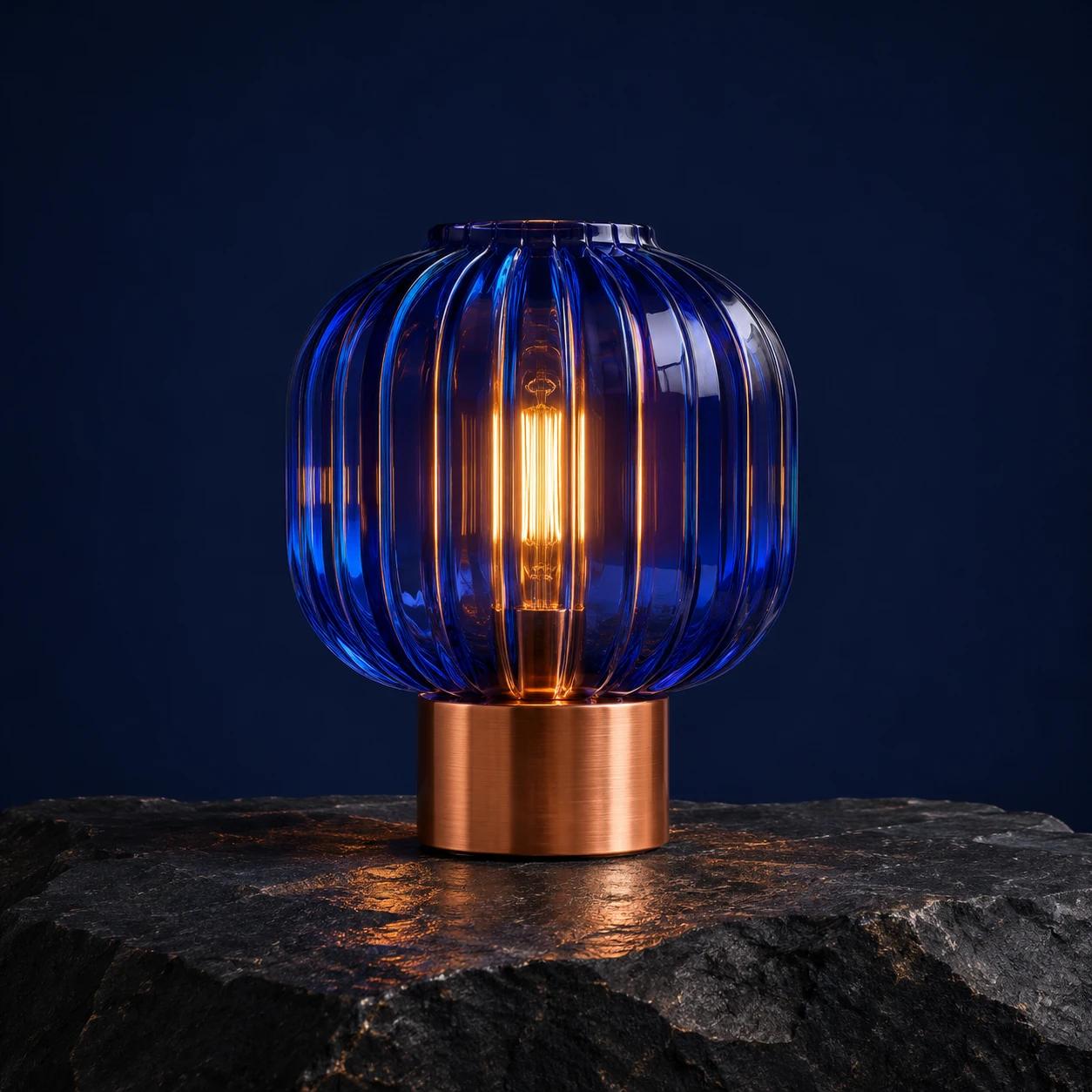
Cobalt glass lamp with a warm filament and brushed copper base on dark stone
Dola Seedream 5.5Creative reference

Text to Image

Describe the image you want. Add references to guide the composition, lighting or style.

Generate an AI image
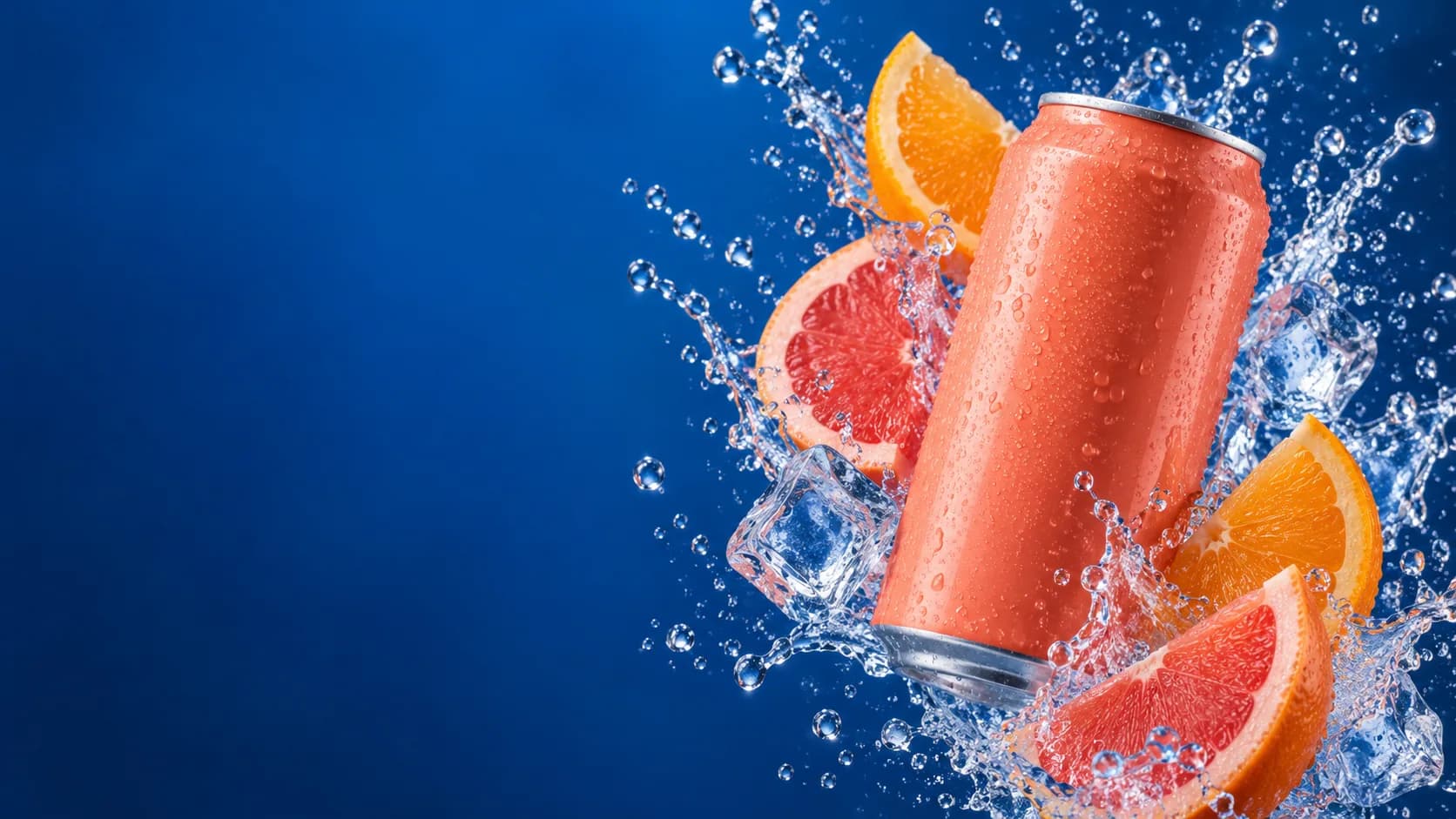
Creative reference of a blue glass bottle with a brushed silver cap
Creative reference of a blue glass bottle with a brushed copper cap
Illustrative edit

Edit Image

Start with an image and describe what to change, from a product detail to the background.

Edit your image
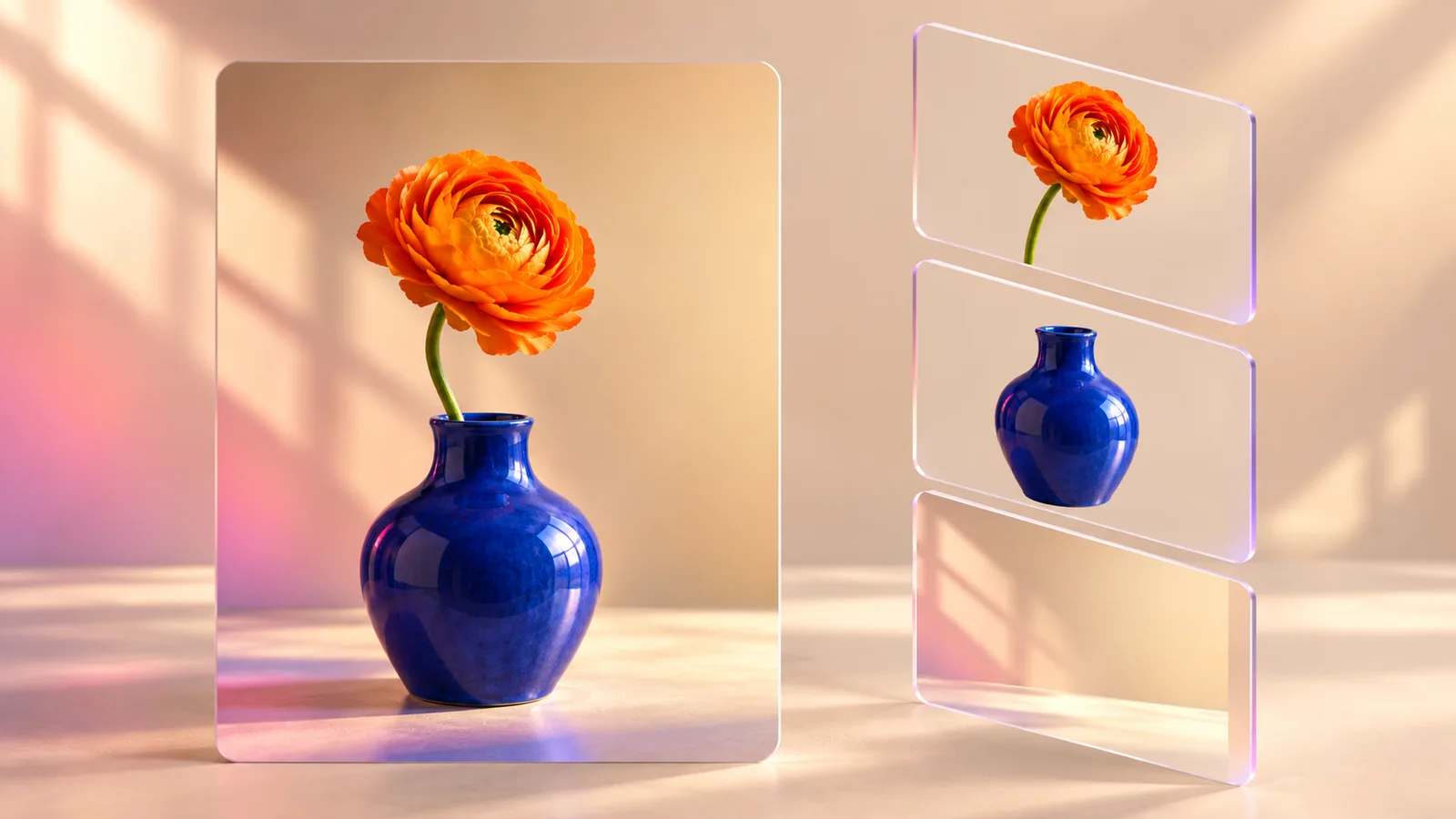
An orange flower in a blue vase beside separate flower, vase and background layers
Workflow illustration

Layer Editor

Separate an image into a base and up to 16 editable foreground layers you can move, hide or reorder.

Extract editable layers

THE SEEDREAM 5.0 FAMILY

Find your
creative rhythm.

Pro for image quality and precision. Flash for faster iteration. Lite for visual reasoning and up to 4K output.

All artwork on this page is original creative reference material.

FROM YOUR BRIEF TO YOUR NEXT IMAGE

Make room
for your next idea.

Create product imagery, editorial concepts and visual campaigns in one workspace.

Open Seedream 5.5
  1. 01

    Describe the picture.

    Write a prompt. Add references if you have them.

  2. 02

    Choose your settings.

    Choose the aspect ratio and output size. Review your credit estimate.

  3. 03

    Generate. Review. Refine.

    Inspect the details, download your image or develop it further with Edit Image.

CREATOR VOICES

Small teams.
Big ideas.

Illustrative reviews with fictional names, shown as sample content. These are not verified customer testimonials.

Swipe or drag to explore more reviews

YOUR IDEAS. ROOM TO CREATE.

Find your creative pace.

Compare credits, storage and capacity. Choose your Insvee plan.

Loading current plans and regional pricing…

Dola Seedream 5.5 credits vary by workflow and settings; check your estimate in Create. Plan output figures are approximate across tools, subject to credits and access requirements.

Full pricing details

SEEDREAM 5.5 FAQ

Before your
first image.

What is Dola Seedream 5.5?

It is ByteDance’s image model designed for more realistic materials and lighting, clearer text, and consistent edits across revisions. On Insvee you can generate images, edit existing images and extract layers.

Which sizes and references are available?

Text to Image and Edit Image offer 1K, 1.5K and 2K and accept up to 10 image references per request. Edit Image uses two slots for your source and its editing guide, leaving up to eight supporting references. These workflows create one image per request.

How do I make a transparent PNG?

Choose Transparent background in Image settings in Text to Image or Edit Image. Describe the element you want and which areas should be transparent.

Can I make a series of edits to the same image?

Yes. Open each result in Edit Image and describe the next change. Be specific about what should change and review the areas you want to preserve after each edit.

How many layers can I extract on Insvee?

Layer Editor can extract up to 16 editable foreground layers plus a base image. Choose the total layer count and check the credit estimate before you submit.

How much does Seedream 5.5 cost on Insvee?

Create shows your current credit estimate after you choose your settings. Opening a workflow or carrying a prompt into Create does not generate an image or spend credits. Compare current Insvee plans below.

Where did the example artwork come from?

Insvee created the artwork on this page as illustrative references for creative briefs.

YOUR VISION. YOUR NEXT IMAGE.

Imagine it.
Make it yours.

Dola Seedream 5.5

Essential cookies keep your account secure. Optional analytics and marketing cookies stay off until you choose.