
One idea. A different take.
Use MiniMax H3 Max Turbo to explore a focused scene brief. Change the camera direction, try a different atmosphere or simplify the action, then review each take as you develop the concept.
Write your sceneMINIMAX AI VIDEO GENERATOR
Super-fast video creation.
Benchmark: 1.54 seconds of processing for a 5-second 768P video. Total wait times vary.
MINIMAX H3 FAMILY SHOWCASE
Official H3 demonstrations. Capabilities vary by version; these examples were not generated on Insvee.
A static concept becomes a moving visual idea.
Explore an official advertising example from the H3 family.
YOUR BRIEF. YOUR DIRECTION.
Choose text to video or image to video. Your model stays selected as you enter Create.
Use MiniMax H3 Max Turbo to explore a focused scene brief. Change the camera direction, try a different atmosphere or simplify the action, then review each take as you develop the concept.
Write your sceneChoose a starting frame to anchor your scene and an optional ending frame to guide its destination. This Turbo integration supports text and frame workflows; mixed video or audio reference uploads are unavailable.
Animate your framesA LITTLE CREATIVE DIRECTION
Starting points for brands, filmmakers and creators. Use imagery you own or have permission to use.
Try alternative scene directions while keeping the brief focused on one subject and action.
Develop a short product moment, a visual hook or an atmospheric shot for your next social campaign.
Animate an image and explore how a camera move changes the way your composition feels.
MEET THE MINIMAX H3 FAMILY
Start with the references, frame control and resolution your scene needs.
More detail. More control.
Make videos up to 2K. Use images, video clips and audio to show H3 what you want, or start with a written description.
You want more detail or need your own images, movement and sound to guide the video.
768P / 2K 4-15 seconds
Control the start and the finish.
Choose how your video begins or ends. Max accepts a starting image, an ending image on its own, or both. It is also built for faster creation than H3.
You already know how the shot should begin or finish, especially when you only have an ending image.
480P / 768P 5-15 seconds
Super-fast video creation.
Published benchmark: 1.54 seconds of processing for a 5-second 768P video, versus 2.46 seconds on Max. Try more ideas from words or a starting image. Total wait times vary.
You want to explore more ideas and compare different takes, with speed as your priority.
480P / 768P 5-15 seconds
| Model | Output | Clip length | Frame guidance |
|---|---|---|---|
| MiniMax H3 | 768P / 2K | 4-15 seconds | Start image + optional end image |
| MiniMax H3 Max | 480P / 768P | 5-15 seconds | Start image, end image, or both |
| MiniMax H3 Max TurboYou're here | 480P / 768P | 5-15 seconds | Start image + optional end image |
H3 accepts mixed image, video and audio references. Max also accepts an ending image on its own. Speed benchmarks measure model processing; total wait times vary with the queue and settings. Compare current credit estimates in Create.
FROM FIRST IDEA TO NEXT TAKE
A focused workflow for creators in Malaysia and beyond.
Open H3 Max TurboStart with text or your frame images. Give the action and camera a clear direction.
Choose the available settings and review your credit estimate in Create.
Review the result, refine your brief and download your chosen video.
CREATOR VOICES
Illustrative reviews with fictional names, shown as sample content. These are not verified customer testimonials.
THE NEXT SCENE IS YOURS
YOUR IDEAS. ROOM TO CREATE.
Compare credits, storage and capacity. Choose your Insvee plan.
Loading current plans and regional pricing…
MiniMax H3 Max Turbo credits vary by workflow and settings; check your estimate in Create. Plan output figures are approximate across tools, subject to credits and access requirements.
Full pricing detailsMINIMAX H3 MAX TURBO FAQ
H3 Max Turbo is a MiniMax H3-family video model available on Insvee for text to video and start/end-frame image to video. Use it to explore scene prompts and frame-based ideas in the shared Create workspace.
The Turbo integration currently available on Insvee does not accept mixed image, video or audio references in Text to Video, or custom character references. Use Start/End Frame for image inputs, or choose H3 for a mixed-reference workflow.
In a published September 8, 2026 text-to-video benchmark, a 5-second 768P video took 1.54 seconds of model processing on H3 Max Turbo, compared with 2.46 seconds on H3 Max. These benchmark results are not total Insvee wait times: queueing, prompt preparation and video delivery add time. The current Insvee integration offers 5-15-second clips at 480P or 768P. Check Create for available settings and current credits.
Your credit estimate appears in Create after you choose the model, workflow and settings. Compare current Insvee plans below. Opening Create or carrying a prompt from this page does not submit a paid generation.
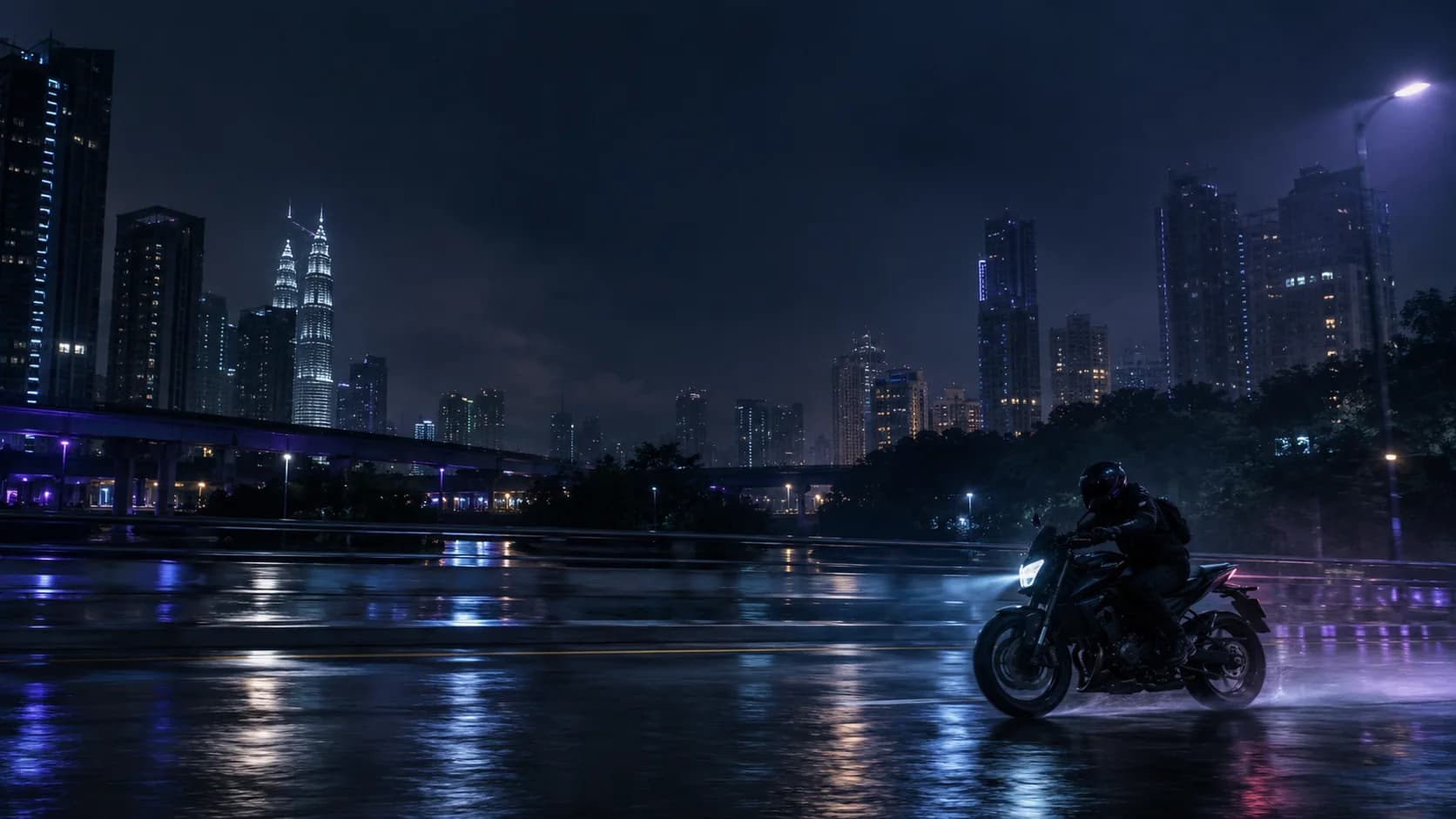
The cinematic image is original creative reference artwork, not a MiniMax-generated video. Prompt ideas are starting briefs, not demonstrations of a guaranteed result.
Each showcase names the model used in its official source. The H3 Max page features H3 Max demonstrations; H3 family examples elsewhere do not verify H3 Max Turbo output. These videos are hosted by the model maker and were not generated on Insvee. Each version's current features and settings are shown in Create.
Name the subject and setting, then describe one clear action, camera movement and lighting direction. For image to video, explain what should move and what should stay consistent with your frame. Review the result before publishing.
MINIMAX ON INSVEE
Essential cookies keep your account secure. Optional analytics and marketing cookies stay off until you choose.