
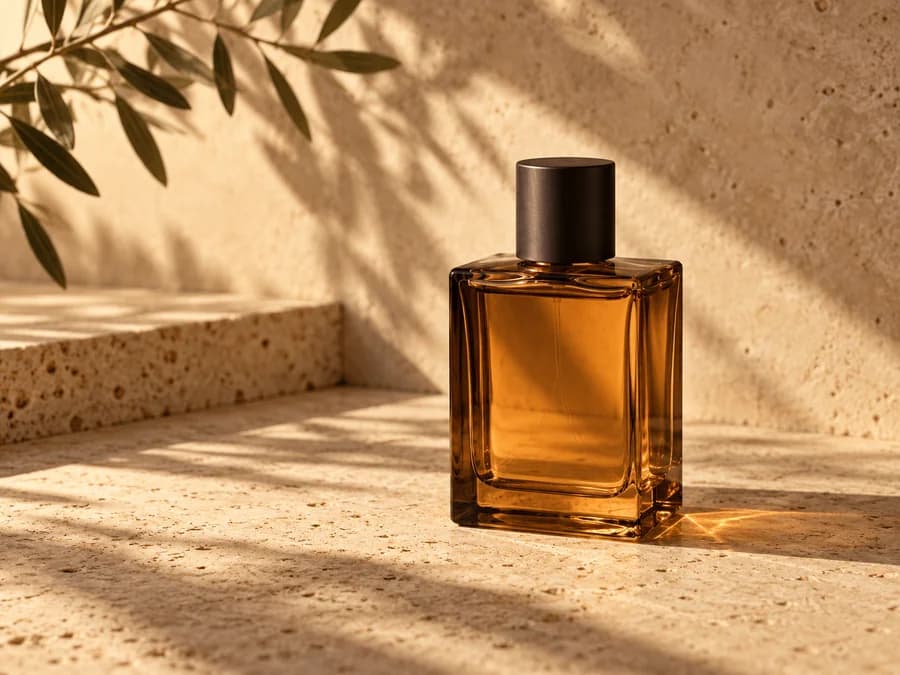
Small product photos
Prepare an existing image for a larger product detail or storefront crop.
Loading AI tools
Essential cookies keep your account secure. Optional analytics and marketing cookies stay off until you choose.
Loading AI tool
Loading Image Upscale
Skip to Image UpscaleAI SUPER RESOLUTION
Enlarge a photo or artwork with BytePlus VOD. Choose how much bigger you want it, then download a separate copy in the original format.
AI SUPER RESOLUTION
Enlarge a photo or artwork with BytePlus VOD. Choose how much bigger you want it, then download a separate copy in the original format.
YOUR IDEA, MADE VISIBLE
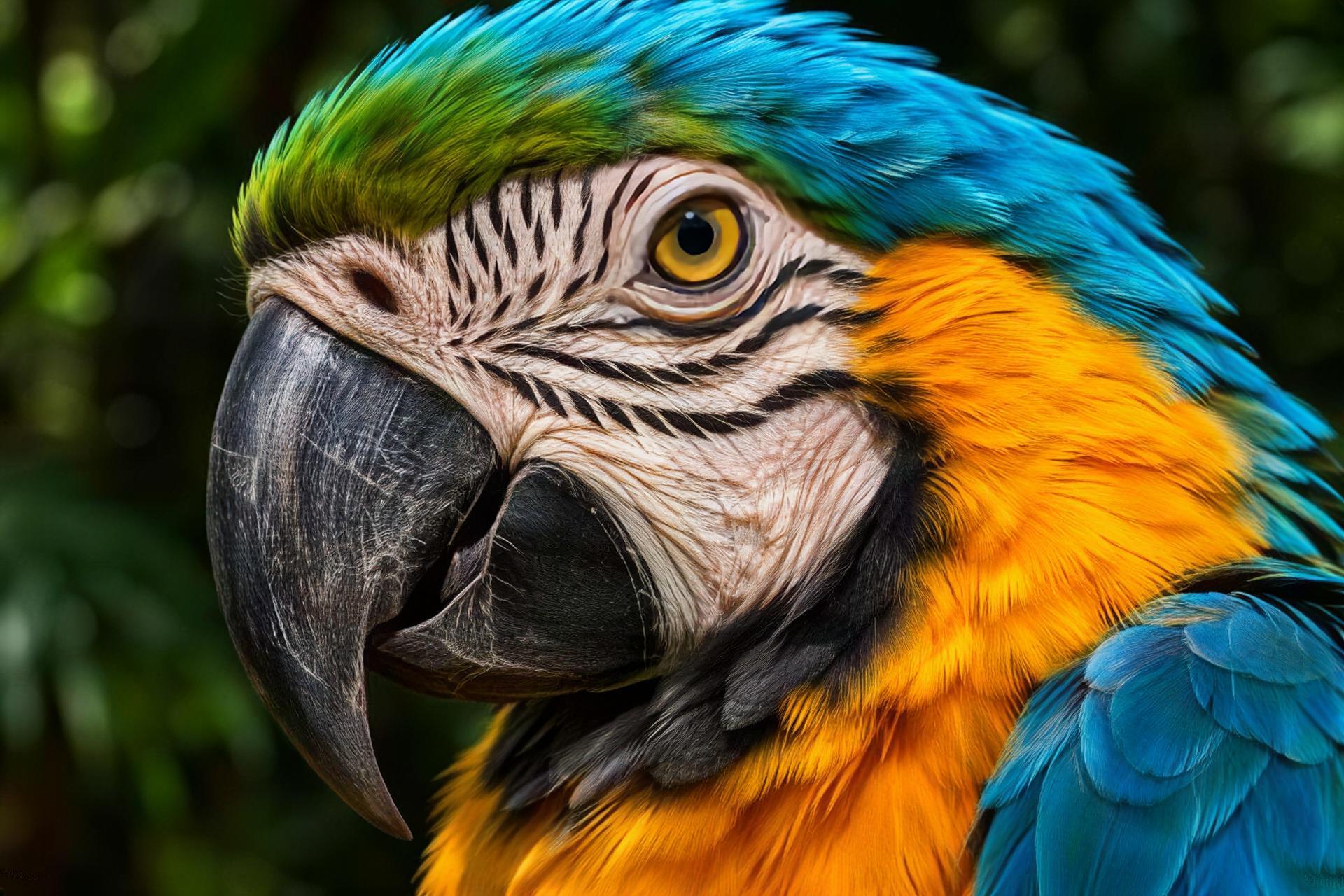
Compare the macaw’s feather edges and markings in this verified 4× BytePlus VOD example.
Move the slider to see how the factor changes width and height. The maximum in Create depends on your source dimensions.
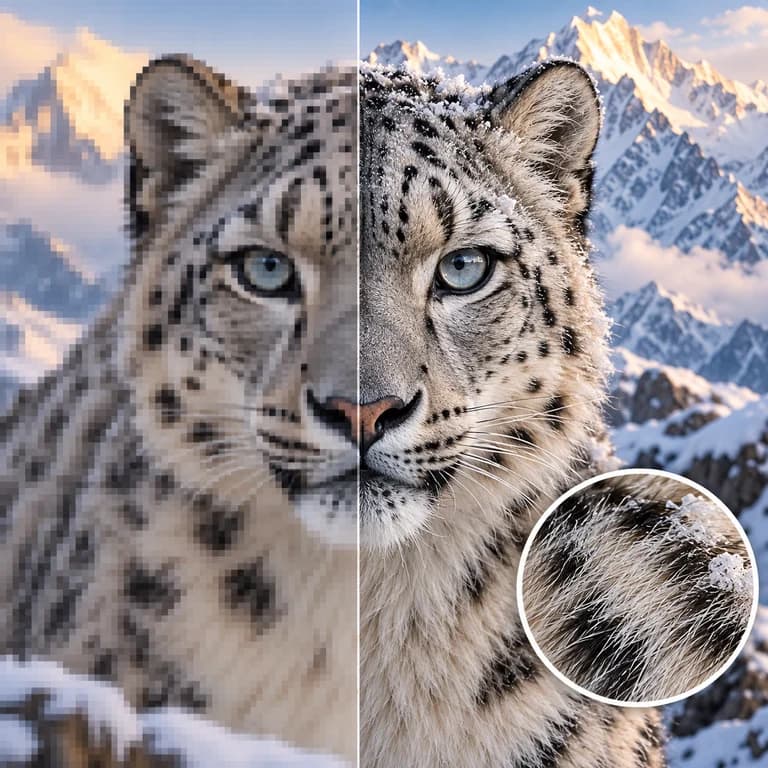
The larger image keeps the same proportions and file format as the JPEG, PNG or WebP source.
Download your upscale from Projects. Your source image remains available separately.
Upload a JPEG, PNG or WebP or select a compatible image from your assets.
Set the upscale factor and check the estimated dimensions and credit quote.
Select Upscale image. Open the completed result in Projects and download it.
MAKE IT PART OF YOUR PROCESS
Prepare an existing image for a larger product detail or storefront crop.
Make a larger copy of an illustration or AI image for a new layout.
Enlarge a small photo and inspect fine detail before printing or publishing.
CHOOSE YOUR CREATIVE ENGINE
Choose from the current public catalog. Available inputs and output settings depend on the model.
YOUR IDEAS. ROOM TO CREATE.
Compare credits, storage and capacity. Choose your Insvee plan.
Loading current plans and regional pricing…
Image Upscale credits vary by workflow and settings; check your estimate in Create. Plan output figures are approximate across tools, subject to credits and access requirements.
Full pricing detailsCREATOR VOICES
Illustrative reviews with fictional names, shown as sample content. These are not verified customer testimonials.
IMAGE UPSCALE FAQ
Choose a static JPEG, PNG or WebP up to 10 MB. The shorter edge must be at least 256 px and the longer edge can be at most 2,048 px.
The scale ranges from 1.1× to 30×, up to 10,240 px on the longest output edge. A source that is 2,048 px wide can go up to 5×.
Image Upscale uses one source image and the scale factor. Open Create to choose the image, review the quote and start upscaling.
The output keeps the source format and proportions. The model enhances image detail, so check textures, small lettering and faces at full size before using the result.
Create shows the current Insvee credit quote for the selected image and scale before you submit.
YOUR IDEA. YOUR NEXT MOVE.
Start with Image Upscale. Make something that feels like you.
Upscale an image