
Text to Video
Start with a prompt. Add image or video references if you like.
KLING AI · ON INSVEE
Animate a single opening image in 720p.
AI video from a prompt or photo, in clips of 3–20 seconds.
Add optional references in Text to Video, or open first-frame animation below.
KLING 4.0 FLASH CAPABILITIES
Pick the first frame and direct what happens next with a prompt.
Single-frame input
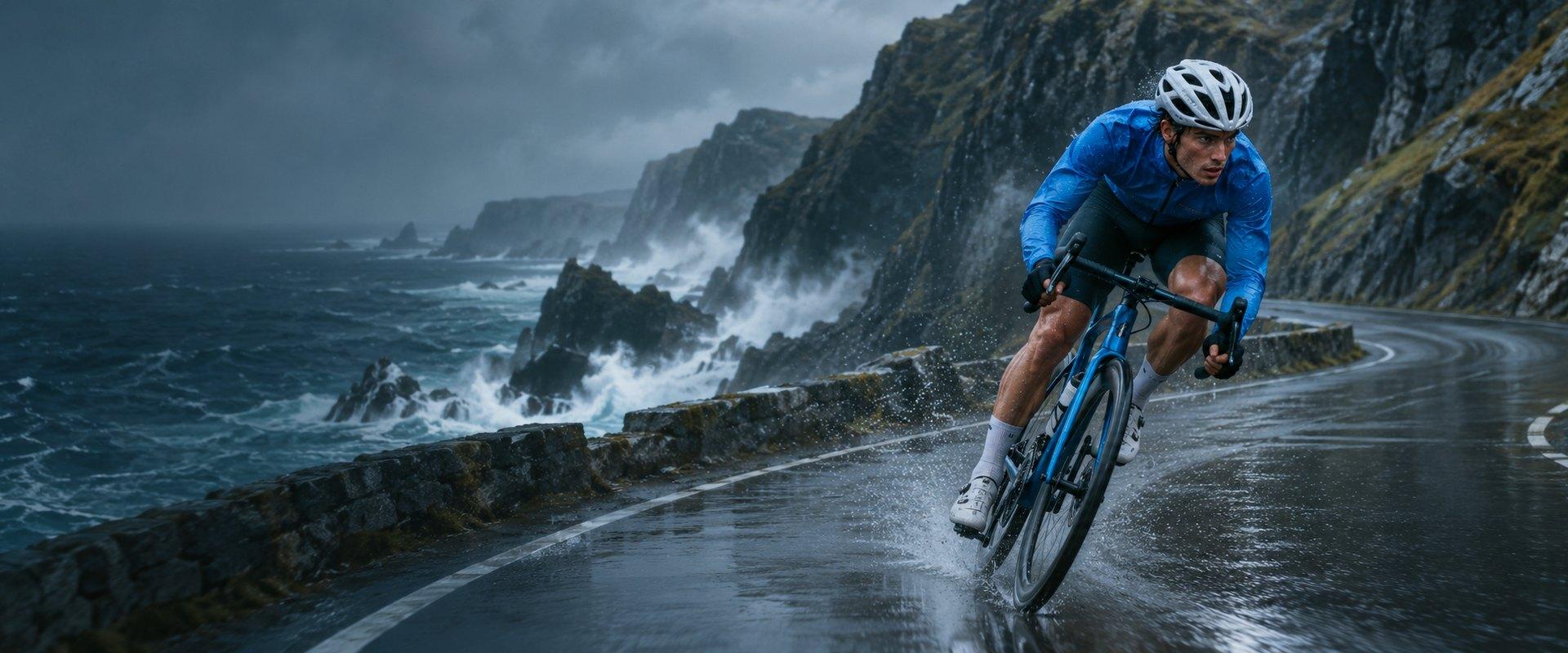
Generated with Kling 4.0 Flash
CHOOSE YOUR STARTING POINT
Open a supported Kling 4.0 Flash workflow with the model already selected.
Start with a prompt. Add image or video references if you like.
Give one photo a motion prompt.
Use a prompt to revise a whole clip or replace a selected section.
KLING 4.0 MODELS
Compare clip length, resolution and frame controls.
Generate 3–30-second AI videos up to 1080p with Kling 4.0 on Insvee. Use text, visual references or start, middle and end keyframes. Edit existing footage.
Explore Kling 4.0Create 3–20-second 720p AI videos with Kling 4.0 Flash on Insvee. Animate one opening image, generate from text and references, or edit an existing clip.
Create with Kling 4.0 FlashSettings and accepted inputs vary by workflow. Check the live options and credit estimate in Create.
CREATOR VOICES
Illustrative reviews with fictional names, shown as sample content. These are not verified customer testimonials.
YOUR NEXT SCENE STARTS HERE
YOUR IDEAS. ROOM TO CREATE.
Compare credits, storage and capacity. Choose your Insvee plan.
Loading current plans and regional pricing…
Kling 4.0 Flash credits vary by workflow and settings; check your estimate in Create. Plan output figures are approximate across tools, subject to credits and access requirements.
Full pricing detailsKLING 4.0 FLASH FAQ
Kling 4.0 Flash outputs 720p and supports 3–20-second clips. Choose 16:9, 9:16, 1:1, 21:9 or Auto in Create.
Yes. Text to Video accepts up to 10 image references and five video references alongside your prompt. If you add a video reference, you can choose to keep its original sound in Video settings.
Choose Kling 4.0 for a chosen ending frame or 1080p output. Kling 4.0 Flash’s frame workflow takes a single opening image.
Yes. Open Video Edit to upload an MP4 or MOV and describe what to change. Edit the whole clip or replace a selected section. You can add image references and choose to keep the source sound in Video settings.
Create shows your credit estimate based on your model, settings and references. You can review the estimate before you generate.
Essential cookies keep your account secure. Optional analytics and marketing cookies stay off until you choose.